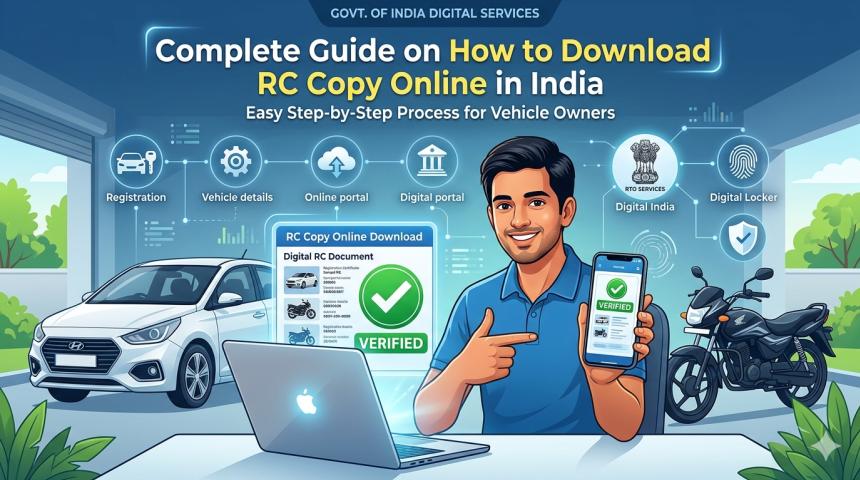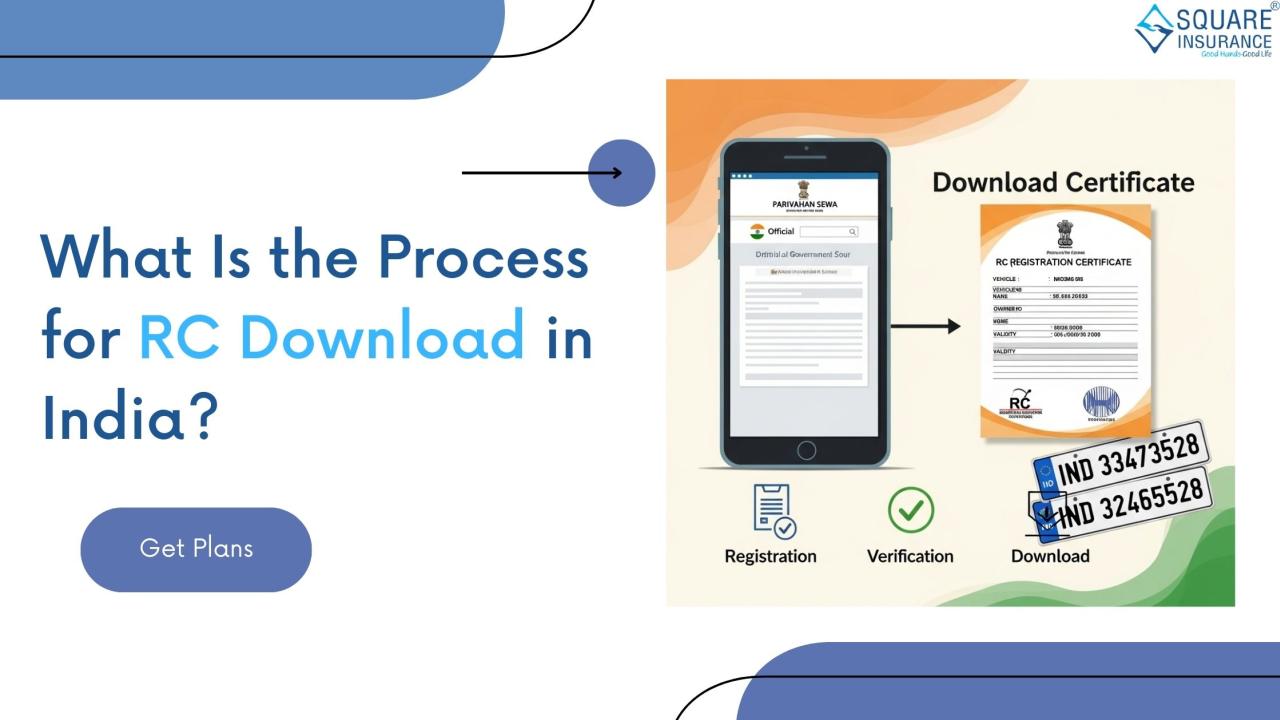

Owning a vehicle in India comes with a set of important
responsibilities, and one of them is keeping your documents safe and updated.
Among these, the Registration Certificate (RC) is one of the most essential.
The RC proves that your vehicle is legally registered with the Regional
Transport Office (RTO) and that you are its rightful owner.
In earlier times, the RC was provided only as a physical
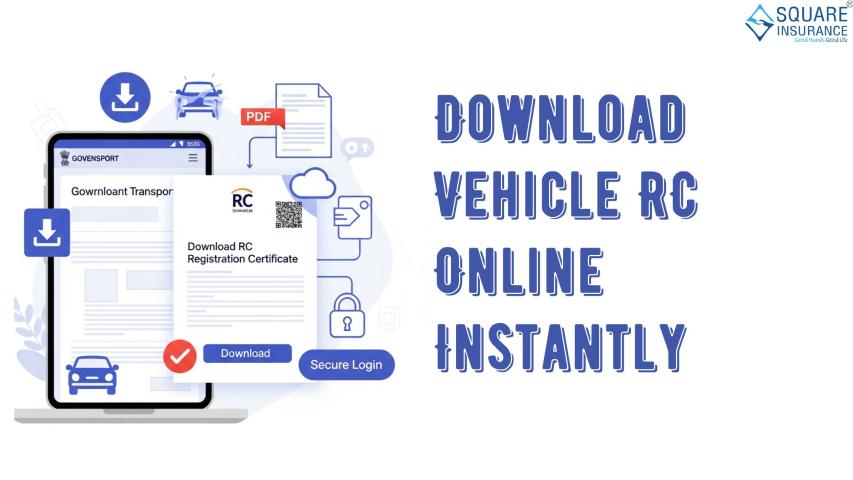
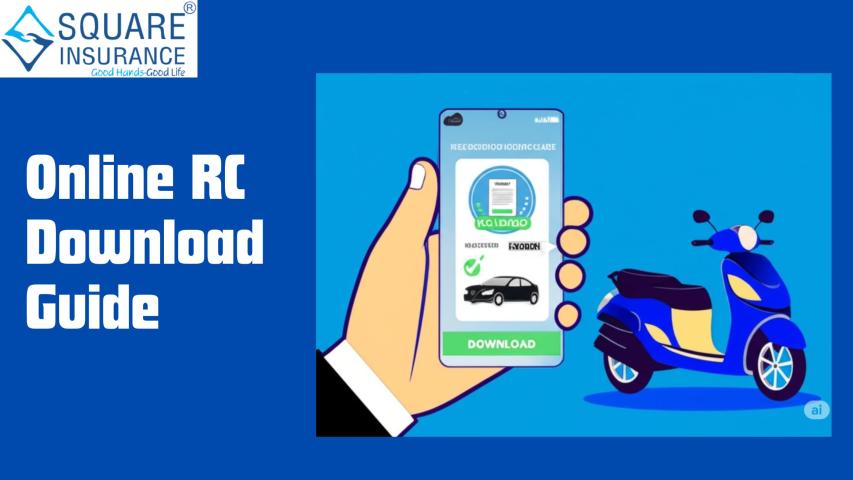
card or booklet, but now with digital technology, it is possible to download RC
online. This makes it easier for vehicle owners to carry a digital version on
their phones and also helps in case the physical copy is lost or damaged.
In this blog, let’s understand what RC is, why it is
important, and step-by-step how you can download RC in India.
What Is an RC and Why Is It Important?
An RC (Registration Certificate) is an official document
that provides proof of a vehicle’s registration. Without it, a vehicle is
considered illegal to drive on Indian roads.
The RC includes details such as:
- Vehicle
number (registration number)
- Owner’s
name and address
- Vehicle
make and model
- Engine
number and chassis number
- Fuel
type
- Registration
validity period
The RC acts as your vehicle’s identity card. If traffic
police stop you for checking, the RC is one of the first documents they will
ask for.
Why Download RC Online?
Many people wonder why downloading RC online is necessary
when they already have a physical copy. Here are a few reasons:
- Easy
Access – You can keep a soft copy on your mobile for emergencies.
- Backup
– If the original RC is lost or damaged, the downloaded version acts as
proof.
- Travel
Convenience – No need to carry physical documents all the time.
- Legal
Validity – Digital RC is valid under the Motor Vehicles Act when shown
via government-approved apps.
Step-by-Step Process for RC Download in India
Downloading an RC online is simple. You just need your
vehicle registration number and sometimes the engine or chassis number for
verification.
Here’s a simple step-by-step guide:
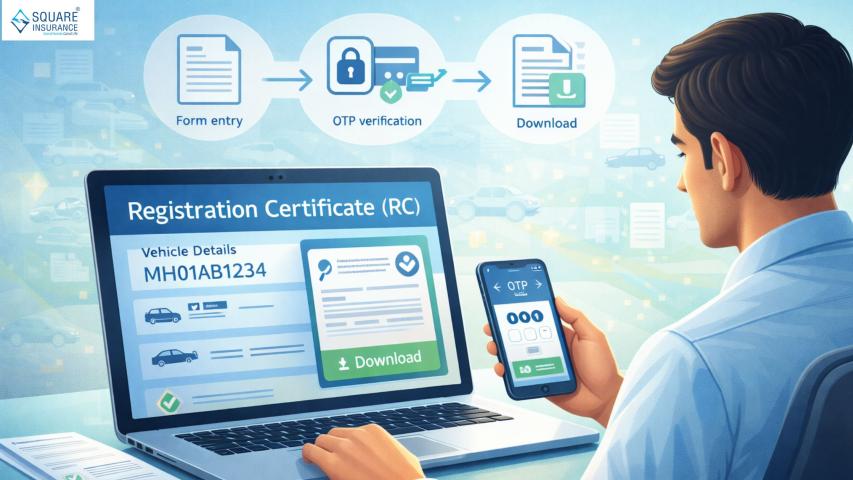
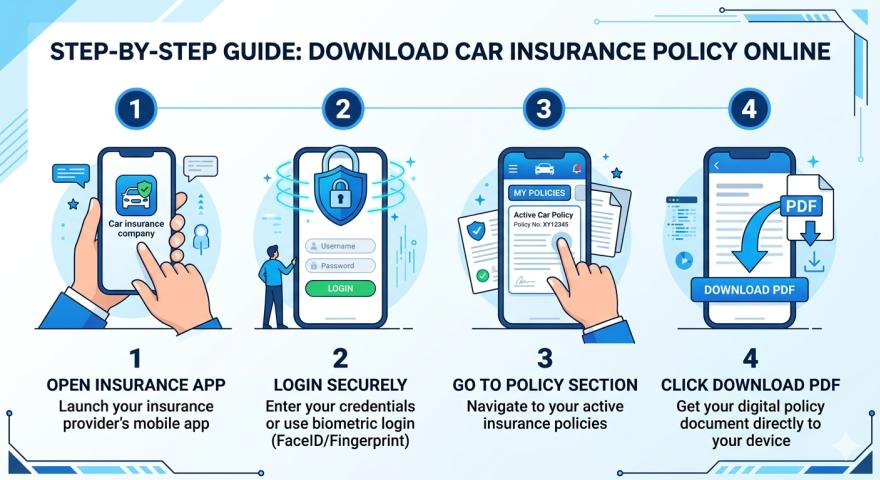
Step 1: Visit the Official Portal or App
The government has made RC download available through
official digital platforms. These can be accessed via a smartphone or computer.
Step 2: Log In with Your Details
Enter your mobile number, Aadhaar-linked details, or other
required information to log in. An OTP is usually sent to verify your identity.
Step 3: Enter Vehicle Details
Provide your vehicle registration number. In some cases, you
may also need to enter the last 5 digits of your chassis number or engine
number for verification.
Step 4: Select “Download RC” Option
After entering details, the portal will fetch your vehicle
information. Select the option to Download RC.
Step 5: Save the RC Copy
The RC will be available in a PDF or digital format. Save it
on your phone, email, or cloud storage for easy access. You can also add it to
government-recognized apps for digital documents.
Documents Needed for RC Download
While the online process is straightforward, you should keep
the following details handy:
- Vehicle
registration number
- Chassis
number (last 5 digits)
- Engine
number (last 5 digits)
- Mobile
number linked to vehicle records
Common Issues While Downloading RC
Sometimes vehicle owners face challenges while downloading
their RC. Here are some common problems and solutions:
- Incorrect
Details Entered – Always cross-check registration number, chassis, and
engine details before submitting.
- Unlinked
Mobile Number – If your mobile number is not updated with the RTO, you
may not receive OTP. Visit your RTO to update it.
- Pending
Dues or Fines – If your road tax or fines are unpaid, downloading RC
may not be possible until dues are cleared.
- Technical
Glitches – Sometimes portals may not work due to server issues. Try
again after some time.
Benefits of Having a Digital RC
Carrying a digital RC is not just convenient but also
legally acceptable. Here’s why it is beneficial:
- Recognized
by Authorities – Police and traffic officers accept digital RC shown
through authorized apps.
- No
Fear of Losing Documents – Your digital RC acts as a backup in case
the physical copy is lost.
- Time-Saving
– No need to visit RTO repeatedly for duplicate RC.
- Environment-Friendly
– Reduces the use of paper documents.
Things to Remember About RC
While downloading RC online is easy, vehicle owners should
keep a few points in mind:
- The RC
has a validity period (usually 15 years for private vehicles, renewable
every 5 years thereafter).
- Keep
both physical and digital copies safe.
- For
commercial vehicles, always ensure road tax and permits are updated along
with RC.
- If you
sell your vehicle, transfer the RC to the new owner to avoid future
liabilities.
What If You Lose Your RC?
If you lose your RC, don’t panic. You can:
- Download
the digital RC online as proof.
- Apply
for a duplicate RC at your RTO with FIR copy, ID proof, and application
form.
- Carry
the digital RC until the new physical RC is issued.
Conclusion
The process of RC download in India has become simple,
quick, and user-friendly. With just a few clicks, vehicle owners can access
their registration certificate anytime, anywhere. This not only ensures
compliance with traffic laws but also makes life easier by reducing dependency
on physical documents.
As a responsible vehicle owner, always keep your RC updated
along with your insurance and road tax records. For reliable insurance
solutions, trusted partners like Square Insurance can guide you in
choosing the right plan that complements your vehicle needs.
In short, downloading your RC online is not just about
convenience, it is about driving with confidence and peace of mind.