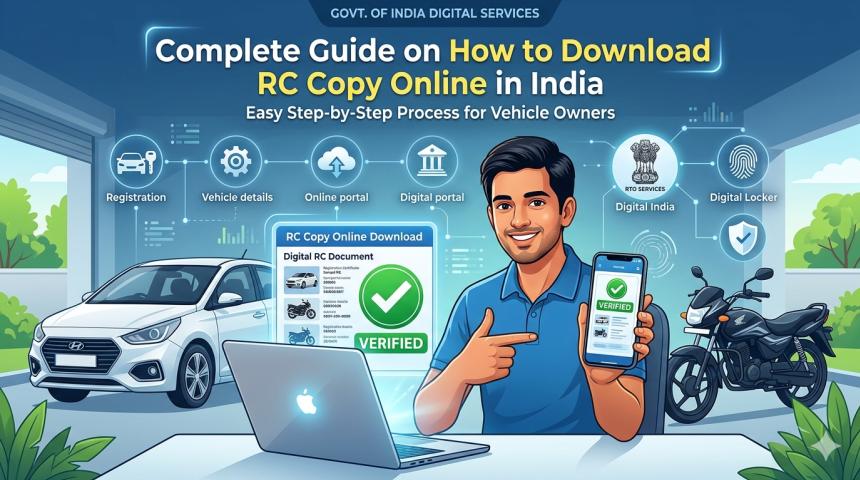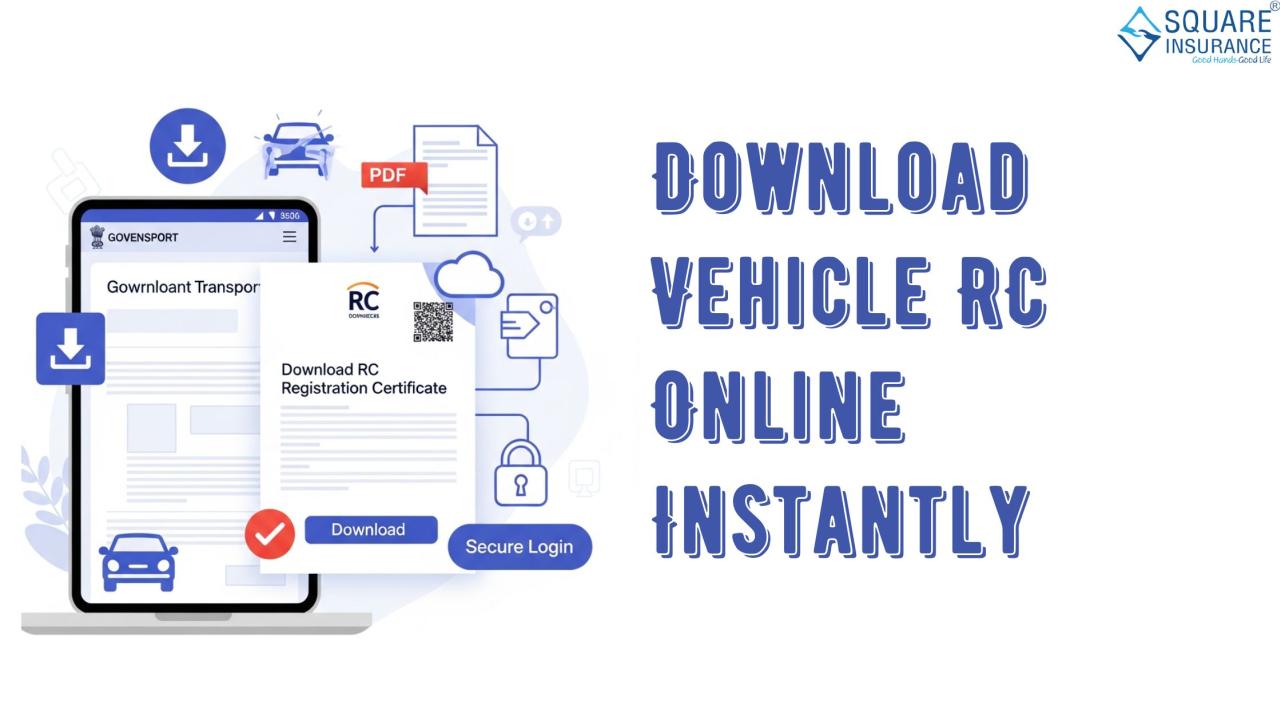
In today’s fast-paced world, managing vehicle documents efficiently is crucial. One of the most important documents for any vehicle owner in India is the Registration Certificate (RC). The RC serves as proof of ownership and contains key details such as the vehicle’s make, model, engine number, chassis number, and registration date. With digital solutions becoming more accessible, vehicle owners can now learn how to download RC online instantly, making the process more convenient and time-saving.
This guide explains, step by step, how you can download your vehicle RC online, without needing to visit the RTO physically. The process is straightforward and can be completed from the comfort of your home using your smartphone or computer.
Step 1: Keep Required Details Ready
Before beginning the process, ensure you have the following information:
- Vehicle registration number
- Owner’s name
- Chassis number or engine number (optional in some cases)
- Mobile number registered with the vehicle documents
Having these details handy will make the online process faster and prevent any errors during verification.
Step 2: Access the Official Government Portal
To download the RC, you need to visit the official government portal dedicated to vehicle registration services. These portals are maintained by the respective state transport authorities and ensure secure access to your vehicle information. Once on the portal, navigate to the section for RC services or RC download.
Step 3: Enter Vehicle Details
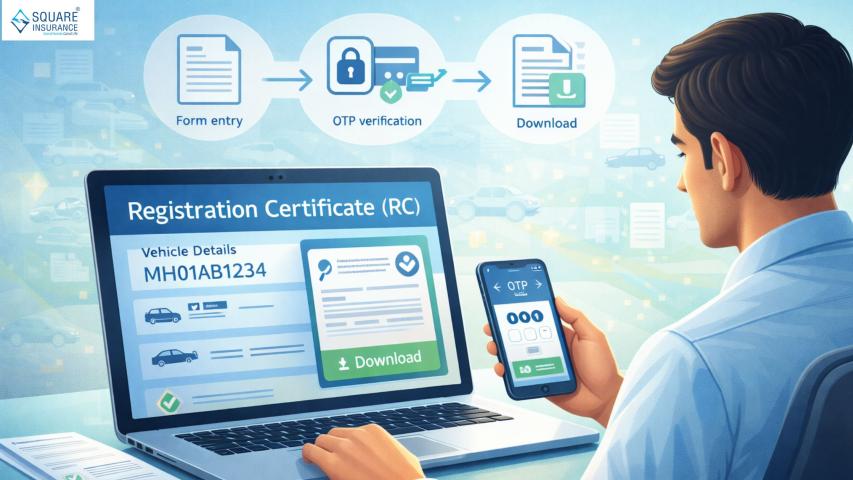
On the RC download page, you will be prompted to enter your vehicle details. Carefully fill in the vehicle registration number and any other required information such as chassis number or engine number. Double-check the details to ensure accuracy, as incorrect information can lead to errors or failed verification.
Step 4: Verify Mobile Number
After entering the details, the portal will often ask you to verify your mobile number. A One-Time Password (OTP) is sent to your registered mobile number. Enter the OTP into the designated space to validate your identity. This step ensures that only the rightful owner of the vehicle can access the RC.
Step 5: Download the RC
Once verification is successful, you will see an option to download the RC. The RC is usually provided in PDF format, which can be saved to your device for future use. It is recommended to save a copy both on your mobile device and on a cloud storage service to ensure it is accessible whenever needed.
Step 6: Print a Hard Copy (Optional)
While the digital RC is valid and recognized by authorities, some situations may require a printed copy. You can easily print the downloaded PDF using a home printer or at a nearby printing service. Ensure the printout is clear and all details are legible.
Benefits of Downloading RC Online
Downloading your vehicle RC online comes with several advantages:
- Time-Saving: You no longer need to stand in long queues at the RTO, saving hours of time.
- Convenience: Access your RC from anywhere, anytime, using a smartphone or computer.
- Security: The online system is secure and reduces the risk of document loss or damage.
- Instant Access: Once your details are verified, the RC is available for download immediately.
- Eco-Friendly: Digital RC reduces the use of paper, contributing to environmental conservation.
Important Tips
- Ensure your mobile number is updated in the RTO records. Without it, OTP verification may fail.
- Always download the RC from the official government portal to avoid fraud or unauthorized access.
- Keep a backup of the downloaded RC in your email or cloud storage for safety.
- Regularly check your RC details for accuracy, especially after vehicle transfer or modification.
Common Issues and Solutions
Some users may encounter issues while downloading their RC online. Here are common problems and how to resolve them:
- Incorrect Details: Ensure that the registration number and vehicle details match exactly with the RTO records.
- OTP Not Received: Check if your mobile number is active and registered correctly. Sometimes, network delays may cause a slight lag in receiving the OTP.
- Portal Maintenance: Occasionally, the government portal may be under maintenance. Try accessing the portal after some time.
- Browser Issues: Use updated web browsers like Chrome, Firefox, or Edge for smooth functioning of the portal.
FAQs – How to Download RC Online
Q1. What is an RC?
The Registration Certificate (RC) is an official document that proves ownership of a vehicle. It contains details such as the vehicle’s registration number, make, model, engine number, chassis number, and registration date.
Q2. Can I download my RC online?
Yes, vehicle owners in India can download their RC online using the official government portal. This digital RC is valid and recognized by authorities.
Q3. What details do I need to download RC online?
You will need your vehicle registration number, owner’s name, and the mobile number registered with the vehicle documents. Some portals may also ask for the chassis number or engine number.
Q4. Do I need to visit the RTO to get RC online?
No, the entire process can be completed online from your smartphone or computer, without physically visiting the RTO.
Q5. Is the downloaded RC valid legally?
Yes, the digital RC is legally valid. You can present it during traffic checks or while availing vehicle-related services.
Conclusion
Downloading your vehicle RC online is a convenient and secure way to manage your vehicle documents. By following the steps outlined in this guide, you can access your RC instantly without visiting the RTO physically. The process saves time, ensures security, and provides a reliable digital copy that is recognized by authorities. With the increasing adoption of digital services, online RC downloads represent a modern and efficient way to stay on top of vehicle ownership documentation.
By keeping your details up-to-date and following the official procedures, you can make the most of this service, ensuring that your vehicle documents are always accessible whenever needed.