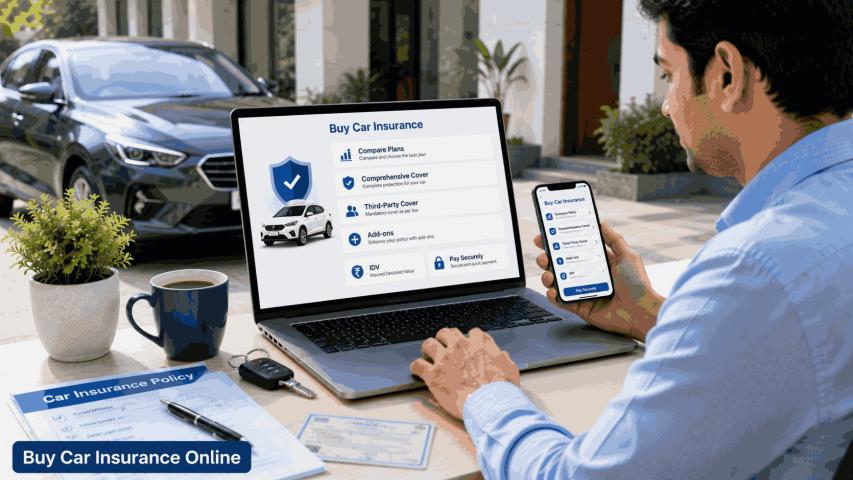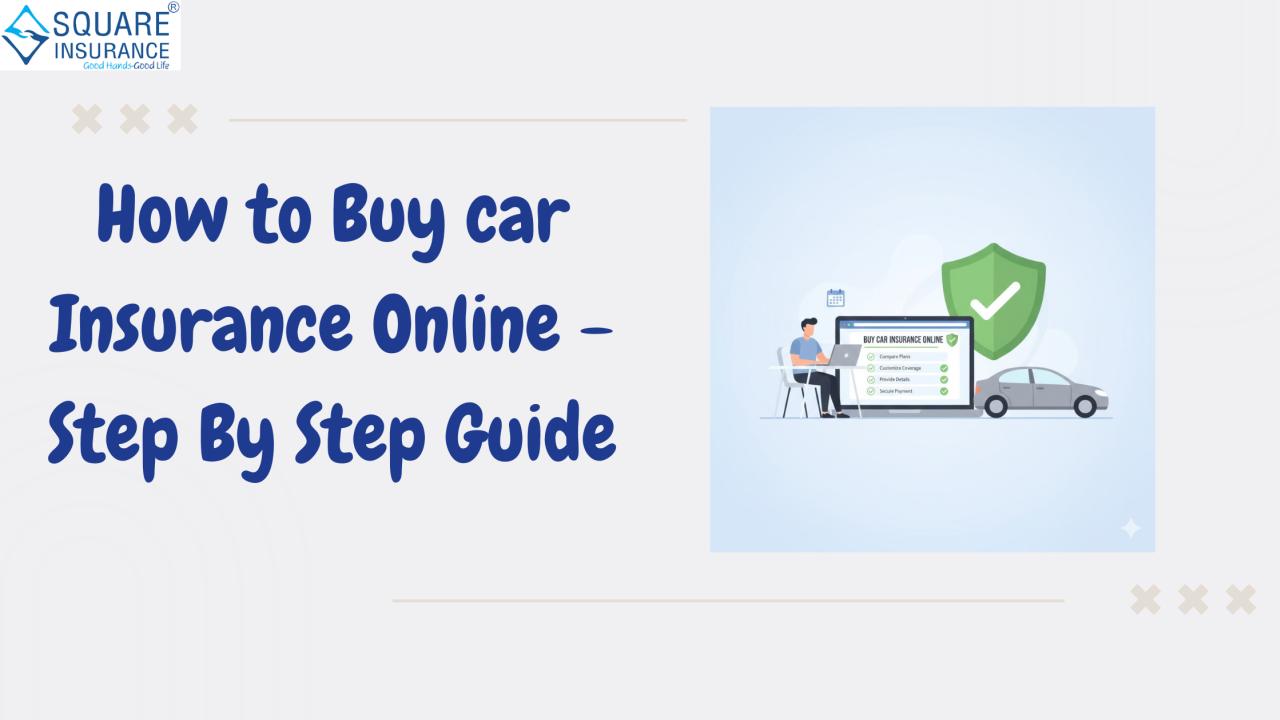
Buying car insurance online has
become one of the easiest and most efficient ways to secure protection for your
vehicle. It saves time, offers better transparency, and allows you to compare
coverage options without pressure from agents. However, to make the right
decision, it is important to follow a structured process instead of choosing a
policy only based on price.
This step-by-step guide explains how
to buy car insurance online in a smart and safe way, ensuring that you get the
right coverage at the right cost.
Step
1: Keep Your Vehicle and Personal Details Ready
Before you begin, gather all
essential information to avoid errors during the purchase process. You will
typically need:
- Vehicle registration number
- Car make, model, and fuel type
- Year of manufacture
- Previous insurance details (if applicable)
- No Claim Bonus status
- Personal contact details
Accurate details ensure correct
premium calculation and prevent claim issues later.
Step
2: Decide the Type of Car Insurance You Need
There are two main types of car
insurance available online:
Third-Party
Car Insurance
This is legally mandatory and covers
only third-party injury, death, and property damage. It does not cover your own
car’s damages.
Comprehensive
Car Insurance
This covers both third-party
liabilities and damages to your own vehicle due to accidents, theft, natural
disasters, and vandalism.
If your car is relatively new or
valuable, comprehensive coverage is generally the better option for financial
safety.
Step
3: Select the Right Insured Declared Value (IDV)
IDV is the current market value of
your car and determines the maximum claim amount in case of total loss or
theft. Choosing the right IDV is critical:
- Higher IDV means higher premium
- Lower IDV means lower claim payout
While buying online, you usually get
a recommended IDV range. Choose a realistic value based on your car’s age and
condition, not just the lowest premium.
Step
4: Choose Add-On Covers Based on Your Needs
Add-ons enhance your car insurance
policy and provide extra protection. Some useful add-ons include:
- Zero depreciation cover for full claim on parts
- Engine protection for water-damaged engines
- Roadside assistance for breakdown support
- Return to invoice for total loss cases
Avoid selecting unnecessary add-ons,
as they increase premium without adding practical value to your situation.
Step
5: Compare Plans, Not Just Premiums
One of the biggest advantages of
buying car insurance online is easy comparison. While comparing plans, look
beyond the price and check:
- Coverage limits
- Add-on benefits
- Claim settlement support
- Cashless garage availability
- Policy terms and exclusions
A slightly higher premium may offer
significantly better protection and service.
Step
6: Verify No Claim Bonus Eligibility
If you have not made any claims in
the previous policy period, you are eligible for No Claim Bonus. This discount
can significantly reduce your premium during online purchase.
Always confirm that your NCB
percentage is correctly applied. Giving incorrect NCB information can lead to
claim rejection or policy cancellation later.
Step
7: Enter Details Carefully Before Payment
Before proceeding to payment,
recheck all the information you entered, especially:
- Registration number
- Engine number (if asked)
- Policy type
- Add-on selections
- Personal details
Small mistakes can create big
problems during claim settlement, so accuracy is essential.
Step
8: Make Secure Online Payment
After confirming policy details,
complete payment using secure online methods such as:
- Debit or credit card
- UPI
- Net banking
Once payment is successful, your
policy is usually issued instantly and sent to your registered email.
Step
9: Download and Save Policy Documents
After purchase, download your policy
document and keep both digital and printed copies safely. Your insurance
details are also linked to your vehicle registration, but having access to
documents helps in:
- Traffic checks
- Accident reporting
- Claim registration
Always verify that all policy
details mentioned in the document are correct.
Step
10: Know the Claim Process in Advance
Buying insurance is only half the
job. Understanding how to file a claim is equally important. Check:
- Emergency contact numbers
- Documents required for claim
- Cashless garage procedures
- Time limits for claim reporting
Knowing these steps beforehand can
save time and stress during emergencies.
Benefits
of Buying Car Insurance Online
Buying car insurance online offers
several advantages:
- Faster policy issuance
- Transparent pricing
- Easy comparison of plans
- No agent commissions included
- Simple renewal process
- Digital access to documents
These benefits make online insurance
purchase both convenient and cost-effective for most car owners.
Common
Mistakes to Avoid While Buying Car Insurance Online
Even though the process is simple,
buyers often make mistakes such as:
- Choosing lowest premium without checking coverage
- Selecting incorrect IDV
- Ignoring policy exclusions
- Forgetting to apply NCB
- Not reviewing add-on benefits
- Entering incorrect vehicle details
Avoiding these errors ensures a smooth
claim experience and better financial protection.
Conclusion
Buying car insurance online is
convenient, quick, and offers greater control over your coverage choices. By
following a step-by-step approach—checking IDV, selecting suitable add-ons,
verifying NCB, and comparing coverage—you can avoid common mistakes and choose
a policy that truly protects your vehicle and finances.
Instead of rushing through renewal
or new purchase, take time to evaluate your options and choose coverage that
suits your driving habits and car value. For buyers who want simplified
comparison and informed guidance while purchasing car insurance online, Square Insurance can help in identifying suitable plans and making confident
insurance decisions with clarity and ease.
Frequently
Asked questions
1.
Is it safe to buy car insurance online?
Yes, buying car insurance online is
safe when you use trusted platforms and secure payment methods.
2.
Can I buy car insurance online for a new car?
Yes, you can purchase insurance
online for new cars before registration or immediately after receiving the
registration number.
3.
Do I need physical documents after buying insurance online?
No, digital policy documents are
legally valid and accepted during traffic checks.
4.
Can I transfer No Claim Bonus when buying insurance online?
Yes, NCB is linked to the
policyholder, not the insurer, and can be transferred while switching policies.
5.
How long does it take to get policy after online payment?
In most cases, the policy is issued
instantly and sent to your email within minutes.
6.
Can I change add-ons after buying the policy online?
Add-ons usually cannot be changed
during the policy period and can be modified only at renewal.
7.
What should I do if I entered wrong details while buying online?
You should immediately contact
customer support to request policy correction before making any claim.