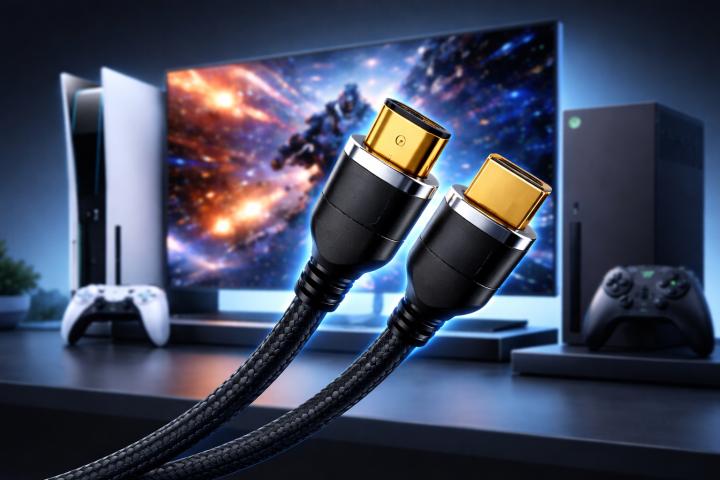
If you just unboxed a PlayStation 5 and plugged it into your TV using whatever cable you had lying around, there's a good chance you're not getting the full experience you paid for. Getting true 4K at 120 frames per second requires more than just a powerful console it requires the right hdmi cables connecting everything together.
Let's break this down in plain terms so you know exactly what to buy and why.
Why the Cable Actually Matters
A lot of people assume cables are just cables. You plug them in, the signal travels through, done. But that's not how it works with modern gaming. The PS5 is capable of outputting a 4K signal at up to 120fps, and that requires a massive amount of data to travel through the cable every single second. If your cable can't handle that bandwidth, you'll either get a downgraded image or the connection will drop entirely.
The PS5 supports HDMI 2.1, which can handle up to 48 gigabits per second of data. For comparison, HDMI 2.0 the older standard maxes out at 18Gbps. That's a big difference, and it matters when you're trying to run demanding settings.
What HDMI Version Do You Need?
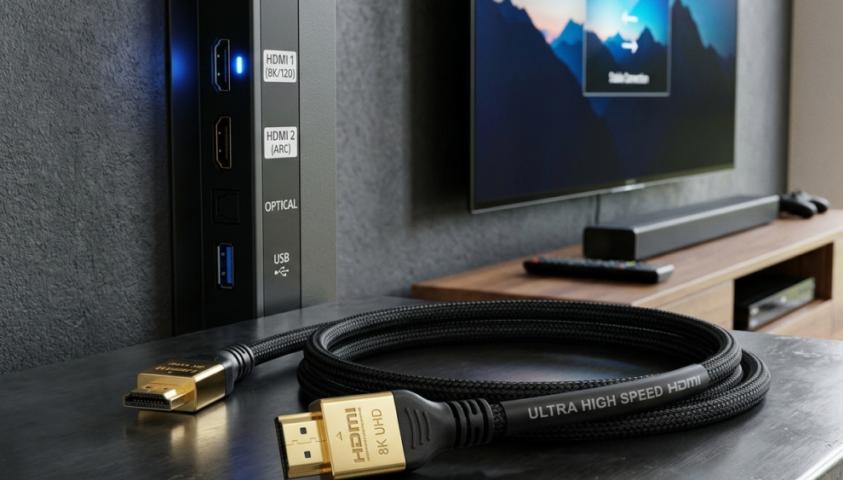
For true 4K at 120fps on PS5, you need an HDMI 2.1 cable. There's no way around it. The older HDMI 2.0 cables simply can't carry enough data to support that combination of resolution and frame rate simultaneously.
HDMI 2.1 also supports features like Variable Refresh Rate (VRR), which helps eliminate screen tearing during fast gameplay, and Auto Low Latency Mode (ALLM), which automatically switches your TV into game mode for the lowest possible input lag. These aren't just nice extras for competitive gaming, they make a real difference.
Does the Cable That Comes With PS5 Work?
Sony includes a high-speed HDMI cable in the PS5 box, and it does support HDMI 2.1. For most people, that cable will work fine. However, if you've lost it, replaced it with an old cable, or are using a longer run, you'll want to make sure you're getting a proper HDMI 2.1 replacement.
The included cable is short about 1.5 meters. If your TV setup requires a longer cable, pay attention to the length. Signal quality can degrade over longer distances, especially at higher data rates. For runs longer than 3 meters, look for cables that are actively certified for HDMI 2.1.
What to Look for When Buying HDMI Cables
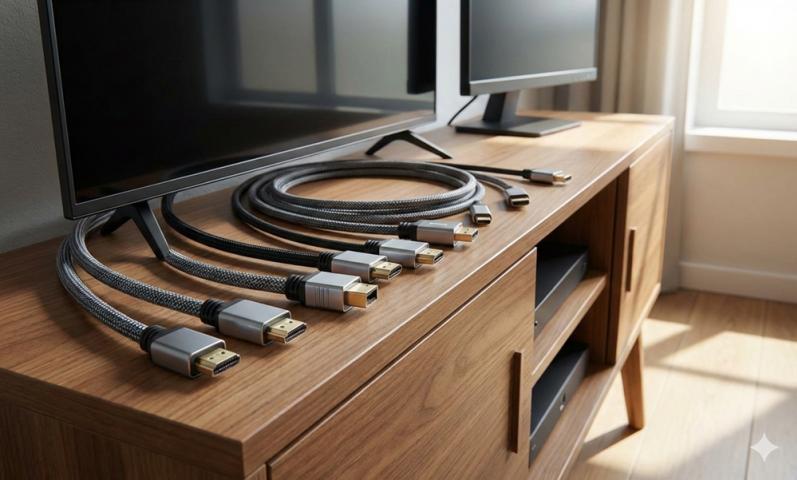
When shopping for hdmi cables for your PS5, look for these specifics:
First, confirm the cable is rated for 48Gbps bandwidth. This is the full HDMI 2.1 spec. Some cables are marketed as "HDMI 2.1" but only support 10Gbps or 18Gbps those won't cut it for 4K 120fps.
Second, look for cables that are certified by HDMI Licensing Administrator. Certified cables have been tested to meet the spec they claim. Uncertified cables from unknown brands may work fine or may not it's a gamble.
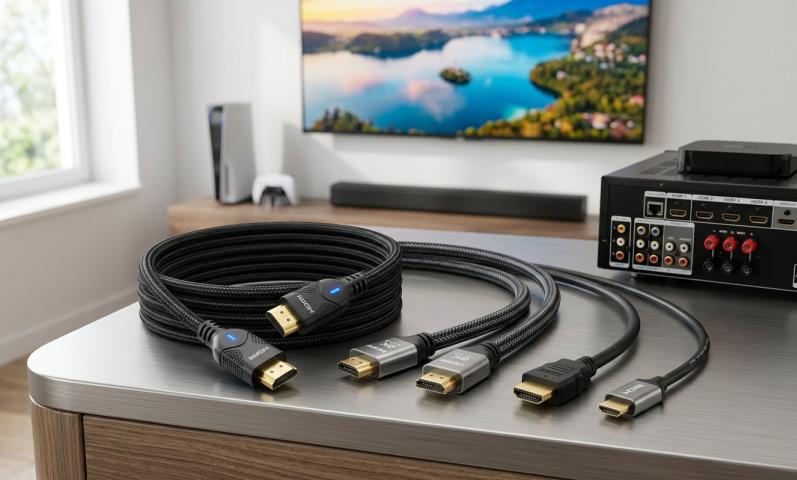
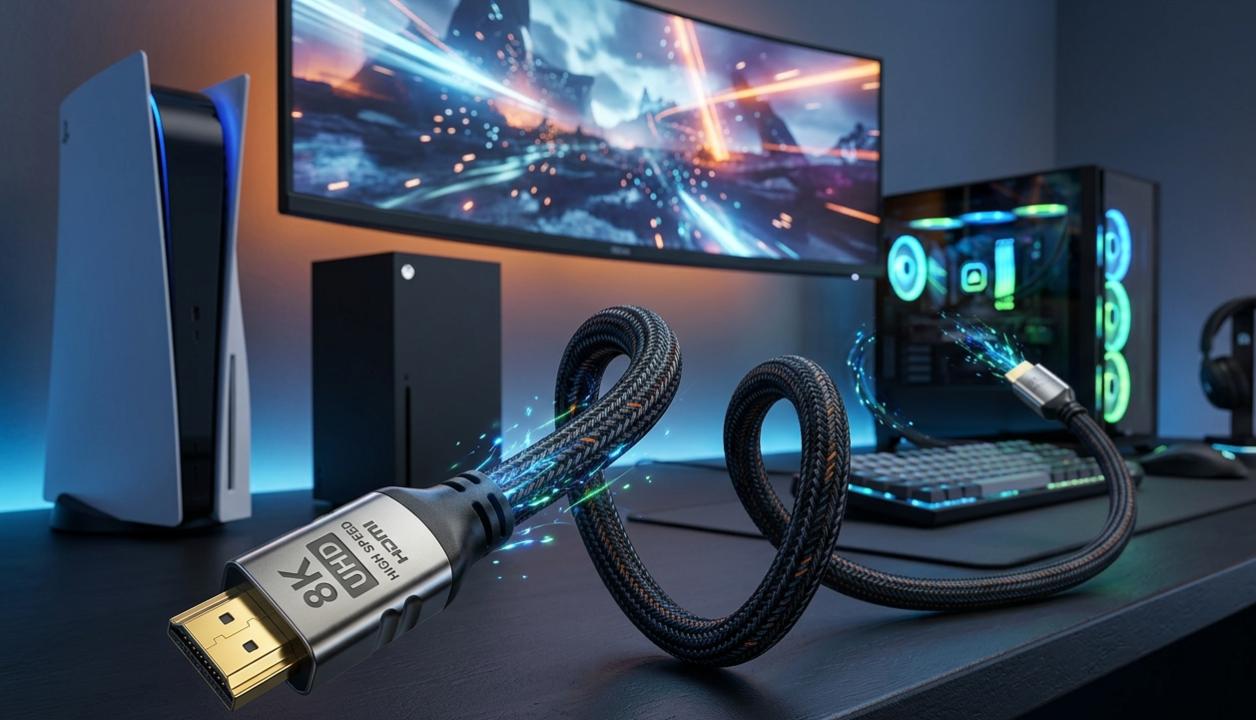
Third, consider build quality. Braided cables tend to last longer and resist tangling. Gold-plated connectors resist corrosion over time, though this matters more for longevity than signal quality.
Does Your TV Support HDMI 2.1?
This is the part people often overlook. Even if you have the best HDMI cable available, if your TV doesn't have an HDMI 2.1 port, you won't get 4K 120fps. The display is just as important as the cable.
Most TVs released in 2020 and later include at least one HDMI 2.1 port. Check your TV's manual or the manufacturer's website to confirm which ports support which specs. On many TVs, only one or two of the four ports are HDMI 2.1 the others may still be HDMI 2.0.
Quick Tips Before You Buy
Don't overpay for cables with exotic marketing. Once a cable is certified and rated for 48Gbps, additional features like "gold quantum shielding" are mostly marketing speak.
Buy from reputable brands like Zeskit, Cable Matters, or Belkin. These have solid reputations for meeting their rated specs.
If you're in doubt, the cable Sony ships with the PS5 is a solid starting point. But if you need a longer or replacement cable, now you know exactly what to look for.
Getting 4K 120fps on PS5 is genuinely impressive smoother gameplay, sharper images, and features like VRR that make games feel more responsive. Don't let a cheap cable be the thing holding back your setup.
Original Article :- Click here