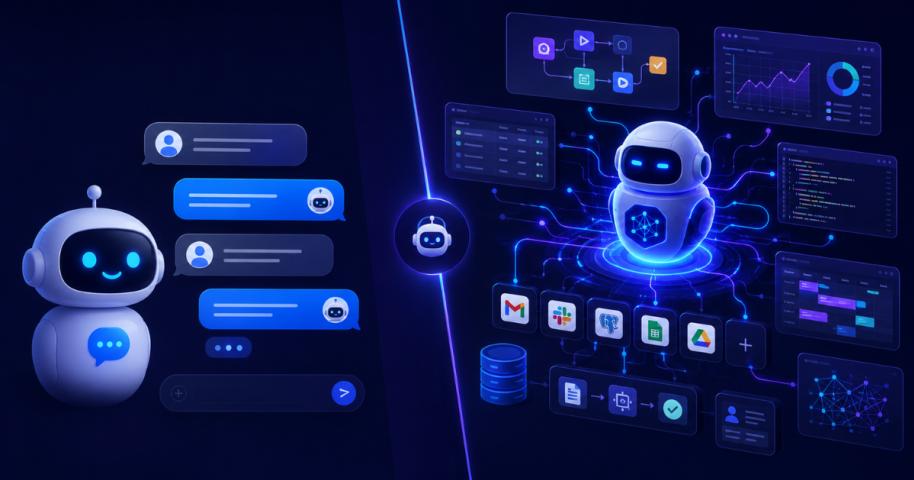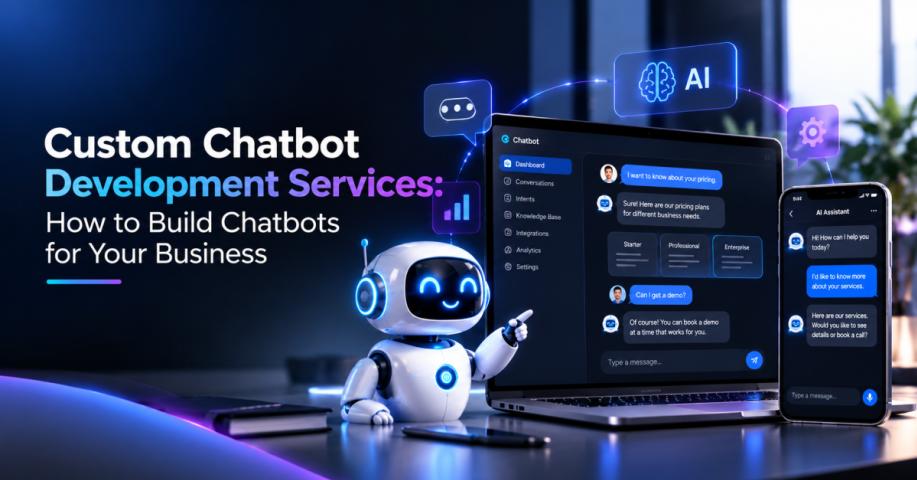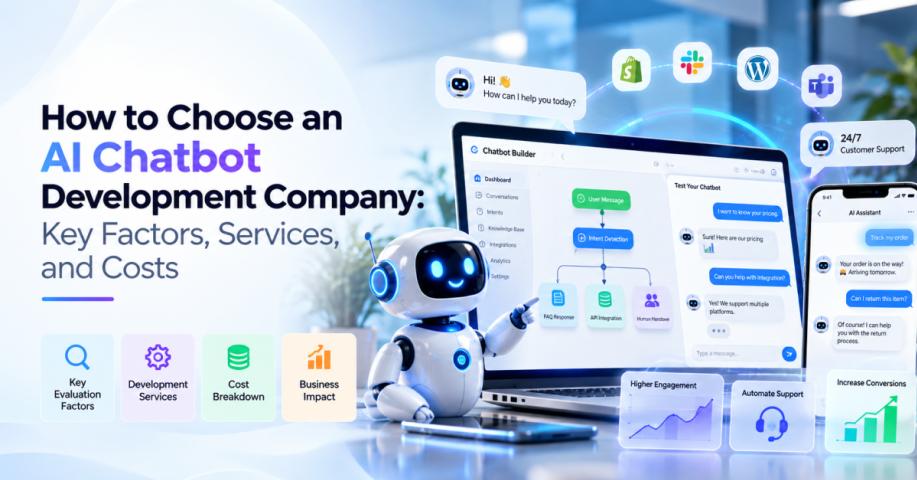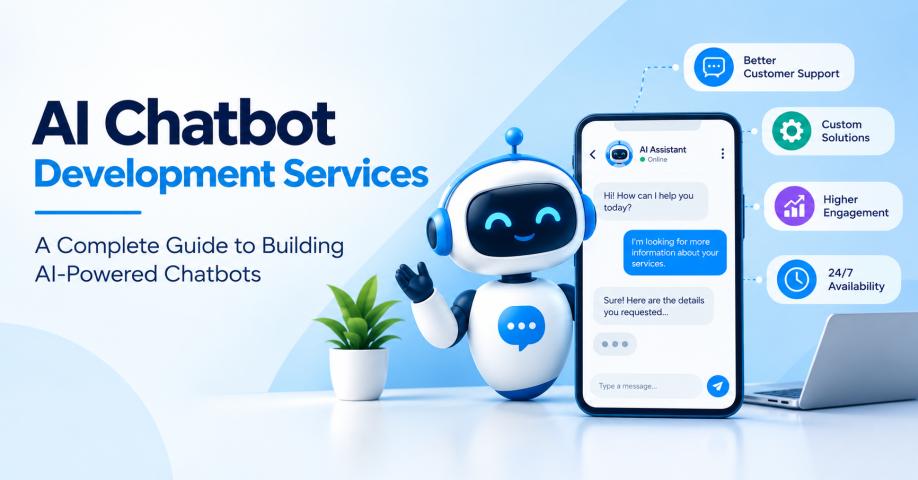
Businesses are moving beyond basic FAQ bots toward conversational systems that can understand customer intent, retrieve business information, connect with enterprise applications, and support real business workflows. Custom chatbot development services can help businesses build these experiences around their data, processes, customer journeys, and operational requirements. Instead of treating a chatbot as a standalone website widget, organizations can use AI-powered conversations across customer support, sales, operations, employee assistance, and other business functions.
What Are AI Chatbot Solutions?
AI chatbot solutions are software systems that use artificial intelligence to understand natural-language conversations and provide relevant responses, retrieve information, or perform defined tasks.
Traditional rule-based chatbots typically depend on predefined conversation paths. Modern AI chatbots can combine natural language processing, large language models, retrieval-augmented generation (RAG), APIs, business rules, databases, and enterprise knowledge sources.
This enables chatbots to handle more flexible conversations while remaining connected to business processes.
For example, a customer could ask about an order, receive its current status from an order-management system, request a modification, and have the chatbot create a support ticket when human assistance is required.
The real value comes from combining conversational intelligence with business context.
Top AI Chatbot Use Cases Across Industries
The most valuable chatbot implementations are usually connected to specific business processes rather than deployed simply as general-purpose assistants.
1. Customer Support
Customer service is one of the most practical applications for AI chatbots.
A chatbot can answer frequently asked questions, troubleshoot common issues, provide order information, explain policies, collect customer details, and route complex cases to human agents.
More advanced systems can retrieve information from approved knowledge sources and maintain conversation context instead of relying exclusively on static responses.
This allows support teams to automate repetitive interactions while allowing human agents to focus on complex cases.
2. Sales Assistance
AI chatbots can become part of the sales journey from the first website interaction.
A visitor can ask about products, pricing, features, integrations, availability, or implementation requirements. The chatbot can then provide relevant information and identify whether the visitor is ready for a sales conversation.
For complex products and services, the chatbot can collect qualification details and trigger a CRM workflow rather than simply directing the visitor to a generic contact form.
3. Lead Generation and Qualification
Chatbots can actively engage visitors who are researching a product or service.
A lead-generation chatbot can:
- Ask qualification questions
- Understand customer requirements
- Recommend relevant products or services
- Collect contact information
- Identify buying intent
- Schedule meetings
- Send qualified leads to sales teams
When integrated with a CRM, these interactions can become part of the existing lead-management process.
4. Employee Support
AI chatbots can also support internal teams.
An employee-facing chatbot can help users find information about HR policies, IT procedures, benefits, onboarding, internal documentation, company processes, and operational guidelines.
Instead of searching through multiple portals or documents, employees can ask questions in natural language and receive information from approved sources.
For organizations with large knowledge repositories, this can become an internal knowledge assistant connected to company documentation.
5. E-Commerce
E-commerce businesses can use chatbots throughout the customer journey.
A chatbot can help customers:
- Discover products
- Compare products
- Understand specifications
- Check availability
- Track orders
- Understand return policies
- Receive recommendations
- Resolve post-purchase questions
Integration with product catalogs, inventory systems, order-management platforms, and customer profiles can make these conversations more useful.
6. Healthcare
Healthcare organizations can use conversational AI for administrative and informational workflows.
Potential applications include:
- Appointment scheduling
- Patient onboarding
- Appointment reminders
- Service navigation
- Frequently asked questions
- Provider information
- Administrative support
Healthcare implementations require careful consideration of privacy, authentication, authorization, data handling, and applicable regulations. A chatbot should also distinguish between administrative assistance and situations requiring qualified clinical judgment.
7. Banking and Financial Services
Financial institutions can use AI chatbots for routine customer interactions.
Potential applications include:
- Account-related questions
- Card support
- Transaction information
- Loan inquiries
- Product information
- Application guidance
- Branch information
- Fraud-related support routing
Because financial information is sensitive, secure authentication, authorization, auditability, and controlled system access should be built into the chatbot architecture.
8. Appointment Scheduling
Appointment scheduling is another straightforward business application.
A customer can ask about availability, provide the required information, select a time, and receive confirmation through a conversational interface.
When connected to scheduling systems, the chatbot can perform the process rather than simply redirecting customers to another booking page.
9. Knowledge Assistants
Businesses often have valuable information spread across PDFs, policies, product documentation, websites, wikis, knowledge bases, and internal systems.
A knowledge assistant can provide a conversational interface over these sources.
RAG is particularly useful in this scenario. Instead of relying solely on information stored within a language model, the system retrieves relevant content from approved business sources and uses that context when generating an answer.
This approach can support employee assistants, technical support, product documentation, customer service, and other knowledge-intensive workflows.
10. Multilingual Support
Businesses serving international customers can use AI chatbots to provide support across multiple languages.
Multilingual chatbot capabilities can help organizations maintain consistent first-line support across regions while reducing the need to build completely separate conversational experiences.
However, effective multilingual support involves more than translating words. Businesses should also consider regional terminology, local policies, cultural context, product availability, and escalation requirements.
The Role of Artificial Intelligence in Chatbot Development
Modern chatbots can combine several AI capabilities instead of depending on a single technology.
Natural language processing can help understand intent. Machine learning can support classification and personalization. Large language models can interpret complex questions and generate responses. Retrieval systems can connect those responses with business-specific information.
For organizations planning a broader AI architecture around their chatbot, working with an artificial intelligence development company can help connect conversational AI with other enterprise AI capabilities, data systems, and business workflows.
This broader perspective becomes important when the chatbot needs to interact with multiple applications or operate as part of a larger AI ecosystem rather than as an isolated support tool.
The Role of Generative AI in AI Chatbot Solutions
Generative AI has expanded what businesses can expect from conversational systems.
Traditional bots generally provide responses that have been explicitly defined. Generative AI can interpret natural-language requests and produce responses based on the context supplied to the model.
For example, a customer asking a complex product question may receive a response generated from relevant product documentation rather than a single predefined message.
Businesses exploring this capability can use generative AI services to build conversational experiences that combine language models with proprietary information, enterprise documents, applications, and business workflows.
RAG can be particularly valuable here. A chatbot can retrieve relevant information from approved sources before generating a response, helping keep conversations connected to current business knowledge.
However, generative AI should still operate within defined boundaries. Businesses should control which information the chatbot can access, what actions it can perform, how sensitive requests are handled, and when conversations should be escalated to humans.
How to Implement an AI Chatbot for Your Business
A successful implementation should begin with business requirements rather than technology selection.
Step 1: Identify the Highest-Value Use Case
Start with a specific problem.
Determine whether the primary goal is customer support, sales, lead generation, employee assistance, e-commerce, appointment scheduling, or another workflow.
A focused first use case makes it easier to define measurable outcomes.
Step 2: Map Conversation Journeys
Document common questions, user intents, decision points, required information, business rules, and escalation scenarios.
This provides the foundation for conversation design.
Step 3: Identify Data and Integration Requirements
Determine which documents, databases, APIs, CRM systems, ERP platforms, knowledge bases, and other applications the chatbot needs to access.
Also identify which actions the chatbot should be allowed to perform.
Step 4: Select the AI Architecture
Choose the appropriate combination of language models, RAG, APIs, databases, business rules, authentication, and orchestration.
The architecture should match the complexity of the business problem rather than simply using the most advanced model available.
Step 5: Develop and Integrate
Build the conversational interface and connect it to the required systems.
This stage can include conversation logic, AI model integration, knowledge retrieval, API connections, authentication, business workflows, analytics, and escalation mechanisms.
Step 6: Test With Real Scenarios
Test normal questions alongside ambiguous, incomplete, unexpected, and sensitive requests.
Evaluate:
- Response accuracy
- Knowledge retrieval
- Context handling
- Integration reliability
- Security
- Escalation behavior
- Workflow completion
Step 7: Launch, Monitor, and Optimize
Deployment is not the end of chatbot development.
Monitor real conversations to identify unanswered questions, failed workflows, unnecessary escalations, and opportunities for improvement.
Update knowledge sources, conversation flows, prompts, integrations, and business rules as requirements evolve.
Build AI Chatbot Solutions Around Real Business Needs
The most useful AI chatbot solutions are not simply conversational interfaces. They connect users with relevant information, business systems, workflows, and human teams.
Whether your objective is improving customer support, generating qualified leads, assisting employees, helping shoppers, scheduling appointments, or creating an enterprise knowledge assistant, the chatbot should be designed around a measurable business requirement.
As conversational AI becomes more deeply integrated into business applications, organizations also need to consider security, data governance, system access, monitoring, and continuous optimization.
With the right AI chatbot development services, architecture, integrations, and governance, a chatbot can evolve from a basic automated support tool into a scalable conversational layer for your business.