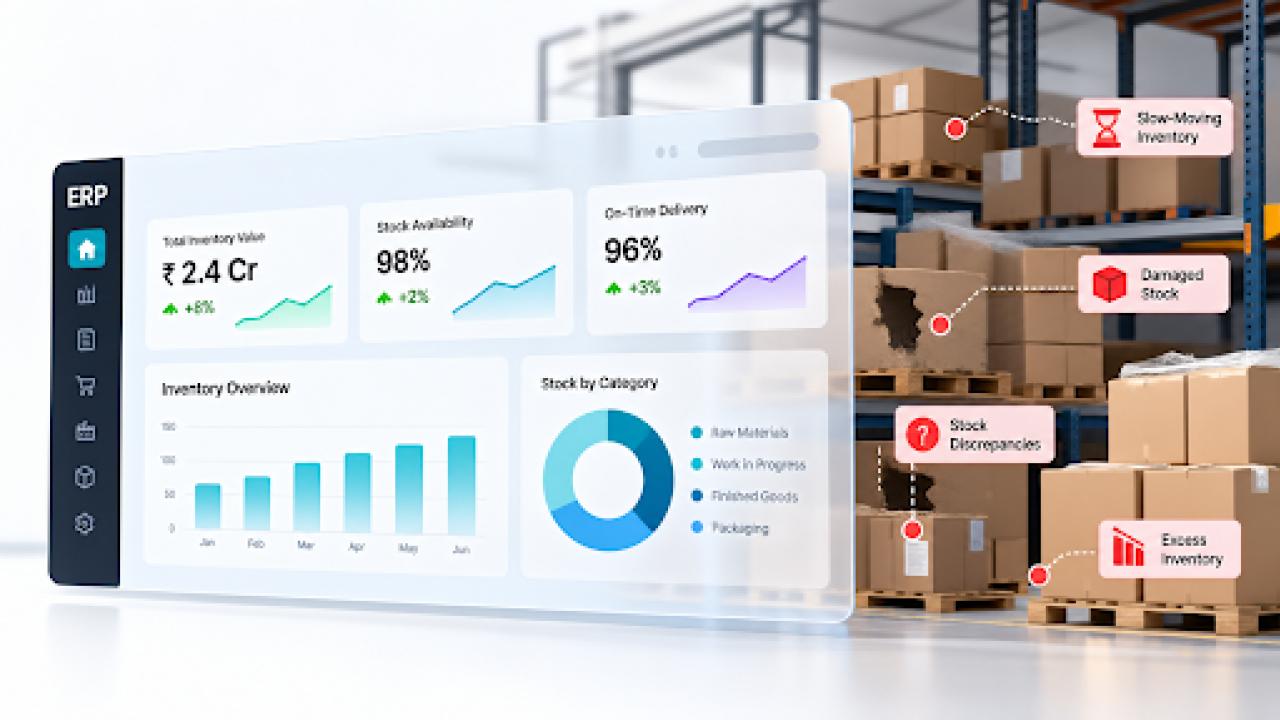
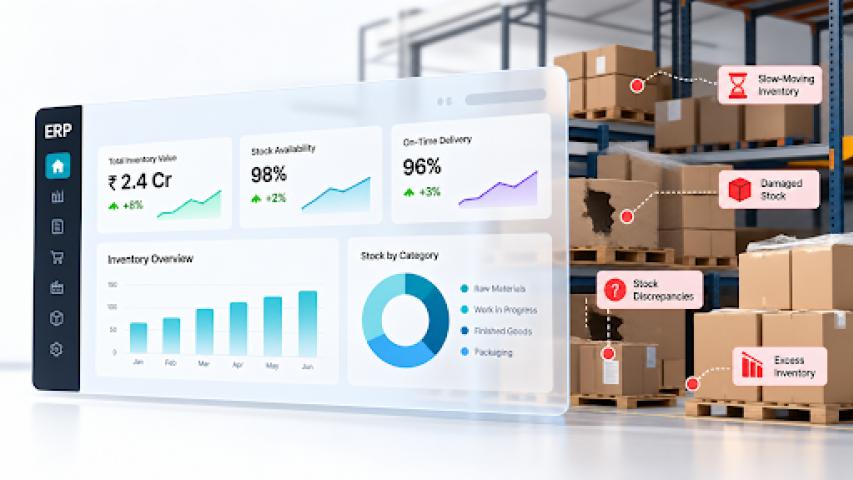
Your warehouse can have accurate stock data and still lose money.
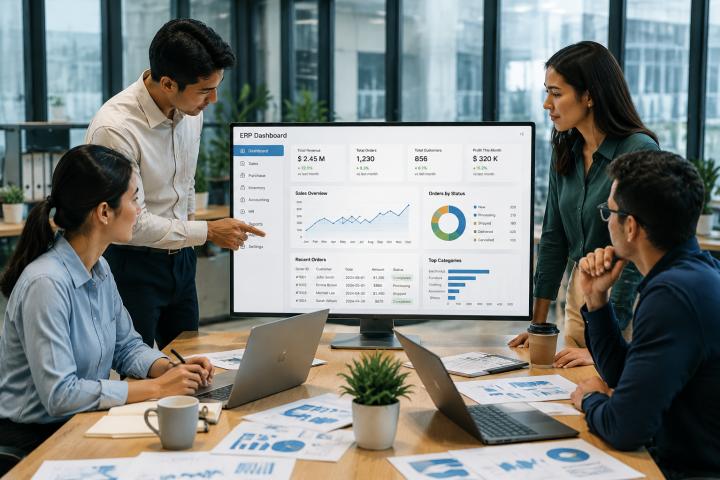
An ERP inventory dashboard may show stock quantity, value, and availability while revealing little about cash trapped in slow-moving items, stock discrepancies, or unnecessary purchasing. An ERP becomes useful for controlling warehouse losses when inventory, purchasing, manufacturing, and warehouse processes are connected around actual operations. This makes Odoo ERP implementation more than a software setup exercise it becomes part of building reliable operational visibility.
When Healthy Inventory Doesn't Mean Efficient Inventory
A warehouse can appear healthy while consuming working capital. Common metrics describe quantity and value, but not necessarily efficiency.
An ERP may show 10,000 units in stock with a healthy valuation without revealing whether they are selling quickly, sitting for months, or occupying expensive warehouse space.
This creates blind spots: high inventory value can hide cash tied up in slow-moving stock, accurate quantities don't guarantee physical accuracy, high availability can coexist with excess stock in some SKUs and shortages in others and strong sales don't necessarily mean efficient replenishment.
Inventory visibility tells you what you have, inventory intelligence helps explain whether what you have is costing you money.
Where Warehouse Losses Hide Behind ERP Numbers
Warehouse losses accumulate through inefficiencies across purchasing, storage, production, and stock movement.
Excess and Slow-Moving Inventory
Stock that sits too long ties up working capital and storage resources. Inventory value alone may not reveal this unless the ERP tracks aging, turnover, and movement.
Inventory Discrepancies
A system may record 500 units while the warehouse physically holds 470. Receiving errors, picking mistakes, and unrecorded movements can create these gaps.
Incorrect Material Consumption
An outdated or incorrectly configured Bill of Materials (BOM) can cause expected consumption to differ from actual usage, creating shortages and variances. For Odoo users, understanding Bill of Materials (BOM) structures can help identify where these discrepancies originate.
These problems emerge when businesses connect stock levels with movement, consumption, and purchasing context.
Why Standard ERP Dashboards Miss These Problems
Standard dashboards often focus on stock quantities, inventory value, purchase volumes, and order status. These metrics matter, but they don't always explain why inventory is becoming inefficient.
Businesses should monitor:
Inventory aging - unused stock.
Inventory turnover - how frequently inventory is sold or consumed.
Stock variance - differences between recorded and physical quantities.
Slow-moving inventory - items tying up capital.
Stockout frequency - recurring availability problems.
Material consumption variance - expected versus actual usage.
Carrying costs - the financial burden of holding inventory.
Manufacturing Data Can Change the Inventory Picture
Warehouse performance doesn't exist in isolation. In manufacturing, procurement and production directly affect inventory.
Procurement → Raw Materials → BOM → Production → Material Consumption → Finished Goods → Warehouse
If a BOM specifies 5 units of a component but production consistently consumes 6, the warehouse may experience shortages despite the ERP showing sufficient stock. The underlying issue may be inaccurate production data or uncontrolled consumption.
Connecting manufacturing processes with inventory data helps explain why stock moves differently from expectations. Understanding how Odoo manufacturing modules work together can be important when inventory depends on production activity. For complex workflows, Odoo ERP for manufacturing operations can connect shop-floor activity with management's inventory view.
The Inventory KPIs Your Dashboard Should Actually Track
Key KPIs include inventory turnover, inventory aging, stock variance, slow-moving inventory, stockout frequency, carrying cost, and material consumption variance. Together, they help reveal where capital is tied up, stock is unreliable, or material usage differs from expectations.
A useful dashboard should answer: Where is inventory becoming inefficient? Why is it happening? What action should be taken next?
What to Do When Standard ERP Reporting Isn't Enough
Adding more reports isn't always the answer. First identify the decisions the dashboard needs to support.
Imagine a manufacturing company with ₹2.4 crore in inventory and apparently healthy availability. A diagnostic dashboard might reveal ₹38 lakh with no movement for 120+ days, 3.2% variance in selected locations, component usage 8% above BOM quantity, and repeated shortages of a critical component.
Businesses can improve reporting by defining decision-focused KPIs, connecting inventory with purchasing and manufacturing data, adding exception-based alerts, and reviewing master data when discrepancies originate from incorrect configurations.
When standard reporting cannot provide the required visibility, ERP customization may be necessary to align dashboards and workflows with actual inventory processes.
From Inventory Visibility to Inventory Control
A warehouse dashboard should do more than confirm how much inventory exists. Its value comes from helping teams identify where inventory is becoming inefficient, why it is happening, and what action should follow.
Some organizations need adapted dashboards, alerts, or workflows. In those cases, Odoo customisation can help align the ERP with inventory and manufacturing operations.
If you're using Odoo, review Inventory, Purchase, and Manufacturing