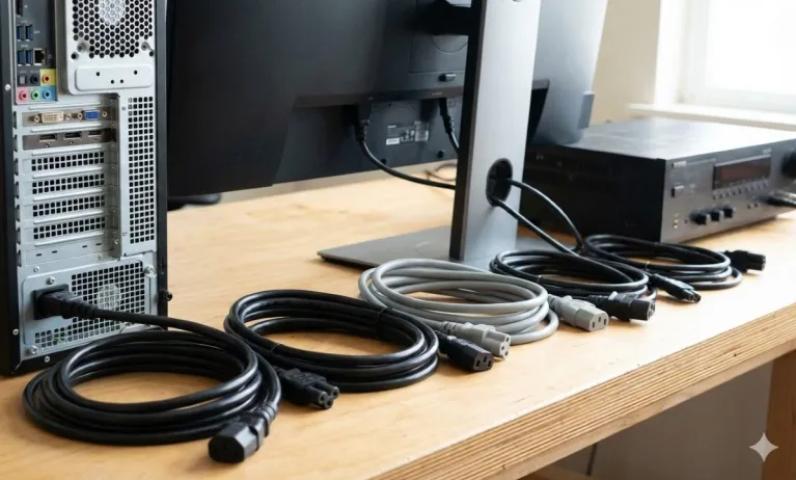
Finding the right power cord for your device shouldn't feel like solving a puzzle. Yet many people struggle with this simple task. You might have a drawer full of cables at home, but which one actually works with your computer or monitor? Let's break this down into easy steps so you can always pick the correct power cord.
Understanding Power Cord Basics
Power cords connect your devices to electrical outlets. They seem simple, but using the wrong one can damage your equipment or create safety hazards. The good news is that once you know what to look for, matching cords becomes easy.
Every power cord has two ends. One end plugs into the wall outlet. The other end connects to your device. The device end uses standardized connectors that follow international guidelines. This standardization helps you find replacement cords easily.
What Are IEC Connectors?
The International Electrotechnical Commission (IEC) created standard connector types that manufacturers worldwide use. These standards ensure that power cords work safely with different devices. When you understand these connector types, you can quickly identify what you need.
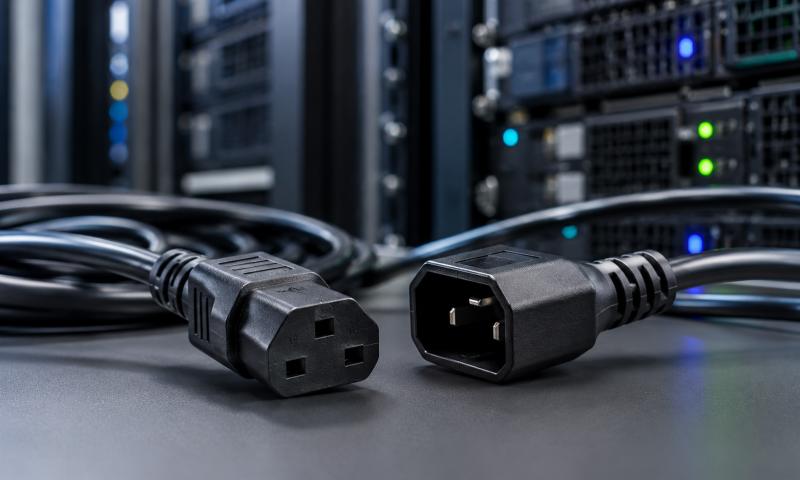
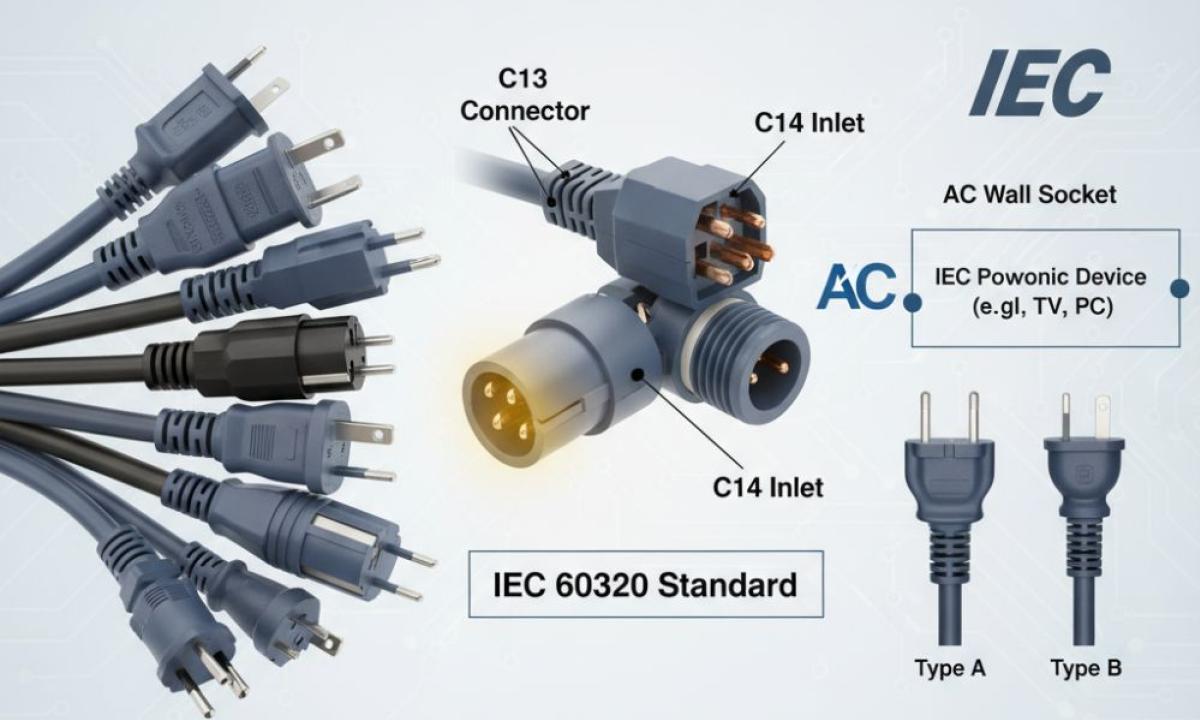
The most common connector you'll encounter is the IEC C13 power cable. This connector looks like a three-pronged socket with one flat side. You'll find it on desktop computers, monitors, printers, and many other office devices. The C13 connector fits into a C14 inlet on your device.
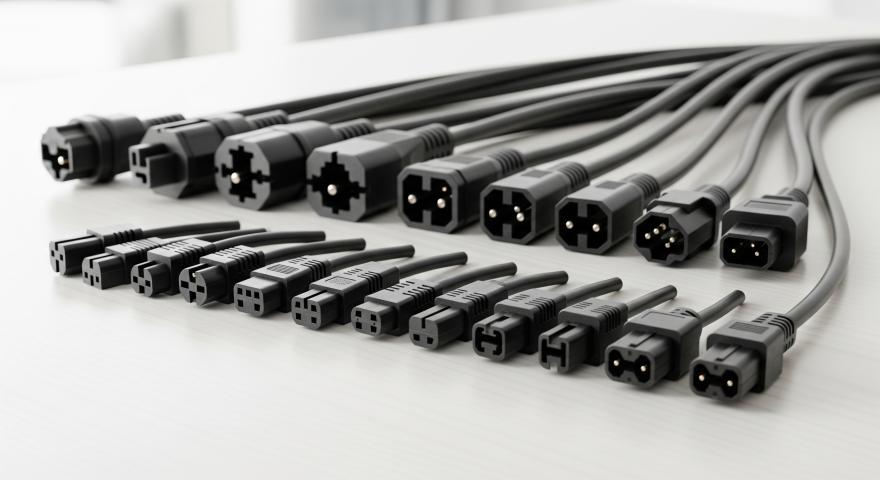
Another important standard is the IEC320 connector family. This family includes various connector types designed for different power requirements. The C13 connector actually belongs to this IEC320 family. Other members include C5 (the cloverleaf connector), C7 (the figure-eight connector), and C19 (for high-power devices).
Steps to Match Your Power Cord
Step 1: Check Your Device Inlet
Look at the power socket on your device. This inlet has a specific shape that only accepts matching connectors. Take a photo of it if you're shopping online or visiting a store. This visual reference helps you find the exact match.
Most computer monitors and desktop towers use C14 inlets, which accept C13 plugs. Laptops often use different connectors, and some have proprietary adapters. Gaming consoles, TVs, and other electronics vary widely in their connector types.
Step 2: Read the Device Label
Every electronic device has a label that lists its power requirements. This label usually appears on the back or bottom of the device. Look for information like:
- Voltage (such as 110V, 220V, or 100-240V)
- Frequency (50Hz, 60Hz, or 50-60Hz)
- Current or amperage (measured in amps)
- Wattage (measured in watts)
This information tells you what kind of electrical power your device needs. Your power cord must handle these requirements safely.
Step 3: Consider Your Location
Different countries use different voltage standards. North America typically uses 110-120V, while Europe and many other regions use 220-240V. Make sure your device and power cord match your local voltage.
Many modern devices work with multiple voltages (100-240V). These devices adjust automatically to different power systems. However, you still need the right plug type for your wall outlet. The connector that goes into your device stays the same, but the wall plug end changes based on your country.
Step 4: Check the Cord Rating
Power cords have ratings that indicate how much electrical current they can safely carry. A cord rated for 10 amps can handle devices that draw up to 10 amps of current. Using an underrated cord creates fire risks.
For most office equipment, a standard cord works fine. High-power devices like servers, large printers, or power-hungry workstations might need heavier-duty cords. Check both your device requirements and the cord specifications.
Common Connector Types You Should Know
C13/C14: The workhorse of office equipment. If you have a desktop computer, you probably use this type. The C13 connector has three rectangular prongs in a specific pattern.
C5/C6: Often called the "Mickey Mouse" or cloverleaf connector because of its three-circle shape. You'll find this on laptop power supplies, projectors, and some smaller devices.
C7/C8: The figure-eight connector with two round or rectangular holes. Common on laptop chargers, DVD players, and game consoles.
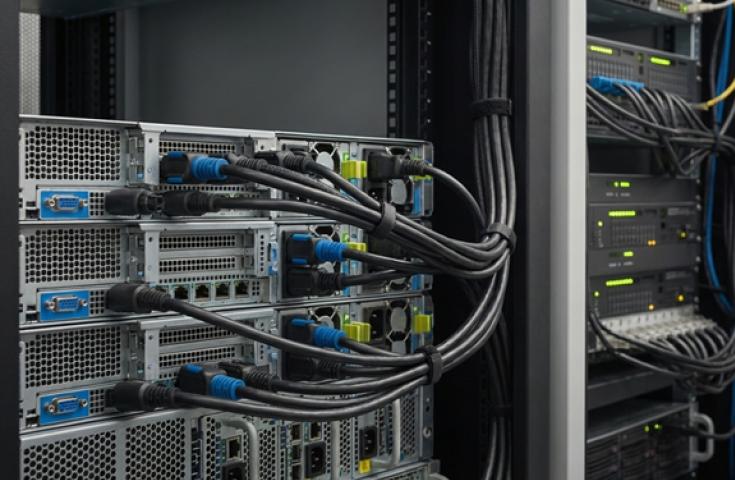
C19/C20: Larger connectors for high-power equipment. These look similar to C13/C14 but bigger. Data centers and servers often use these connectors.
Safety Tips for Power Cord Selection
Never force a connector into an inlet. If it doesn't fit easily, you have the wrong type. Forcing connectors damages both the cord and your device.
Inspect cords regularly for damage. Frayed wires, cracked insulation, or bent prongs create serious safety hazards. Replace damaged cords immediately.
Don't daisy-chain extension cords with power strips. This practice overloads circuits and creates fire risks. Plug devices directly into outlets or use properly rated power strips.
Buy cords from reputable sources. Cheap, uncertified cords might not meet safety standards. They can overheat or fail unexpectedly.
When You Need a Replacement Cord
Lost your original power cord? Don't worry. Replacement cords are widely available and inexpensive. You just need to know your connector type and power requirements.
Shopping online makes finding the right cord easy. Look for products that clearly list the connector type, voltage rating, and cord length. Customer reviews help you verify that you're getting a quality product.
Many devices use the same connector types, so you might already have a compatible cord at home. That old monitor cord might work perfectly with your new printer.
Special Situations
Some devices use proprietary connectors that only work with specific brands or models. Apple products, some laptop chargers, and certain gaming devices fall into this category. For these items, you usually need to buy replacement cords from the manufacturer or authorized dealers.
Medical equipment and industrial machinery often require certified cords that meet specific safety standards. Always follow manufacturer guidelines for these critical applications.
Conclusion
Matching power cords to devices becomes simple once you understand the basics. Identify your connector type, check your power requirements, and verify the cord rating. These three steps ensure you get the right cord every time.
Keep your old cords organized and labeled. This habit saves time when you need a replacement. Take photos of unusual connectors so you can reference them later.
Remember that electrical safety matters. Using the correct power cord protects both your devices and your home. When in doubt, consult your device manual or contact the manufacturer. A few minutes of research prevents costly mistakes and dangerous situations.
Now you have the knowledge to confidently choose the right power cord for any device. No more guessing games or trial and error. Just match the connector, check the ratings, and plug in with confidence.
Sources: https://worldscapeinfo.com/everything-you-need-to-know-about-iec-power-cords-and-their-applications/
https://sharefolks.com/view/how-do-i-figure-out-what-kind-of-cord-i-need