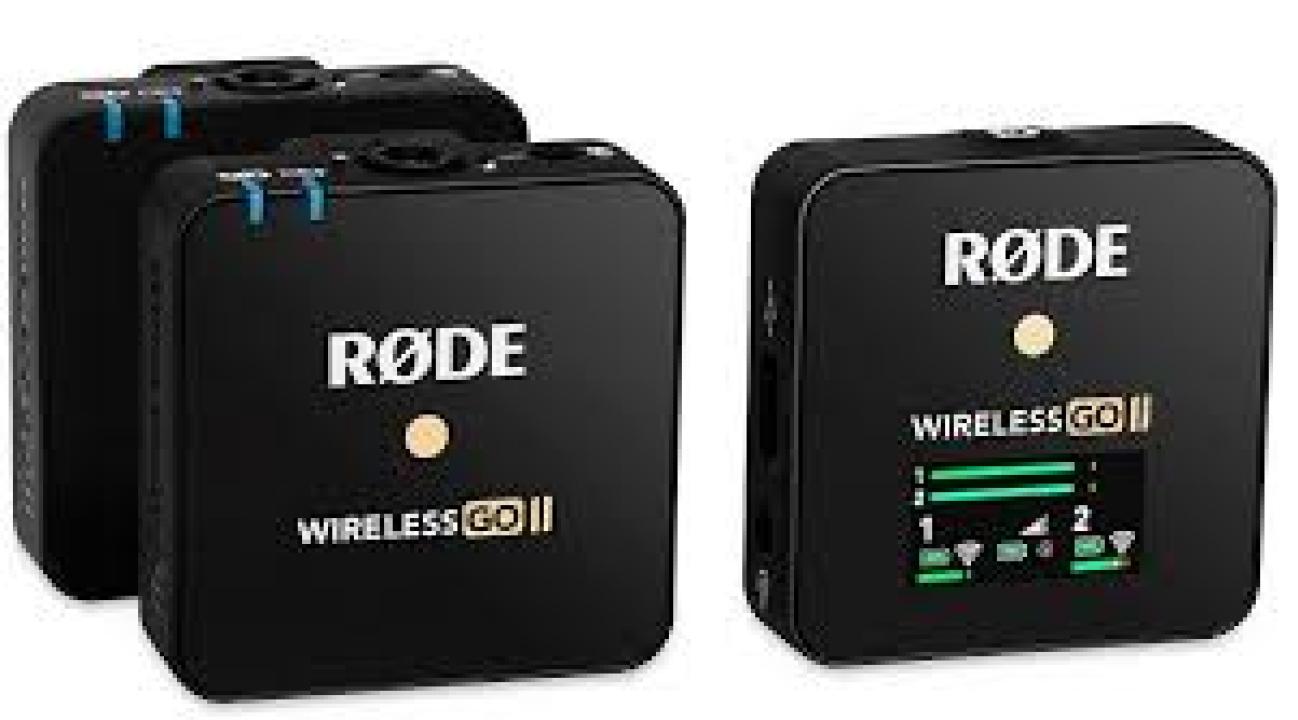
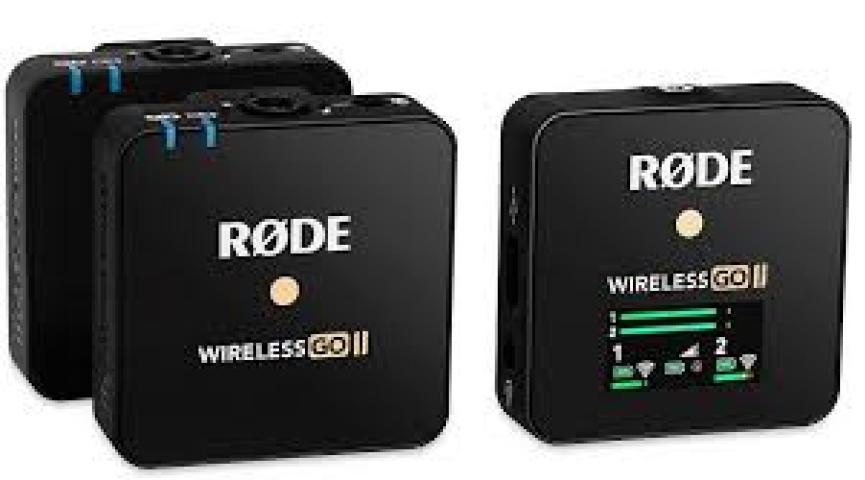
The RØDE Wireless GO II has become one of the most popular wireless microphone systems for creators, vloggers, and filmmakers. Known for its compact design and outstanding sound quality, this mic setup delivers professional-level performance in a portable package. However, one area that often confuses users is setting the correct mic levels. Getting your levels right is crucial for achieving clean, balanced, and noise-free audio — and that’s exactly what this guide will help you master.
Understanding Mic Levels on the RØDE Wireless GO II
Before diving into the best settings, it’s important to understand what mic levels actually mean. In simple terms, mic levels refer to the volume of the audio signal being sent from your microphone to your recording device. If your levels are too high, your audio will distort or clip. If they’re too low, your recording will sound quiet and require amplification later — which can introduce unwanted noise.
The RØDE Wireless GO II allows you to manually adjust input gain levels on both the transmitters and the receiver. This gives you full control over how much signal is captured and sent to your camera, smartphone, or recorder.
Default Mic Level Settings
By default, the Wireless GO II is designed to deliver clean, broadcast-quality sound right out of the box. The system’s digital gain control offers three main gain stages: low, medium, and high. These settings allow you to match the mic output with the sensitivity of your recording device.
For most cameras, keeping the receiver on medium gain provides a balanced signal that avoids distortion. If you’re using a smartphone or an external recorder with higher input sensitivity, lowering the gain might be necessary to prevent clipping.
The key is to monitor your audio in real time. Keep an eye on your camera or recorder’s audio meters — your peaks should sit around -12 dB to -6 dB for optimal results.
Best Settings for Different Scenarios
Every recording environment is different. What works in a quiet studio may not be ideal for outdoor interviews or live events. Below are some general guidelines to help you fine-tune your RØDE Wireless GO II levels for specific situations.
1. Interviews and Talking-Head Videos
For clear voice capture during interviews, set the receiver to medium gain. Position the transmitter (or lav mic) about 6 to 8 inches from the speaker’s mouth. Avoid placing it too close, as this can cause plosive sounds and distortion.
2. Outdoor Shoots and Vlogging
When recording outdoors, background noise is inevitable. In these cases, a slightly higher gain setting can help capture the speaker’s voice more clearly. Pairing your setup with a windscreen also improves audio clarity. You can find compatible accessories and authentic mics at the camera market lahore.
3. Studio and Voiceover Recording
If you’re recording in a quiet, controlled environment, keep the gain lower and rely on your recording device for amplification. This ensures a cleaner signal with minimal background noise. The RØDE Wireless GO II performs exceptionally well when paired with studio-quality gear such as those found in the Rode Mic Price In Pakistan lineup.
Using Safety Channel and Firmware Features
One of the most valuable features of the Wireless GO II is its safety channel function. This records a duplicate audio track at -20 dB lower than your main channel, giving you a backup in case of unexpected peaks or loud moments. It’s a smart way to prevent distortion, especially during live shoots or dynamic environments.
To activate this, use the RØDE Central app on your computer or smartphone. The app also allows you to adjust advanced settings like input gain, recording mode, and channel linking — helping you fully customize your audio setup.
Monitoring and Testing Your Audio
Always test your audio before a shoot. Record a short clip, listen through headphones, and check if your voice sounds natural without distortion or hiss. If you notice harsh “S” sounds or overly quiet audio, tweak the gain settings accordingly.
It’s also a good idea to lock your levels once you find the right balance. The Wireless GO II offers a level-lock function through the RØDE Central app, which prevents accidental adjustments during recording.
Avoiding Common Mistakes
Many users make the mistake of setting their recording device gain too high while keeping the mic output too low (or vice versa). The best approach is to find a middle ground where both the mic and camera levels are balanced. If your recording device shows red peaks, lower the receiver’s gain immediately.
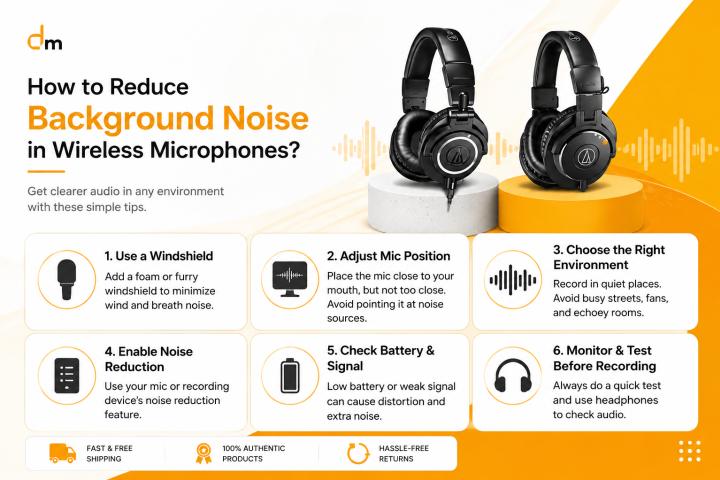
Another common issue is wind noise. Always use the included furry windshield when recording outdoors, and position the transmitter away from clothing friction to avoid rustling sounds.
Why Proper Mic Levels Matter
Good mic levels can make or break your production. Clear, consistent audio enhances the viewer’s experience and gives your content a professional edge. Whether you’re filming a travel vlog, conducting an interview, or recording a podcast, understanding your mic’s gain structure helps you produce polished results without relying heavily on post-production fixes.
The RØDE Wireless GO II makes this process easier thanks to its intuitive design and smart digital control. With just a little practice, you can achieve professional-grade sound anywhere you record.
Final Thoughts
The RØDE Wireless GO II remains one of the best wireless microphone systems for modern creators. Its flexibility, clarity, and ease of use make it perfect for vloggers, educators, and filmmakers alike. Setting the right mic levels is essential to getting the best results — and once you find your ideal setup, your recordings will sound clear, consistent, and ready for publishing.
For creators in Pakistan, you can explore authentic RØDE microphones and accessories through the Rode Mic Price In Pakistan section at Fusion Max. If you prefer in-person guidance and a wide range of audio gear, the camera market lahore remains a trusted destination for professionals and beginners alike.
By understanding your equipment and applying the right settings, your RØDE Wireless GO II will continue to deliver the crisp, professional sound that’s made it a top choice for creators around the world.