Most conversations about AI agents on phones focus on the demo, not the daily reality. A short video of a phone tapping through a checkout flow by itself looks impressive, but it says nothing about whether the same agent can be trusted with your inbox, your calendar, or your bank details. The more useful question is narrower: which tasks can a mobile AI agent handle safely and reliably today, and which ones still need a human to sign off?
Below are twelve tasks that mobile AI agents are already handling in some form in 2026, ranked loosely by how mature and low-risk each one is.
The reliable end: capture, summarize, draft
1. Reminders and task capture. Saying "remind me to call the supplier when I land" and having it turn into a working, context-aware reminder is the most mature mobile AI task there is. Low risk, high frequency, minimal permissions required.
2. Calendar scheduling. An agent that checks your availability, proposes a few slots, and drafts an invite saves real back-and-forth. The safest versions draft before sending rather than committing changes automatically.
3. Email triage and reply drafting. Summarizing an inbox and drafting replies is now a common feature across major assistants. The risk sits entirely in the send step, which is why a good agent stops there and waits for a human to approve.
4. Message summarization. Catching up on a long group thread by having an agent extract the decisions and open questions is a genuine time-saver, provided the draft reply still gets reviewed before it goes out.
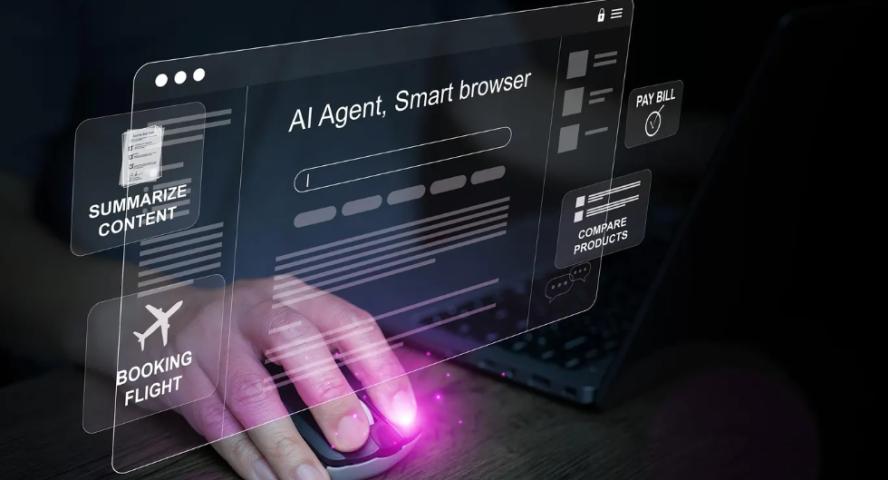
5. Research and comparison. Asking an agent to compare a handful of products or summarize a set of articles is low-risk because nothing external is touched. The main caveat is that sponsored or outdated sources can quietly bias the summary.
The middle tier: useful, but needs guardrails
6. Meeting notes and follow-ups. Turning a recorded conversation into action items works well, but recording rules vary by location, and speaker identification is still imperfect enough to need a quick human check.
7. Travel planning. Agents are good at drafting itineraries and comparing flights or hotels. They should not be trusted to complete a booking or enter payment details without a final confirmation step.
8. Shopping and price comparison. Similar logic: comparison and research are safe, checkout is not, at least not without a deliberate approval step.
9. Receipt and expense capture. Photographing a receipt and having an agent extract the merchant, amount, and category is genuinely useful for freelancers and small teams, though photo quality still causes real error rates.
10. Smart-home routines. "Movie night" triggering the lights, blinds, and TV together is a nice convenience. Anything touching locks, garage doors, or alarms should stay outside full automation.
The two hardest problems
11. Form filling and app navigation. This is where most mobile agents hit a wall, because a large share of real apps expose no API and no clean accessibility layer for an agent to hook into. It is also where the interface an agent uses to act starts to matter more than the model behind it.
12. Health and habit tracking. Reminders, walking plans, and hydration nudges are fine. Diagnosis, medication, or treatment decisions are not, and no serious agent should attempt them.
Why the interface matters as much as the model
Most of the tasks above assume the agent works through an app's own API or accessibility hooks. That works until the app in question does not expose either, which is common. It is one reason some newer approaches skip the API question entirely and instead act the way a person would: watching the screen and sending keyboard or touch input directly, rather than depending on the app to cooperate.
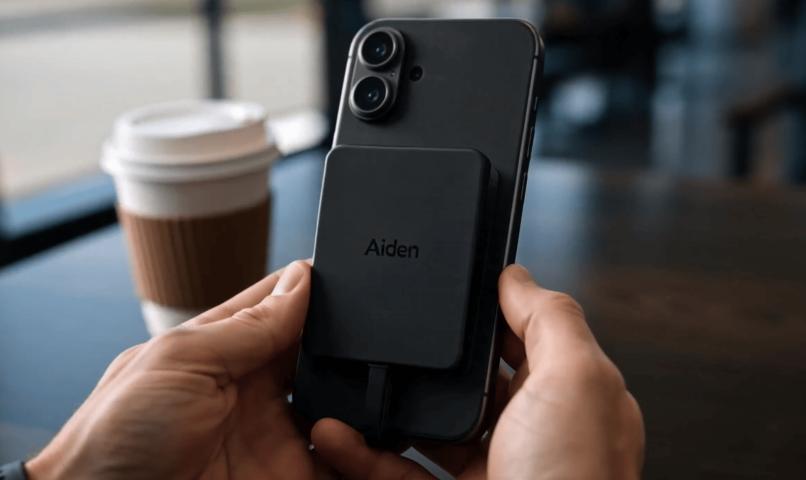
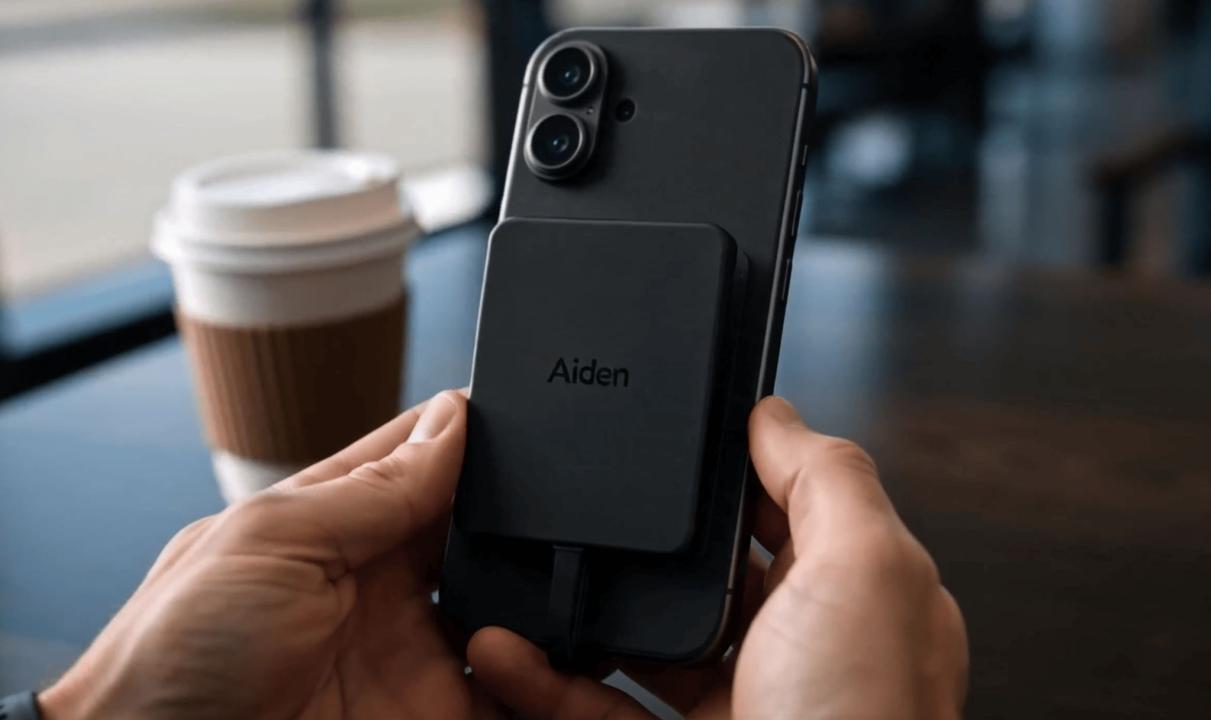
Aiden is one example of that approach applied at the hardware level: a small board that plugs into a phone over USB, reads the screen, and controls the device through standard input, without an app installed on the phone itself. It is a useful illustration of where mobile automation is heading once the "no API" problem stops being the blocker.
The practical takeaway
There is no single best mobile AI agent for every task. The tasks worth trusting today are the ones where a mistake is cheap to reverse: drafts, summaries, comparisons, reminders. The tasks that still need a human in the loop are the ones where a mistake is expensive or irreversible: payments, medical decisions, security settings, anything sent externally without review.
The safest habit, regardless of which assistant or agent you use, is the same one that has always applied to delegation: let the agent prepare the work, and keep the final decision with a person.