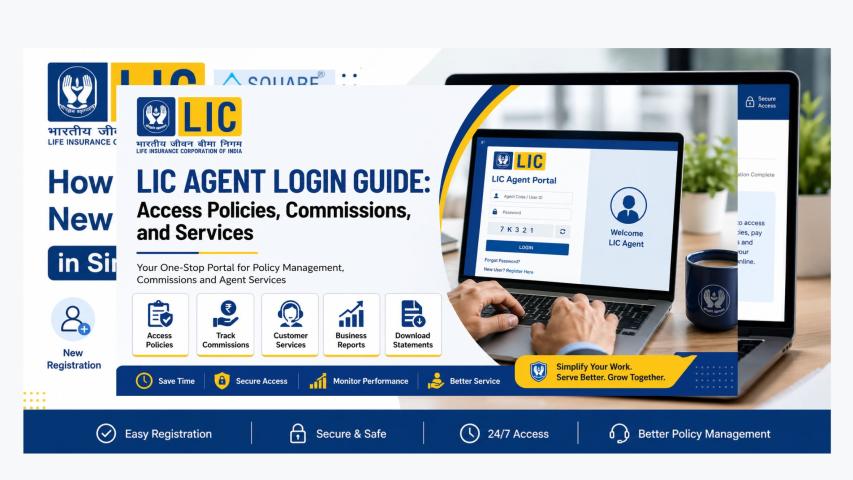
The LIC Merchant Portal Login 2026 process is important for authorised LIC merchants and premium collection points that use digital systems to support policyholders. The portal forms part of LIC’s wider digital infrastructure for premium collection and related servicing activities. LIC’s official website currently lists the Merchant Portal separately from the Customer Portal and Agent Portal, confirming that these are different digital access channels.
For merchants, understanding eligibility, registration, login, dashboard functions and common access issues can make day-to-day premium collection more organised and efficient.
What Is the LIC Merchant Portal?
The LIC Merchant Portal is a digital platform associated with LIC's authorised merchant and premium-collection ecosystem. LIC documentation describes merchant-related functionality such as premium collection, merchant onboarding, transaction processing, invoice or summary generation, reconciliation, policy queries and servicing options.
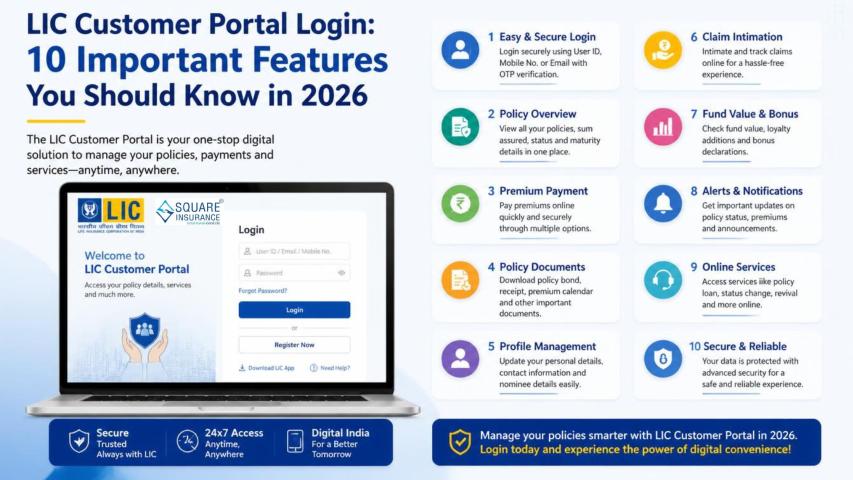
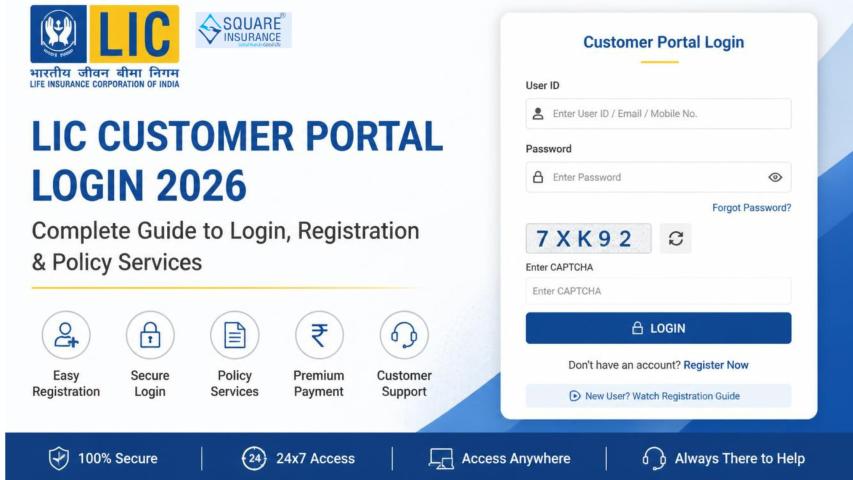
It should not be confused with the LIC Customer Portal, which is primarily designed for policyholders to access their own policy information and online services. Merchants use their designated access to perform authorised transactions and customer-service activities.
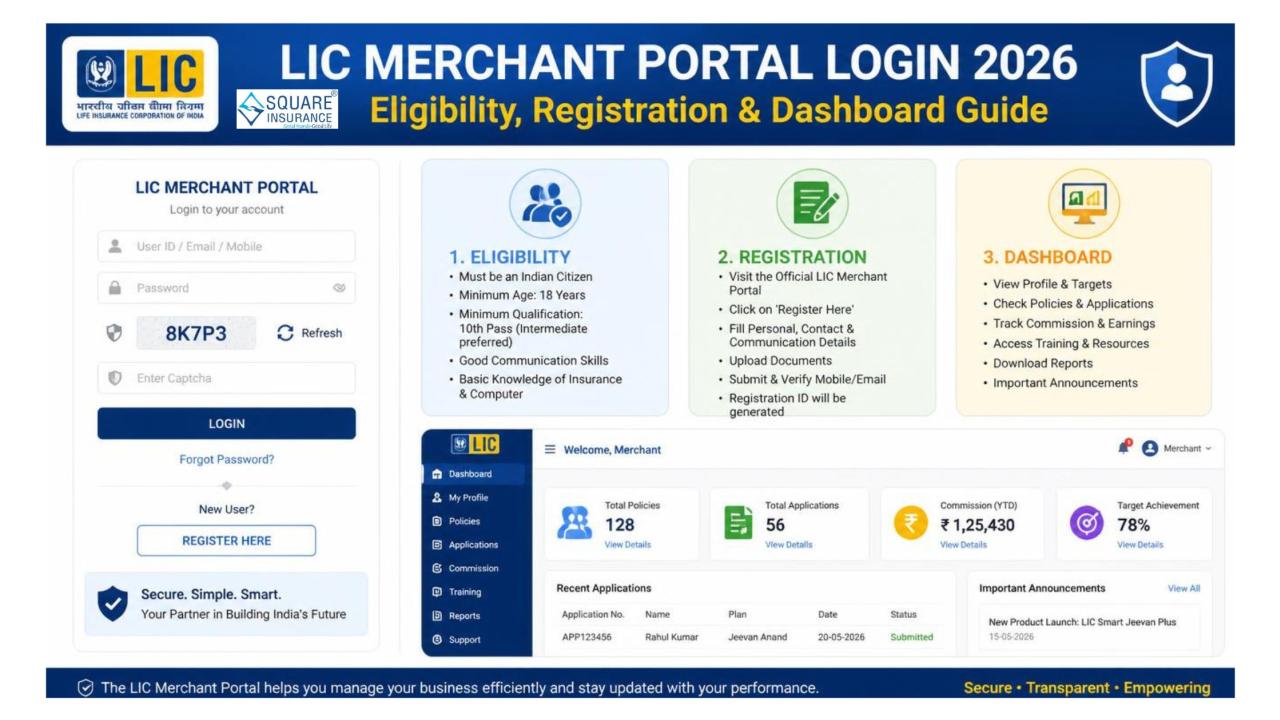
LIC Merchant Portal Login 2026: Who Is Eligible?
The Merchant Portal is not a general-purpose login facility for every LIC customer. Access is intended for authorised participants within LIC's merchant or premium-collection network.
LIC's official premium-payment information identifies several merchant-related channels, including LIFE Plus Points, Senior Business Associates, LIFE Points, Premium Points, authorised retired employees, Empowered Agents, Chief Organisers and LIC Associates.
Eligibility and onboarding can depend on the merchant category, LIC authorisation and the applicable operational requirements. Therefore, applicants should confirm their status and registration process through LIC's authorised channels rather than relying on third-party login instructions.
How to Register for LIC Merchant Portal
Merchant registration is different from ordinary LIC Customer Portal registration. A prospective merchant generally needs to be authorised or onboarded through the applicable LIC channel before receiving merchant credentials.
A practical registration journey can be understood as follows:
Step 1: Confirm eligibility
Determine whether you belong to an authorised LIC merchant or premium-collection category.
Step 2: Complete merchant onboarding
Provide the information and documentation requested by LIC or the relevant authorised office/channel.
Step 3: Receive merchant credentials
After successful onboarding and approval, the applicable login credentials or access details are provided.
Step 4: Access the Merchant Portal
Use the official LIC website and the designated Merchant Portal option to sign in.
Because portal interfaces and onboarding procedures can change, always follow the latest instructions provided by LIC rather than using outdated screenshots or unofficial links.
How to Login to LIC Merchant Portal in 2026
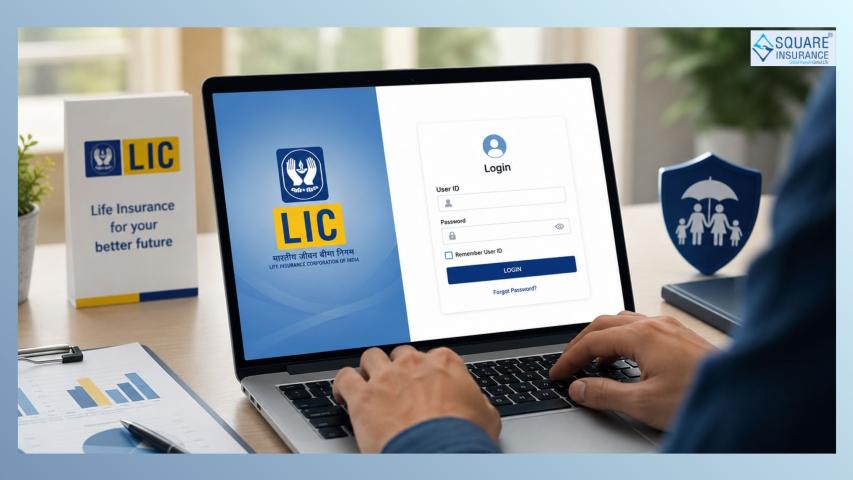
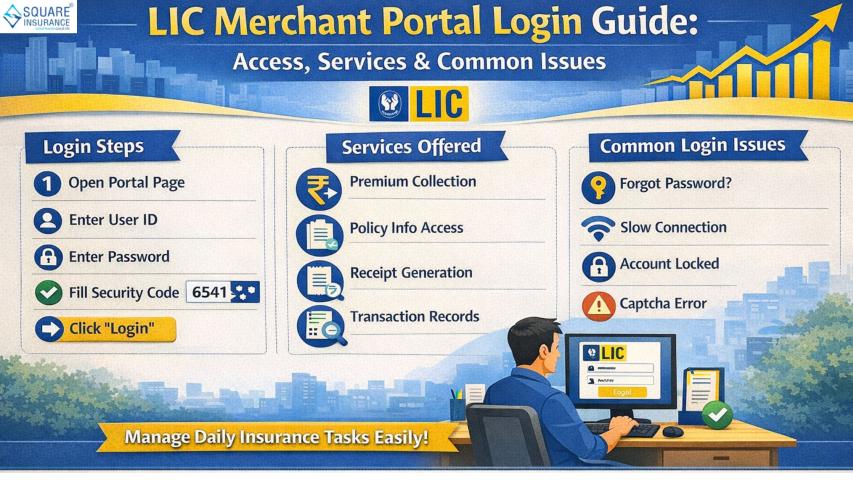
Once your merchant access has been activated, the basic login process is straightforward:
- Visit the official LIC website.
- Locate the Merchant Portal option.
- Enter your authorised merchant login credentials.
- Complete any security verification displayed on the portal.
- Submit the details to access your dashboard.
- Review the dashboard before beginning a transaction.
LIC's current website continues to list the Merchant Portal as one of its dedicated digital channels.
What Can You Do From the Merchant Dashboard?
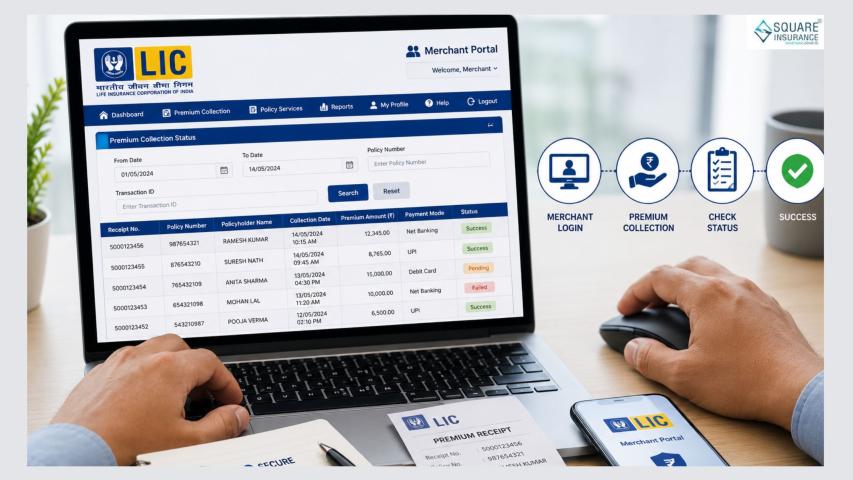
The exact dashboard options depend on the merchant role and current LIC system configuration. LIC documentation identifies several merchant-related capabilities, including premium and proposal deposit collection, invoice or summary generation, accounting and reconciliation, transaction publishing, transaction-charge reconciliation, MIS and reports, policy queries, service options and online proposal submission.
For premium-payment transactions, LIC's 2026 payment-aggregator documentation also describes a workflow where a merchant logs in, enters policy numbers, views policy details, generates a QR payment request and receives transaction confirmation through the Merchant Portal.
LIC Merchant Portal: Why It Matters in 2026
Digital premium collection is now an important part of LIC's service ecosystem. LIC's official FY 2022–23 annual report stated that merchants collected 25.63% of the Corporation's renewal premium collections, covering 11.04 crore policies and ₹65,930.20 crore in premium during that financial year.
LIC's network remains extensive. As of June 30, 2026, LIC reported 14,45,692 agents, alongside 2,048 branch offices and 1,584 satellite offices. These figures demonstrate the scale of the organisation's physical and digital distribution network.
Real Example: Merchant Premium Collection
Suppose an authorised LIC merchant is helping a customer pay renewal premiums for two policies. After logging into the Merchant Portal, the merchant can enter the applicable policy numbers. According to LIC's 2026 documentation, the portal can display policy details, allow multiple policy numbers to be submitted, generate a QR payment request and provide confirmation after successful payment.
The merchant can then use the available receipt functionality to provide transaction confirmation to the customer.
4R Framework for LIC Merchant Portal Login
Use the 4R framework to manage merchant portal access efficiently:
Register: Complete authorised merchant onboarding.
Reach: Access the official Merchant Portal using valid credentials.
Review: Check policy, transaction and payment information before confirming an activity.
Reconcile: Regularly review receipts, transaction records and available reports.
This framework helps reduce avoidable transaction and record-keeping errors.
Common LIC Merchant Portal Login Problems
Incorrect credentials: Recheck the authorised login details and avoid repeatedly entering incorrect information.
Portal unavailable: LIC's systems may occasionally undergo maintenance or technical updates. Try again later if the service is temporarily unavailable.
Transaction issue: Verify the policy number, payment status and transaction confirmation before attempting another payment to avoid duplicate transactions.
Access or onboarding problem: Contact the appropriate LIC office or authorised support channel associated with your merchant registration.
FAQs:- Frequently Asked Questions
Q1. Who can use the LIC Merchant Portal?
It is intended for authorised LIC merchants and eligible participants in LIC's premium-collection ecosystem, not ordinary policyholders.
Q2. Is LIC Merchant Portal the same as Customer Portal?
No. The Merchant Portal is designed for authorised merchant-related activities, while the Customer Portal provides policy services to registered policyholders.
Q3. Can merchants collect LIC premiums online?
Yes. LIC provides merchant and other authorised alternate channels for renewal premium collection.
Q4. Can a merchant process multiple policy payments?
LIC's 2026 payment documentation describes entering additional policy numbers during a Merchant Portal payment transaction.
Q5. Is Merchant Portal registration available to everyone?
No. Merchant access depends on applicable LIC authorisation and onboarding requirements.
Conclusion
The LIC Merchant Portal Login 2026 is an important digital access point for authorised merchants involved in LIC's premium collection and servicing ecosystem. Understanding eligibility, onboarding, login security, dashboard functions and transaction verification can help merchants work more efficiently.
As LIC continues expanding its digital infrastructure, merchants should rely on official LIC information for current login and onboarding procedures. For broader insurance guidance and support with understanding insurance services, square insurance can help customers and insurance professionals make more informed decisions.