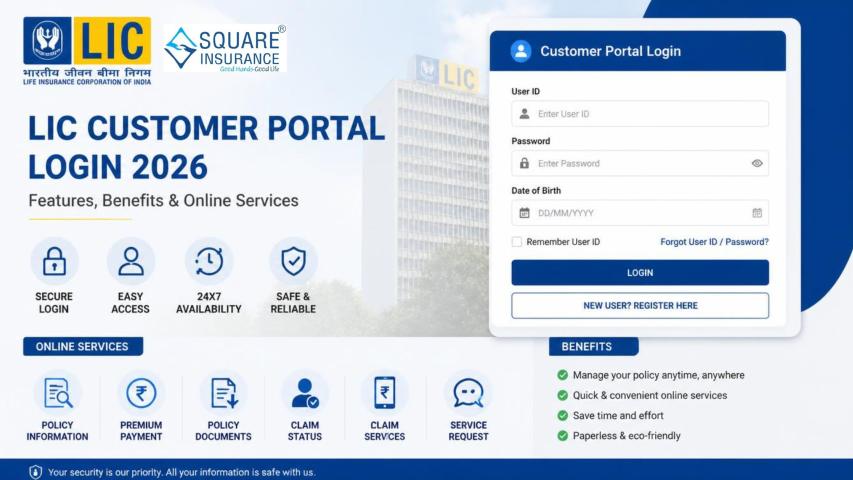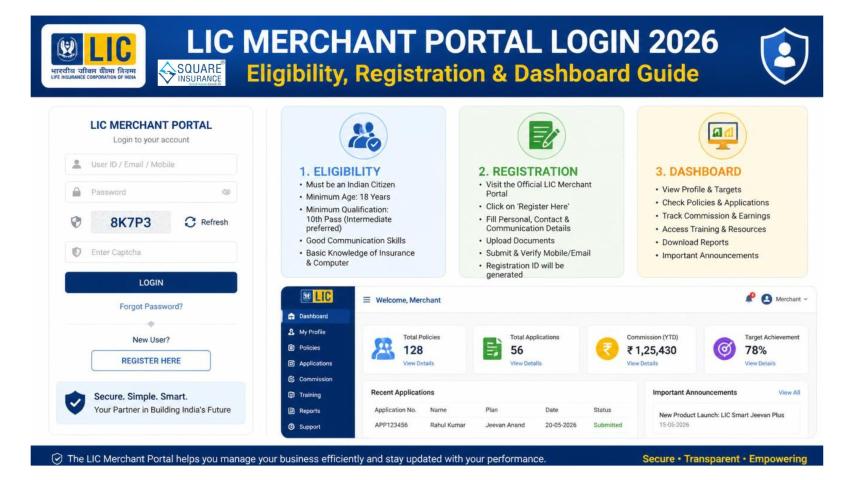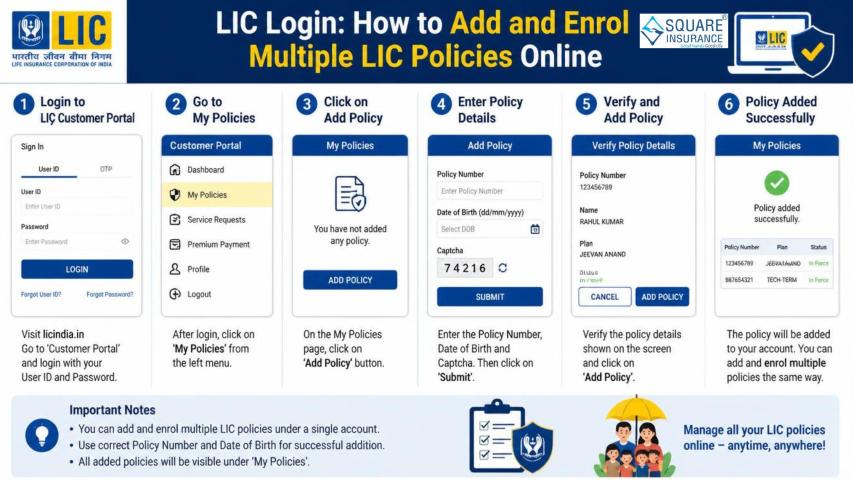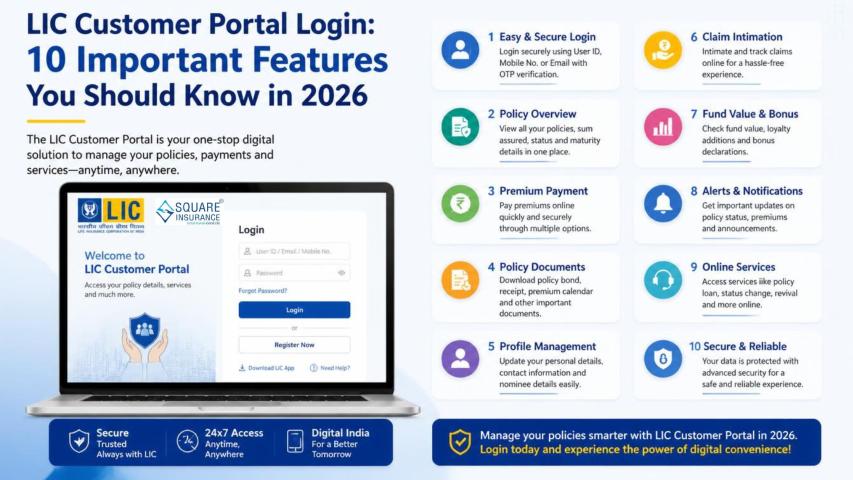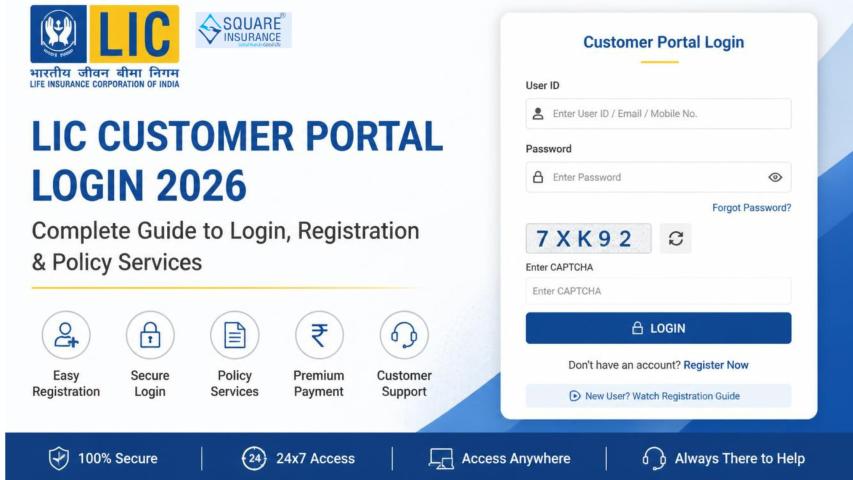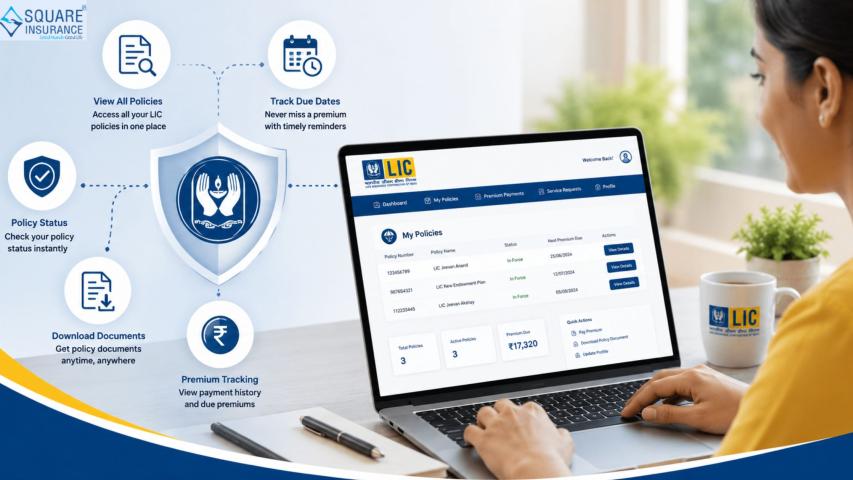
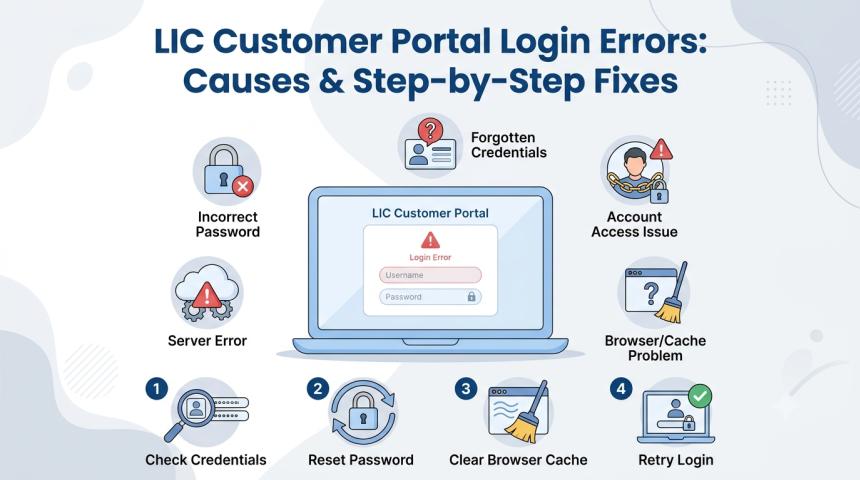
Digital access has made it easier for policyholders to manage important insurance-related activities without visiting a branch for every small requirement. Through the LIC customer portal login, users can access their policy information, review premium-related details, monitor available services, and perform several online activities. However, reaching the account is not always straightforward. A login attempt may fail because of incorrect credentials, verification issues, browser settings, connectivity problems, or temporary technical interruptions.
Knowing what causes these errors can make troubleshooting simpler. Rather than trying the same login repeatedly, users can identify the likely problem and follow the appropriate steps to restore access.
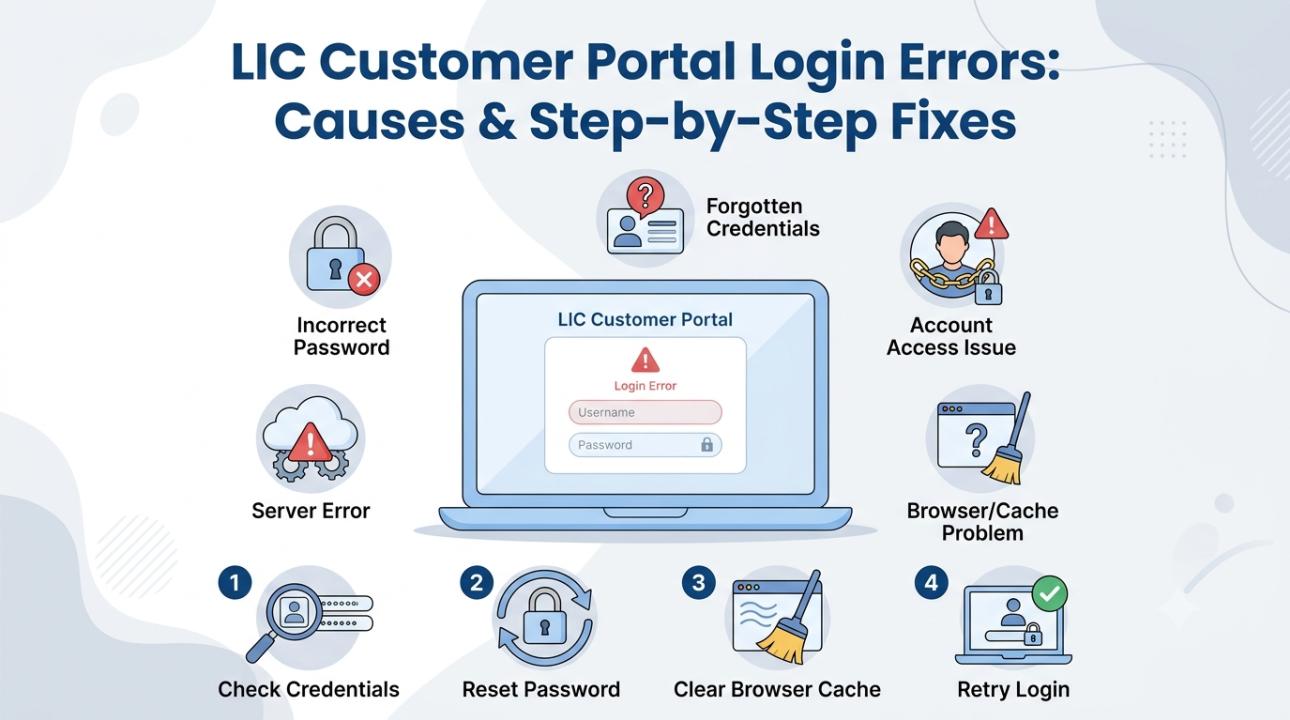
What Are LIC Customer Portal Login Errors?
A customer portal login error occurs when a registered user cannot successfully enter their online account. The problem may appear in different forms. For example, the portal may reject the User ID or password, fail to send an OTP, redirect the user to the login page, or display an unexpected technical message.
The cause is not always related to the account itself. A browser storing outdated information or an unstable internet connection can also interfere with the login process. Therefore, checking both account-related and technical factors is important.
Incorrect Login Credentials
One of the first things to verify is your User ID and password. Even a minor typing mistake can prevent authentication. Passwords may also be case-sensitive, making capital and small letters important.
How to fix it:
- Enter the User ID carefully.
- Check the spelling and character sequence.
- Make sure Caps Lock is not affecting your password.
- Remove any unwanted spaces.
- If your browser automatically fills the password, verify that the saved information is current.
If you are confident that the credentials are incorrect or forgotten, use the relevant recovery facility instead of continuing with multiple unsuccessful attempts.
Forgotten User ID
It is possible to remember the password but forget the User ID associated with the account. This can happen when the portal is not accessed regularly.
The appropriate solution is to use the available User ID recovery option and complete the required verification steps. Keep the registered information accessible because the recovery process may ask for details linked to your account.
Recovering the existing credentials can be more practical than attempting to register again when an account already exists.
Password Reset Not Working
A password reset can create confusion if the user continues entering an older password. Another possibility is that the new password has been entered incorrectly.
To resolve this, complete the password-reset process carefully and note the new credentials securely. After the reset is completed, start a fresh LIC customer portal login session rather than continuing with an old browser session.
If the browser has saved the previous password, manually enter the updated password instead of selecting the automatically suggested one.
OTP Is Delayed or Not Received
OTP verification may be required for certain account activities. Sometimes users do not receive the code immediately, which can interrupt the login process.
Possible reasons include network problems, delayed message delivery, outdated contact details, or multiple OTP requests.
Try these steps:
- Check whether your registered mobile number is active.
- Confirm that your device has adequate network connectivity.
- Wait briefly before requesting another OTP.
- Enter the most recently received code.
- If verification is sent through email, check the relevant inbox and filtered folders.
Avoid repeatedly requesting OTPs within seconds because previously generated codes may no longer be valid.
Browser Cache Is Causing Problems
Browsers store cookies and temporary files to improve website performance. However, outdated data can occasionally interfere with a website's current session.
If the portal keeps redirecting you, does not load correctly, or behaves unusually, clearing the cache and cookies can be worth trying.
Close the browser after clearing the stored data and open a new session. You can also test the website in private or incognito mode. If the page works there, stored browser information or an extension may have contributed to the problem.
Login Page Keeps Redirecting
Repeated redirection to the login page can occur when a session expires or when the browser cannot maintain the required session information.
Start by closing all portal tabs and opening the website again. Then perform a new login rather than using an old page that has been open for a long time.
If redirection continues, clear cookies and cached data. Also check whether browser privacy or security settings are preventing necessary website functions.
Internet Connection Is Unstable
A login request requires a reliable internet connection. If the connection drops while credentials or verification information is being processed, the session may fail.
Check whether other websites are loading properly. If your connection is unstable, switch to a more reliable network and try the login again.
It is better to wait for a stable connection before beginning policy-related online transactions.
Temporary Technical Problems
Not every error originates from the user's device. Sometimes a portal may experience temporary technical difficulties or maintenance-related interruptions.
If your credentials are correct and basic troubleshooting has not helped, wait for some time and try again. Repeatedly refreshing the page may not solve a problem that is occurring on the service side.
If the issue remains for an extended period, use the appropriate official support channel and explain the exact error you are experiencing.
A Simple Troubleshooting Checklist
Before contacting support, work through this checklist:
Step 1: Recheck your User ID and password.
Step 2: Confirm that your internet connection is stable.
Step 3: Check your registered mobile number if OTP verification is involved.
Step 4: Request a fresh OTP if the previous one has expired.
Step 5: Clear browser cache and cookies.
Step 6: Try a private browsing window or another supported browser.
Step 7: Start a completely new login session.
Step 8: Wait and retry if a temporary technical issue is suspected.
This sequence helps narrow down whether the problem is related to credentials, verification, the browser, connectivity, or the portal itself.
How to Avoid Repeated Login Problems
Good account-management habits can prevent several avoidable issues. Keep your registered contact details updated and store your current login credentials securely. Do not share passwords or OTPs with other people.
Avoid using public or shared computers for account access whenever possible. If you have to use one, make sure you sign out completely after finishing your activity.
Keeping your browser updated can also help reduce compatibility-related problems. At the same time, avoid clicking on suspicious links that claim to provide direct portal access.
Also Read:- Best Term Insurance Plans in India
When Should You Contact Customer Support?
If the problem continues after checking credentials, connectivity, browser settings, OTP delivery, and session issues, additional assistance may be required.
Persistent account-access problems, incorrect registered information, or repeated technical errors should be reported through the appropriate official support route. Keep relevant policy or registration details available because account verification may be required.
Conclusion
LIC customer portal login problems can arise for many reasons, and not every failed attempt indicates an account-related issue. Incorrect credentials, forgotten User IDs, password-reset problems, OTP delays, browser data, unstable internet connections, expired sessions, and temporary technical interruptions can all affect access.
The most effective solution is to troubleshoot systematically. Begin with your credentials, then check verification, internet connectivity, browser settings, and session status. If these steps do not resolve the issue, wait for possible temporary technical difficulties to clear or seek appropriate support.
By keeping account information updated, protecting login credentials, and following basic security practices, policyholders can make online policy management more convenient and reduce common login-related interruptions.