Most people testing an AI image to video tool write something like this:
“cinematic, beautiful, dynamic, 4k, professional lighting, amazing camera movement, highly detailed”
Then the subject melts, the camera drifts nowhere, and the clip feels like a screensaver. The instinct is to blame the model. Nine times out of ten the prompt is the problem: it stacks five intentions into five seconds.
One action + one camera move + one sound cue
That’s the entire formula. A 5-second clip has room for exactly one idea, so give it exactly one — in three slots.
Weak: “barista making coffee, cinematic, steam, warm cozy atmosphere, camera moving around, beautiful”
Strong: “The barista sets the cup down on the counter. Camera pushes in slowly. Ceramic clicks on wood, low café murmur underneath.”
Same scene. The second one names a subject, a verb, a direction, and a sound. Nothing competes. Motion models resolve one clear instruction far more reliably than a pile of adjectives — the adjectives are already in your image, and re-describing them just gives the model permission to redraw what you liked.
Your source image does half the work
Before you touch the prompt:
- One clear subject. Busy backgrounds are where warping starts.
- Leave room in the direction of motion. A subject cropped tight to the frame has nowhere to walk.
- Even, readable light. Deep shadow is where artifacts breed.
- Sharp focus. Motion blur in a still becomes smear in a video.
- Crop to your final ratio first. Output usually inherits the source ratio, so decide 9:16 or 16:9 before upload, not in post.
Fixing the image is almost always cheaper than re-rolling the render.
Choose duration by beats, not by budget
- 5s — one beat. A product turn, a look to camera, a door opening. Highest hit rate by a wide margin.
- 10s — two beats. Action, then reaction. Needs a prompt with a clear order of events.
- 15s — a real sequence. Only when you’ve actually storyboarded it.
Counterintuitive but consistent: three separate 5s clips cut together beat one 15s clip that wanders. Shorter generations also mean cheaper iteration, and iteration is where the quality actually comes from.
Sound is the step everyone underestimates
Generating audio in the same pass as the motion removes the part of the workflow that used to eat the most time: hunting for a foley clip and nudging it frame by frame until the footstep lands. Name the sound in your prompt like you name the camera move — “fabric rustles as she turns,” “low engine hum,” “single ceramic clink” — and you get motion and audio that agree with each other by default.
Where this actually pays off
Product ads from a single catalogue photo. UGC->
Try the formula on something you already have
Take one photo you shot this month. Write one sentence: what moves, how the camera moves, what you hear. Render 5 seconds. Then change exactly one slot and render again — that’s how you learn what the model responds to, and it takes about ten minutes.
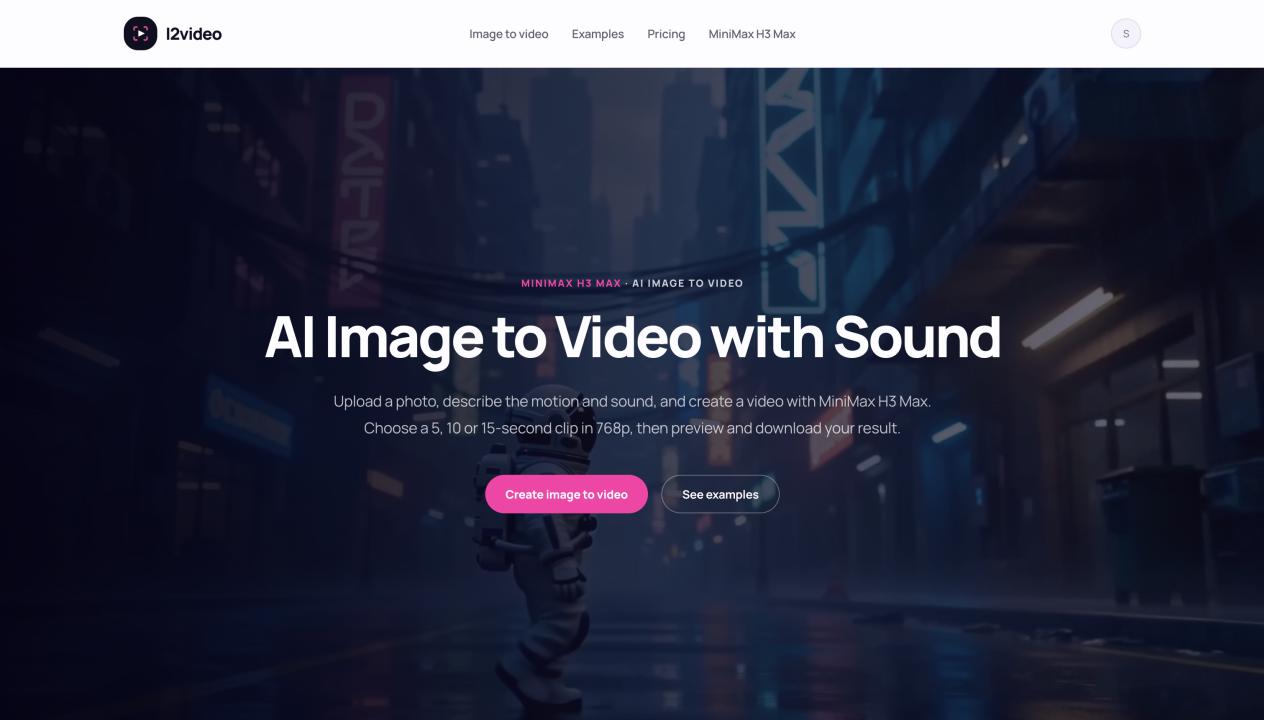
If you want somewhere to test it, i2video (https://i2video.com/) runs MiniMax H3 Max as an AI image to video generator with synchronized audio — upload, prompt, 5/10/15 seconds, no API setup, and one-time credits instead of a subscription.
The formula matters more than the tool. But a tool that generates sound in the same pass makes the formula worth learning.