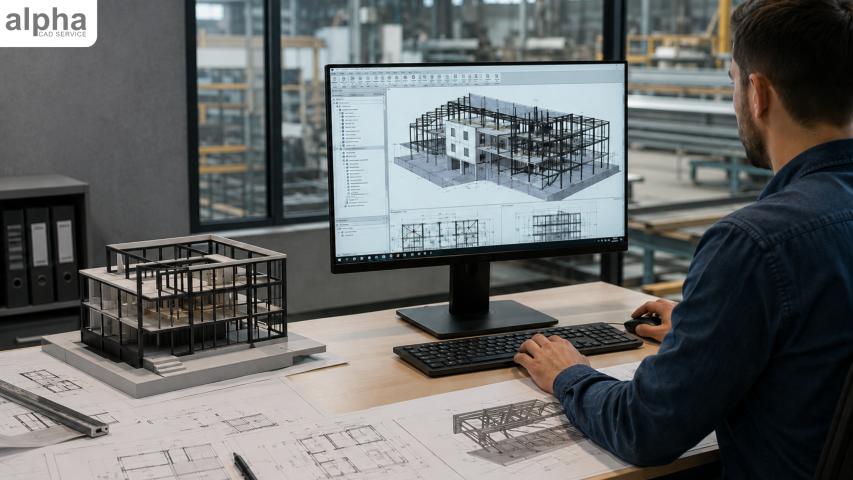
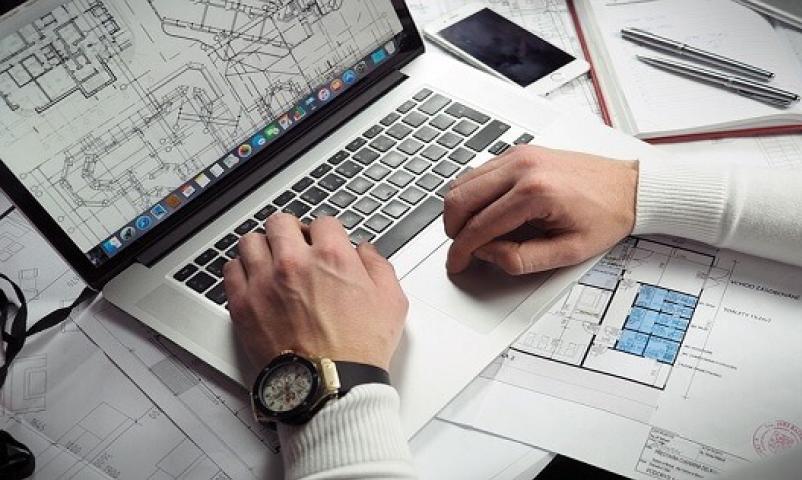
Picture a drafter at a drawing board, carefully using pencils, compasses, T-squares, rulers and sheets of paper. Now compare that with a designer rotating a detailed 3D model on a computer screen and changing a design in seconds. This contrast shows just how far CAD drafting has come.
The shift from pencil-and-paper drafting to digital design has changed how professionals create, review, modify, and manufacture designs. Today, CAD drafting services support complex projects with digital tools that make design workflows easier to manage. This evolution happened gradually, from early computer graphics to today's connected 2D and 3D CAD systems.
When Drafting Meant Pencil and Paper
Before computers entered the design process, technical drafting relied almost entirely on manual skills. Drafters used T-squares, triangles, drawing boards, pencils, compasses, and technical pens to create detailed plans.
A small mistake could affect an entire drawing, and a change in dimensions might require erasing and redrawing sections.
Manufacturers, engineers, architects and construction teams then used blueprints produced from these drawings. Experienced professionals could produce highly accurate manual drawings, but maintaining and distributing large drawing sets was time-consuming. As projects became more complex, these limitations encouraged the development of computer-based design tools.
The First Step Toward Computer-Aided Design
The history of CAD began taking shape in the 1960s as researchers explored ways to use computers for technical drawing. One important milestone was Sketchpad, developed in 1963 by Ivan Sutherland. It showed that people could interact with graphical designs directly on a computer screen.
Early computer-aided design systems were expensive and required powerful computers, so large organizations mainly used them. Aerospace and automotive manufacturing were among the early adopters.
These systems were not yet practical for most design offices, but they introduced an important idea: computers could help people create and modify technical designs.
The Rise of 2D CAD Drafting In The 1980s
CAD became much more accessible during the 1980s with the arrival of desktop CAD software such as AutoCAD. Instead of creating every line by hand, designers could draw and edit geometry directly on a computer. This was a major change in everyday drafting.
Designers could copy existing elements, change dimensions, move objects, use layers, and make corrections without redrawing the entire sheet. This made 2D CAD drafting a practical choice for many design and engineering tasks. Digital drawings were also easier to store, reproduce, revise, and share than physical drawing sets, making it simpler for teams to maintain updated project documentation.
Moving From 2D Drawings to 3D Models
The next major step was the move from 2D to 3D CAD. During the 1990s and 2000s, 3D modeling became increasingly common across manufacturing, engineering, architecture, and product design.
Instead of representing an object through separate top, front, and side views, designers could build a three-dimensional model that more closely represented the finished product. This let teams inspect proportions, check how components fit together, and spot potential design problems before physical production began.
3D modeling also strengthened the connection between design and manufacturing. Digital models could provide downstream teams with useful information as they prepared for production, helping them work from a more consistent source of design information.
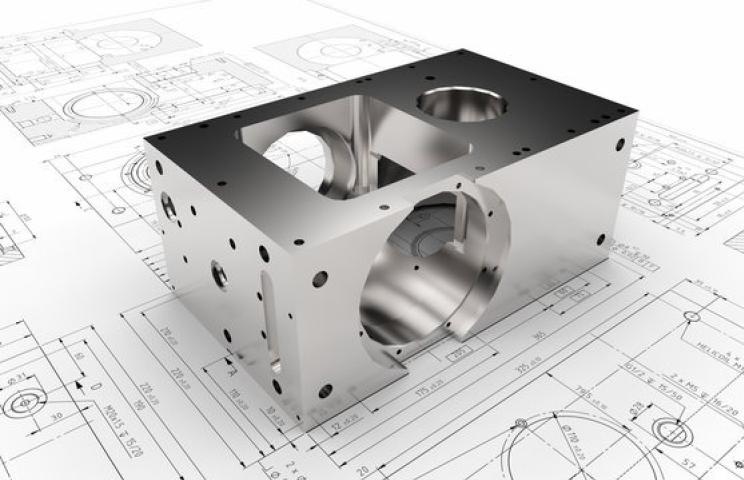
Consider a machine component with several mounting holes. If one hole needs to move, a traditional 2D workflow may require updates to multiple related views. In a well-built parametric 3D model, the change can flow automatically through dependent features and drawing views.
BIM, Parametric Design, and Cloud Collaboration
As CAD software became more capable, it moved beyond basic digital drawing and began connecting design with analysis, collaboration, and manufacturing.
Parametric design maintains relationships between design elements, so related parts of a model update when you make a change.
Building information modeling, or BIM, extended this idea into construction and architecture. A BIM model can contain both geometry and useful project information, allowing different professionals to work around a shared digital model.
Cloud-based platforms have taken digital collaboration further by allowing teams in different locations to access shared project information, review changes, and coordinate their work.
Unlike traditional CAD drawings that mainly describe geometry, BIM links the model to information about building elements, materials, quantities, and other project data.
Period | Major Development |
Before 1960s | Manual Drafting |
1960s | Early interactive computer graphics |
1980s | Desktop 2D CAD |
1990s - 2000s | Wider adoption of 3D CAD |
2000s onward | Parametric modeling and BIM |
Today | Cloud collaboration, automation, simulation |
Today’s CAD Tools Go Beyond Drawing
These connected digital models can now support several stages of the design and production process, including simulation, prototyping, and manufacturing.
CAD models can now support more than design documentation. Engineers can use them as the basis for simulation, checking factors such as stress or deformation before producing a physical prototype. The same digital models can also support technologies such as 3D printing and automated design tasks. These capabilities can improve efficiency, but professional oversight remains important to ensure that designs meet technical requirements.
The evolution was not simply about creating drawings faster. Each CAD generation added more information that could be connected to a design. 2D CAD digitized drafting, 3D CAD added spatial information, parametric modeling connected design relationships, and BIM extended models with project data.
What Has Not Changed
Despite these technological changes, the fundamentals of good drafting remain the same. An experienced designer still needs to understand geometry, dimensions, standards, materials, tolerances, and design intent. A technically advanced model is useful only when it correctly communicates what needs to be manufactured or built.
Modern CAD tools can automate repetitive work, but they do not replace professional judgment.
The Future Of CAD Drafting: Higher Accuracy In Designs
CAD has evolved to make design information more useful than the drawing itself. Today's digital models can support visualization, coordination, analysis, manufacturing, and construction, creating a more connected workflow from concept to finished project.
Drafting will likely become even more connected and automated, while still depending on human experience and judgment. Businesses that need accurate drawings, detailed 3D models, or ongoing design support can also work with experienced CAD drafting professionals to manage projects more efficiently.
As technology evolves, drafting's purpose remains the same: clearly communicating design intent so an idea can move successfully toward construction or production.