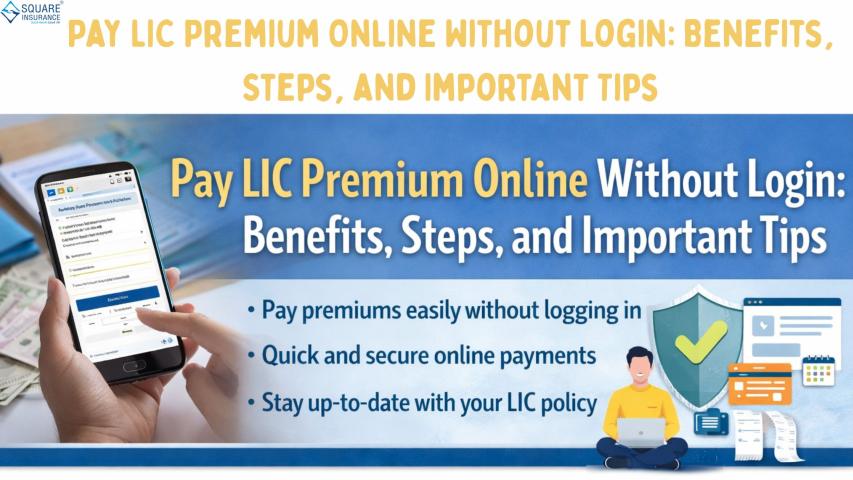
Paying insurance premiums on time is very important to keep your policy active and ensure continuous financial protection. Earlier, people had to visit branch offices or log in to their online accounts to make premium payments. However, things have become much easier now. Policyholders can pay LIC premium online without login, making the process faster and more convenient.
This option is especially useful for people who do not remember their login details or prefer quick payments without accessing their account. In this article, you will learn the benefits, steps, and important tips for paying LIC premium online without login in a simple and clear way.
What Does Paying LIC Premium Online Without Login Mean?
Paying LIC premium online without login means you can make your premium payment directly using basic policy details, without entering a username or password. This method is designed to make the payment process easier and faster.
Instead of logging into your account, you only need to enter information such as:
- Policy number
- Date of birth or other identification details
- Premium amount (in some cases)
Once the details are verified, you can proceed with the payment using online payment options.
This method is safe, quick, and suitable for people who want a hassle-free payment experience.
Benefits of Paying LIC Premium Online Without Login
There are numerous benefits to utilizing this payment option. It is designed to provide comfort and flexibility to policyholders.
1. Saves Time
One of the biggest benefits is time savings. You do not need to log in, remember passwords, or go through multiple steps. The payment can be completed in just a few minutes.
This is helpful for busy individuals who want a quick solution.
2. No Need to Remember Login Details
Many people forget their login credentials or face issues resetting passwords. With this option, you can make payments without worrying about usernames or passwords.
This makes the process simple and stress-free.
3. Convenient and Easy
You can pay your premium anytime and from anywhere using your mobile phone, laptop, or computer. There is no need to visit an office or wait in line.
This convenience makes online payment a preferred choice for many policyholders.
4. Instant Payment Confirmation
After completing the payment, you usually receive confirmation immediately. This helps you know that your premium has been successfully paid.
You may also receive a receipt for your records.
5. Secure Payment Process
Online premium payment systems are designed with safety measures to protect your personal and financial information. As long as you enter correct details, the process remains secure.
Steps to Pay LIC Premium Online Without Login
The process is simple and easy to follow. Here is a general step-by-step explanation:
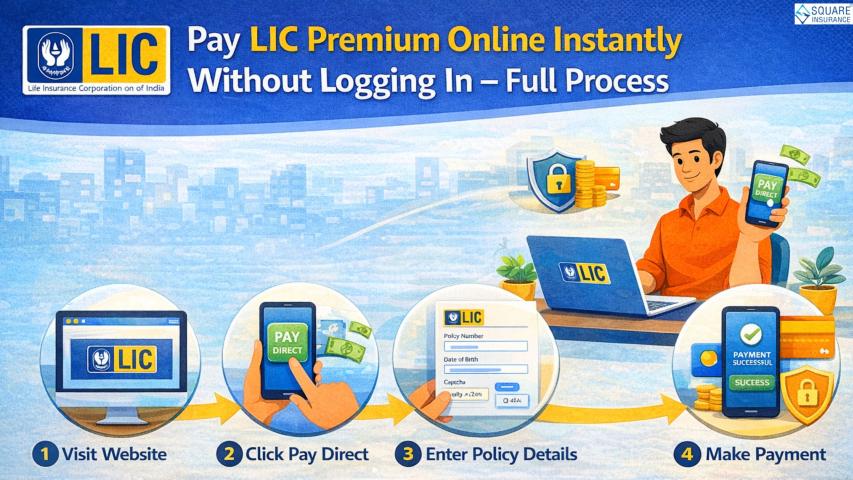
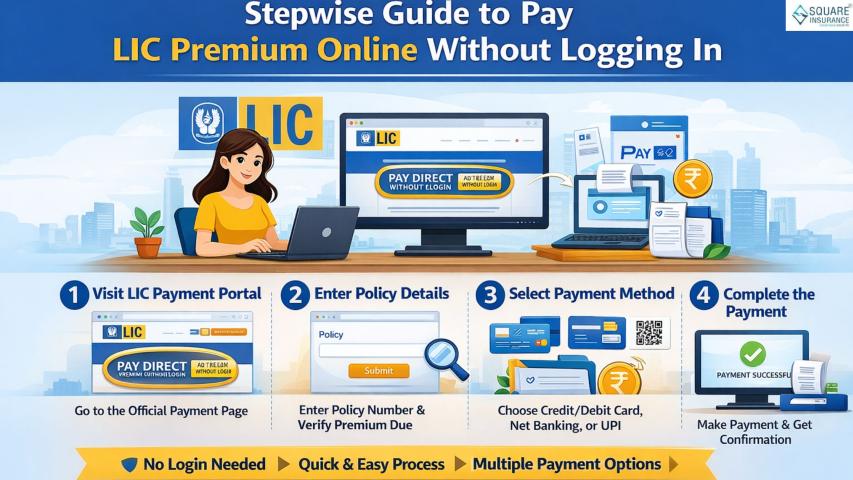
Step 1: Visit the Official Premium Payment Page
Open the official premium payment section using your browser. Look for the option that allows payment without login.
Step 2: Enter Policy Details
You will need to provide basic information such as:
- Policy number
- Date of birth
- Mobile number or email (if required)
Make sure the information is entered correctly.
Step 3: Verify the Premium Amount
Once your policy details are entered, the system will show the premium amount due. Check the amount carefully before proceeding.
Step 4: Choose Payment Method
Select your preferred payment option. Common online payment methods include:
- Debit card
- Credit card
- Net banking
- Digital payment methods
Choose the option that is convenient for you.
Step 5: Complete the Payment
Enter your payment details and confirm the transaction. After successful payment, you will receive confirmation.
It is important to save or download the payment receipt for future reference.
Important Tips to Remember While Paying LIC Premium Online Without Login
To ensure a smooth and safe payment experience, keep these tips in mind:
1. Enter Correct Policy Number
Always double-check your policy number before making the payment. Entering the wrong number can lead to payment errors.
2. Pay Before the Due Date
Try to pay your premium before the due date to avoid late fees or policy lapse. Timely payment keeps your policy active and benefits uninterrupted.
3. Use a Secure Internet Connection
Avoid using public or unsecured internet connections when making payments. A secure connection safeguards both your personal and financial information.
4. Save Payment Receipt
After making the payment, download or save the receipt. This can be useful as proof of payment if needed later.
5. Check Payment Confirmation
Always ensure that you receive payment confirmation. If you do not receive confirmation, check your payment status.
When Should You Use the Without Login Option?
This option is useful in many situations, such as:
- When you forget your login details
- When you want to make a quick payment
- When you do not have time to access your account
- When you are making a one-time payment
It provides flexibility and convenience to policyholders.
Is Paying LIC Premium Online Without Login Safe?
Yes, paying LIC premium online without login is safe when done correctly. The payment system uses secure methods to protect your information. However, you should always enter correct details and ensure you are using the official payment platform.
Avoid sharing your policy details or payment information with unknown sources.
What Happens After You Pay the Premium?
Once the payment is completed successfully:
- Your policy remains active
- Your payment record is updated
- You receive confirmation or receipt
Keeping your premium paid on time ensures continuous coverage and financial protection.
Common Mistakes to Avoid
Here are some common mistakes to avoid:
- Entering incorrect policy number
- Waiting until the last day to pay
- Not saving payment receipt
- Using unsafe internet connections
Avoiding these mistakes helps ensure smooth payment.
Conclusion
Paying LIC premium online without login is a simple, fast, and convenient option for policyholders. It eliminates the need to remember login details and allows quick payments from anywhere. The process is easy to follow and helps ensure your policy remains active without interruption.