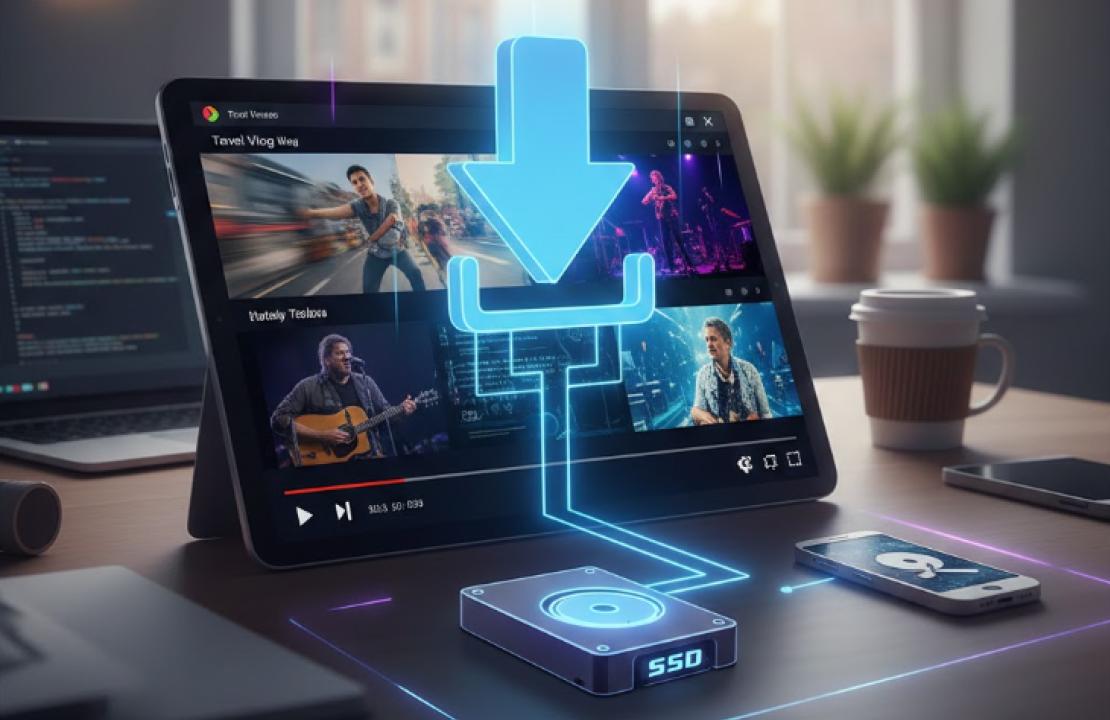
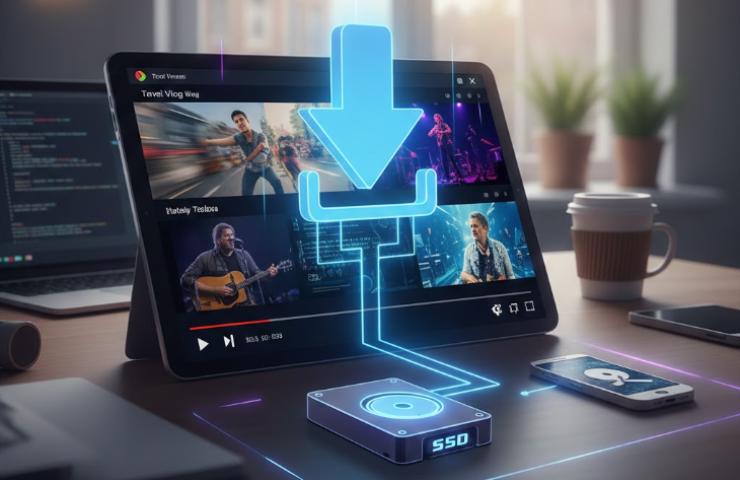
In an era where streaming is king, we’ve all been there: you find a crucial tutorial, a breathtaking travel vlog, or a rare documentary that you need to access offline. Whether it's for a long flight, a video editing project, or simply to preserve content that might disappear tomorrow, knowing how to save video from website sources is a valuable digital skill.
However, the landscape of the internet has changed. Gone are the days when a simple "right-click and save" worked on every page. This guide will walk you through the nuances of how to rip video from website platforms safely, efficiently, and ethically.
Is It Legal to Rip Videos from Websites?
Before we dive into the "how," we must address the "should." The legality of ripping videos is a gray area that depends heavily on intent and copyright.
Personal Use: Generally, downloading a video for private, offline viewing (like watching a lecture during your commute) falls under "fair use" in many jurisdictions, provided you don't distribute it.
Copyrighted Material: Ripping movies, music videos, or premium content to bypass paywalls or subscriptions is a violation of the Terms of Service (ToS) of most platforms and may infringe on copyright laws.
Public Domain & Creative Commons: Videos labeled with CC licenses or those in the public domain are perfectly legal to download and, in some cases, even reuse.
The Golden Rule: Always respect the creator. If you’re ripping a video to use in your own project, ensure you have explicit permission or that your use falls strictly under fair use guidelines.
Common Challenges When Ripping Videos from Modern Websites
If you’ve tried to save a video recently and failed, it’s not just you. Modern web architecture has become incredibly sophisticated at protecting media:
Encrypted Media Extensions (EME): High-end streaming sites use DRM (Digital Rights Management) to encrypt data streams, making them nearly impossible to rip without specialized authorization.
Fragmented Streaming (HLS/DASH): Instead of one single file (like an MP4), many sites serve video in hundreds of tiny "chunks." Traditional downloaders often fail to stitch these back together.
Blob URLs: Some sites hide the true source of the video behind a blob:http://... URL, which prevents standard "Save As" commands from seeing the actual file path.
Dynamic JavaScript Loading: Videos that only appear after a specific user interaction or scroll depth can trick basic browser extensions.
EasyDown: A Practical Tool for Ripping Videos from Websites
To overcome these technical hurdles, you need a tool updated for 2026’s web standards. EasyDown Video Downloader has emerged as a top-tier choice because it bridges the gap between power and simplicity across all your devices.
Why EasyDown Stands Out:
Cross-Platform Support: Whether you are on Windows, Mac, Android, or using the Web, EasyDown provides a consistent, seamless experience.
Massive Platform Compatibility: It supports 1000+ platforms, including major giants like YouTube, TikTok, and Twitter, as well as niche sites like NicoNico and music services like Spotify and Apple Music.
Lossless Quality: You don't have to sacrifice pixels for portability. Quickly save 4K videos and high-fidelity 320kbps audio without losing a shred of detail.
Batch Downloading: Save hours of manual work. EasyDown supports batch downloads for entire playlists, channels, albums, and podcasts.
Privacy & Cleanliness: It is completely ad-free, and your downloaded videos will never feature annoying watermarks.
How to Rip Video from Website Using EasyDown
Ready to get started? The beauty of EasyDown is that it eliminates the technical guesswork. Here is the 3-step process:
Copy the URL: Go to the website containing the video or music you want to save and copy the link from the address bar.
Paste and Analyze: Open EasyDown Online Video Downloader and paste the URL. The smart engine will quickly find the media and present you with quality options (e.g., 1080p, 4K, or MP3).
Download: Hit the download button. EasyDown will handle the "stitching" and "fetching" automatically, saving a perfect file to your device.
Common Mistakes to Avoid When Ripping Videos from Websites
Even with a pro tool, avoid these common pitfalls:
Interrupting the Merging Process: For 4K or HLS streams, the tool needs a moment at the end to "mux" (combine) the video and audio. Don't close the app until it says "Complete."
Ignoring Resolution Settings: Don't just click the first button. Check if 4K is available to ensure you get the best version for your screen.
Using Multiple Converters Simultaneously: Running three different downloaders can lead to IP flagging or software conflicts. Stick to one reliable tool.
FAQs About Ripping Videos from Websites
1. Can I rip a whole YouTube channel at once? Yes. Using EasyDown’s batch download feature, you can paste the channel URL, and the software will fetch all available videos in the queue.
2. Is the audio quality preserved for music? Absolutely. You can save audio at up to 320kbps, which is the gold standard for high-quality MP3s, ensuring your Spotify or Apple Music backups sound crisp.
3. Why do some videos fail to download? This is usually due to DRM (Digital Rights Management) or a private link. If the video requires a password to view on the site, a standard downloader may not be able to access it without the proper permissions.
4. Will ripping videos slow down my computer? Standard ripping is light on resources, but 4K rendering and batch downloading can use significant CPU power. It's best to let the process finish before starting a heavy task like gaming.
Final Thoughts
Learning how to save video from website platforms in 2026 is all about choosing the right tool for the job. By moving away from "shady" online converters and using a professional, ad-free solution like EasyDown, you protect your privacy while securing the highest quality media possible.