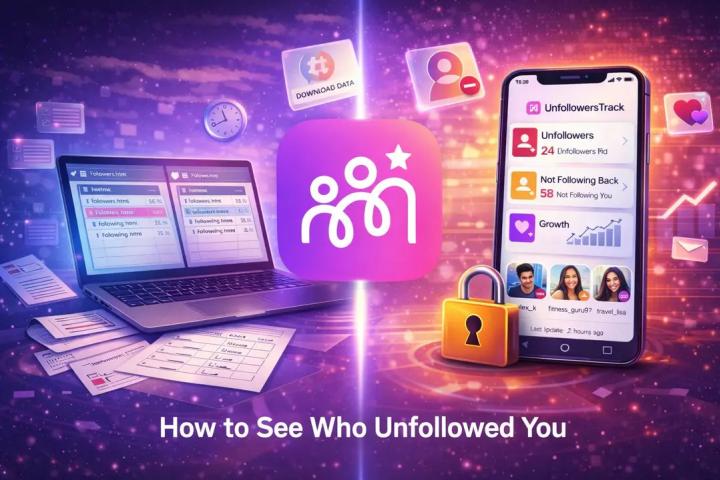
Learn how to see who unfollowed you on Instagram using official methods. Track unfollowers on Instagram, follows, and unfollows, no apps required.
Introduction
Instagram is great for staying connected, but one thing it still doesn't offer is a clear list showing who unfollowed you. While plenty of third-party apps promise this feature, they often come with privacy risks, security concerns, or account restrictions.
The good news? You don't need any external apps to find out who unfollowed you on Instagram. By using Instagram's own features and tools, you can safely track unfollowers without sharing your password or violating platform rules.
Instagram only shows:
Who you follow
Who follows you
It does not notify users when someone unfollows them. This is intentional, as Instagram prioritizes privacy and avoids encouraging negative engagement. However, with a little effort, you can still identify unfollowers on your own.
How to See Who Unfollowed You on Instagram Without Apps
Below are the most reliable and secure methods to see who unfollowed you on Instagram, using only official options.
- Method 1: Download Your Instagram Data (Most Accurate Method)
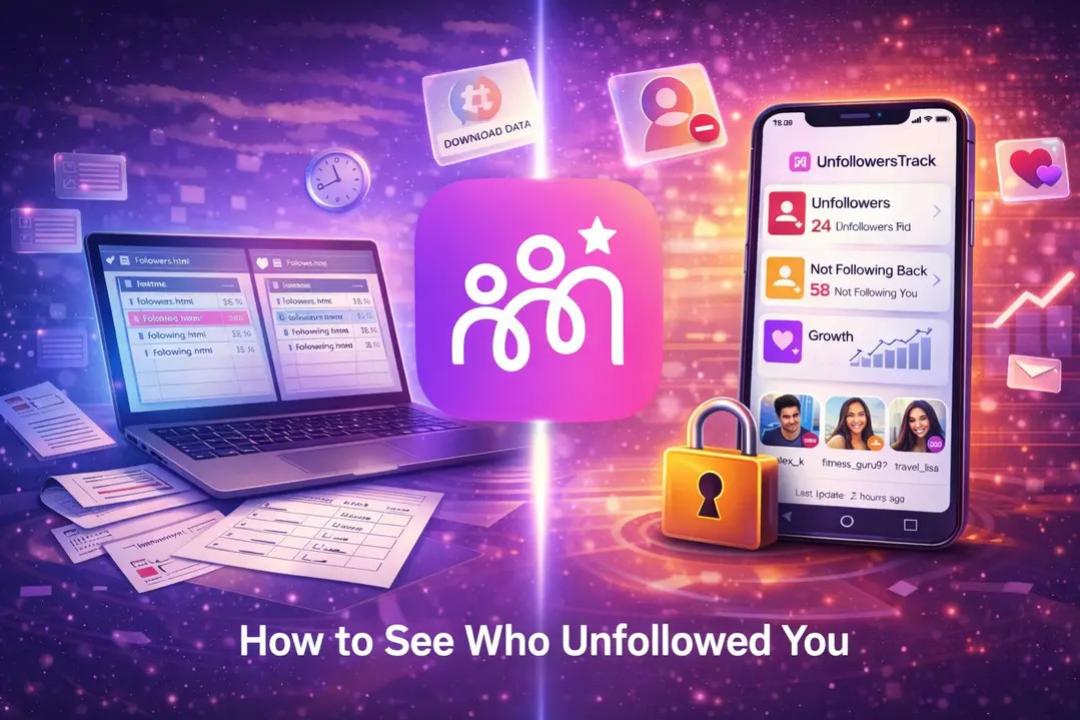
If you want the most complete and secure way to track unfollowers, downloading your Instagram data is the best option. This method allows you to compare your followers and following lists without using any third-party tools.
How to Download Your Instagram Data
- Open your Instagram profile and tap the menu (≡).
- Go to your information and permissions.
- Select download your information.
- Choose some of your information instead of everything.
- Select Followers and following.
- Set the date range to All time and choose HTML or JSON format.
- Submit the request and wait for Instagram's email (usually within 48 hours).
How to Find Unfollowers
- Download and unzip the file.
- Open followers.html and following.html in a browser.
- Copy both lists and compare them using a free list-comparison website.
- Any usernames that appear in "Following" but not in "Followers" are people who no longer follow you back.
Why this method is best:
- No password sharing
- Fully Instagram-approved
- Works even for large accounts
Read more at-
https://unfollowerstrack.com/blog/how-to-see-who-unfollowed-you-on-instagram-2026