Paying road tax is a legal responsibility for every vehicle owner in Uttar
Pradesh. Whether you have purchased a new vehicle or moved your car from
another state, paying road tax ensures your vehicle is legally registered and
compliant with government regulations. With digital transformation in transport
services, the process has now become much easier, faster, and more transparent.
In this detailed guide, we will explain how to
pay up
road tax online, along with important details such as calculation,
required documents, and key tips to avoid errors.
What is UP Road Tax?
Road tax in Uttar Pradesh is a mandatory fee
imposed by the state government on vehicle owners for using public roads. It is
collected by the Regional Transport Office (RTO) and is used for the
development and maintenance of road infrastructure.
The tax amount depends on several factors such
as:
- Type of vehicle (car,
bike, commercial vehicle)
- Fuel type (petrol,
diesel, electric)
- Vehicle cost and age
- Seating capacity
(for commercial vehicles)
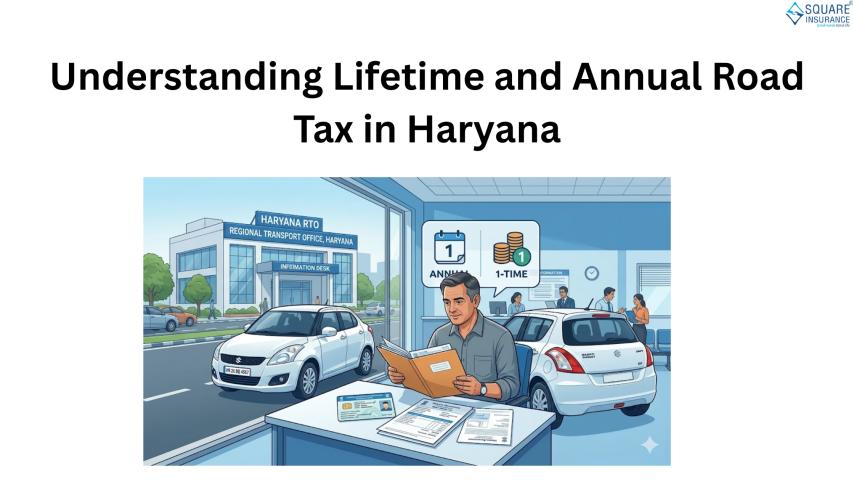
Once paid, the road tax is typically valid for
a lifetime in the case of private vehicles, while commercial vehicles require
periodic renewal.
Why Paying Road Tax
Online is Beneficial
The online system has simplified the process
significantly. Here are some key advantages:
1. Time-Saving
Process
No need to visit the RTO office physically.
The entire process can be completed from your home.
2. Transparent
Transactions
Online payment reduces the chances of errors
and ensures proper documentation.
3. Instant Receipt
You receive a digital receipt immediately
after payment, which can be used for future reference.
4. Easy Tracking
You can check your payment status anytime
without visiting any office.
Documents Required
for UP Road Tax Payment
Before starting the online payment process,
keep the following documents ready:
- Vehicle Registration
Number
- Chassis Number (last
5 digits)
- Owner details
- Invoice price of the
vehicle (for new vehicles)
- Address proof (if
applicable)
Having accurate details helps avoid delays and
incorrect tax calculations.
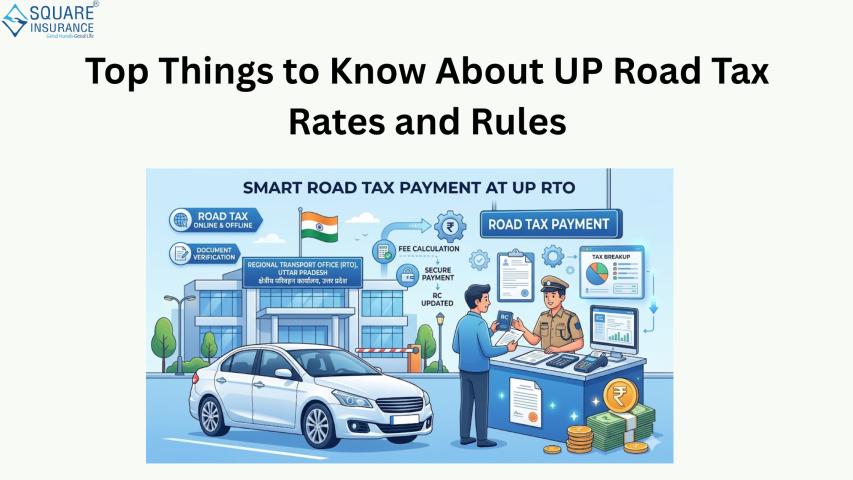
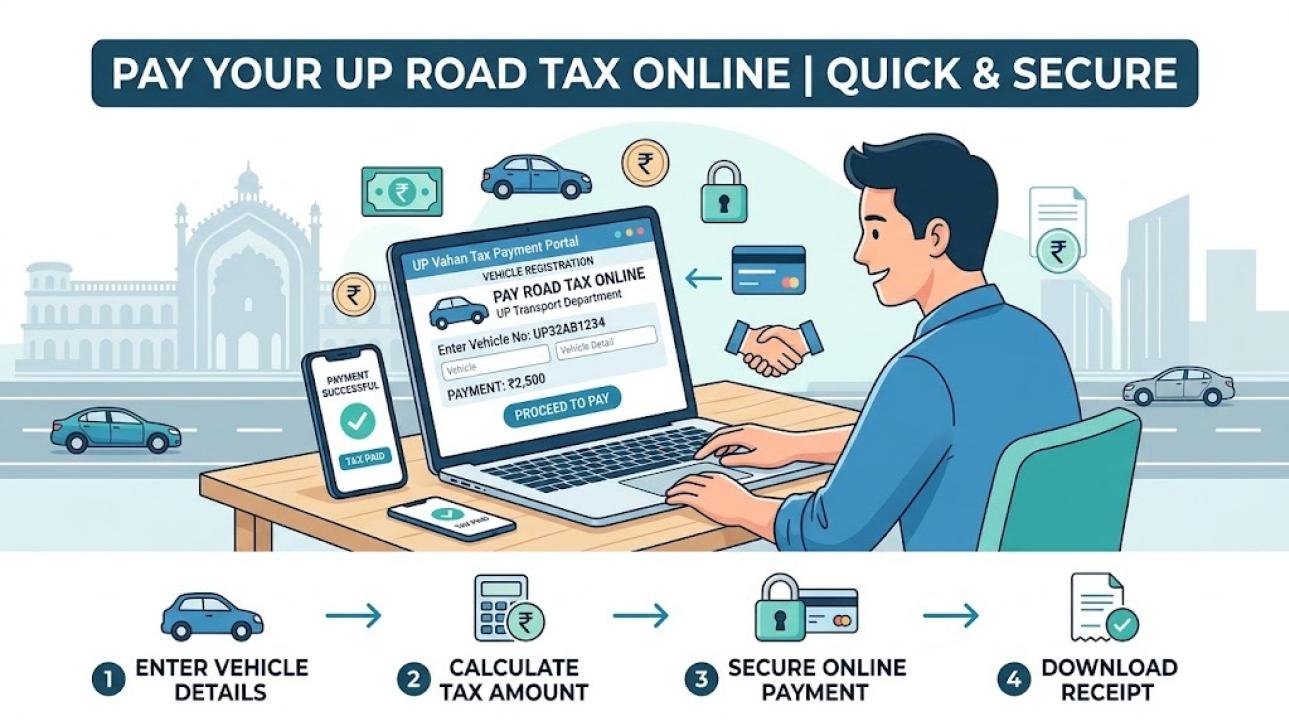
Step-by-Step Process
to Pay UP Road Tax Online
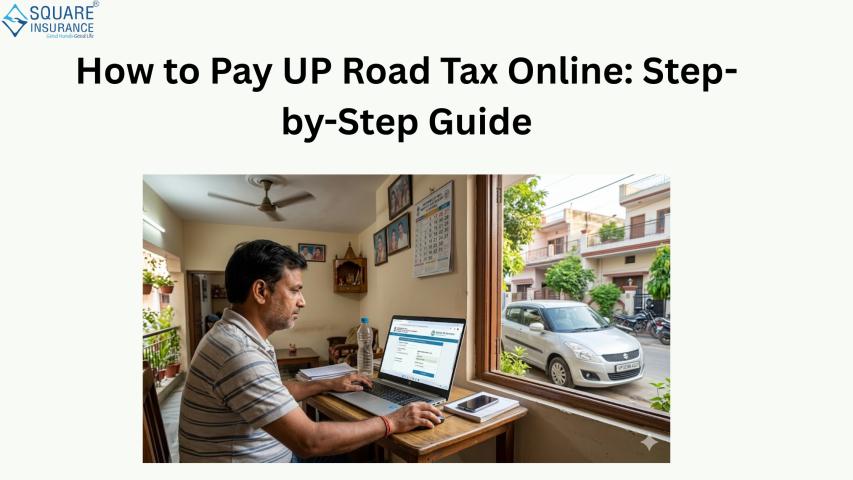
Follow these simple steps to complete your
road tax payment:
Step 1: Visit the
Official Transport Portal
Go to the official transport service platform
of Uttar Pradesh.
Step 2: Select “Pay
Vehicle Tax” Option
Navigate to the tax-related services section
and choose the option for road tax payment.
Step 3: Enter Vehicle
Details
Provide your vehicle registration number and
chassis details correctly.
Step 4: Verify
Information
Check all vehicle details displayed on the screen, including owner name and vehicle type
Step 5: Calculate Tax Amount
The system will automatically calculate the
payable road tax based on your vehicle specifications.
Step 6: Choose
Payment Mode
Select your preferred payment method such as
net banking, debit card, or UPI.
Step 7: Complete
Payment
Proceed with the payment and wait for
confirmation.
Step 8: Download
Receipt
Once payment is successful, download and save
the receipt for future use.
How UP Road Tax is
Calculated
Understanding the calculation helps you
estimate the payable amount in advance.
For private vehicles, road tax is usually
calculated as a percentage of the vehicle’s cost. The percentage varies
depending on the price range.
For example:
- Lower-cost vehicles
have a smaller tax percentage
- Higher-value
vehicles attract higher tax rates
For commercial vehicles, factors such as
seating capacity, load capacity, and permit type are considered.
Electric vehicles may receive exemptions or
reduced tax rates as part of government initiatives.
Common Mistakes to
Avoid
While paying UP road tax online, many users
make simple errors that can cause delays. Avoid these:
- Entering incorrect
vehicle registration number
- Using outdated or
mismatched vehicle details
- Not saving the
payment receipt
- Making payment on
unreliable platforms
Always double-check your details before
proceeding.
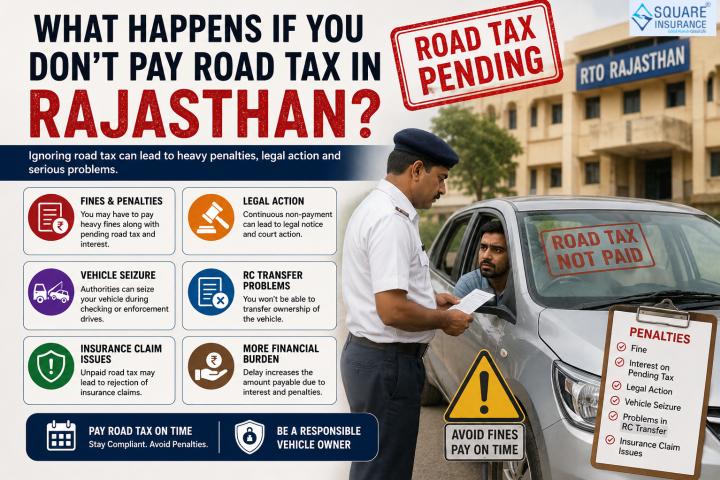
What Happens if You
Don’t Pay Road Tax?
Non-payment of road tax can lead to serious
consequences:
- Heavy penalties and
fines
- Legal action by the
transport department
- Vehicle seizure in
extreme cases
- Issues during resale
or transfer
Timely payment ensures hassle-free vehicle
ownership.
Tips for a Smooth
Online Payment Experience
- Use a stable
internet connection
- Keep all documents
ready beforehand
- Verify details
carefully
- Take a screenshot or
download the receipt
- Avoid last-minute
payments to prevent server issues
Following these tips will make the process
quick and stress-free.
Final Thoughts
Paying UP road tax online is a simple and
convenient process that every vehicle owner should complete on time. It not
only ensures legal compliance but also contributes to better road
infrastructure across the state. With digital services improving every year,
managing vehicle-related tasks has become easier than ever.
Apart from road tax, vehicle insurance is
equally important. While road tax allows you to use the roads legally,
insurance protects you financially in case of accidents, damages, or theft.
Having both ensures complete peace of mind while driving.
For reliable and easy-to-manage insurance
solutions, Square Insurance offers
user-friendly services that help vehicle owners secure their vehicles without
complications.
Frequently Asked
Questions
1. Can I pay UP road
tax completely online?
Yes, the Uttar Pradesh transport department
provides an online facility to pay road tax easily without visiting the RTO.
2. Is road tax a
one-time payment in UP?
For private vehicles, it is usually a one-time
lifetime payment. Commercial vehicles require periodic payments.
3. What details are
required to pay road tax online?
You need your vehicle registration number,
chassis number, and basic owner details.
4. Can I download the
road tax receipt later?
Yes, you can download the receipt anytime from
the portal using your vehicle details.