Hearing the term eSIM a lot lately? This is prominent if you’re an avid traveller. It sounds technical at first, but it’s super simple and isn’t much different to the traditional SIM - albeit with a lot more positive points. In this guide, we will break down what an eSIM is, how it works and why many are ditching physical SIM cards for good.
What Is an eSIM?
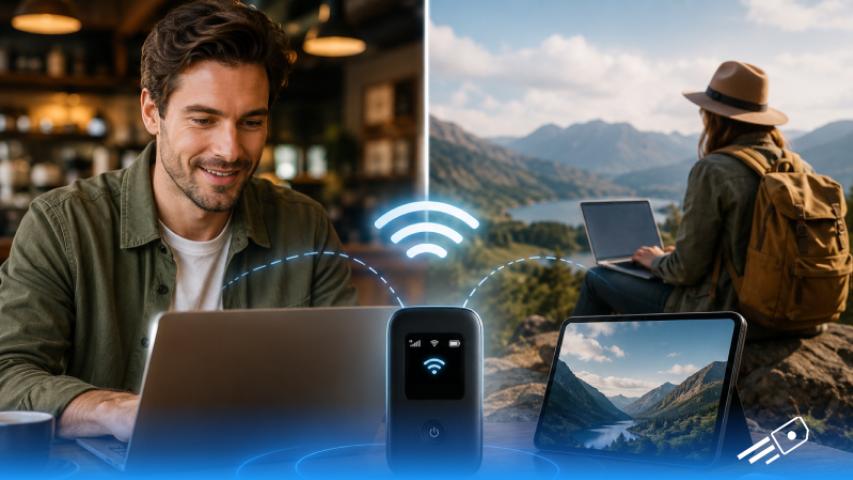
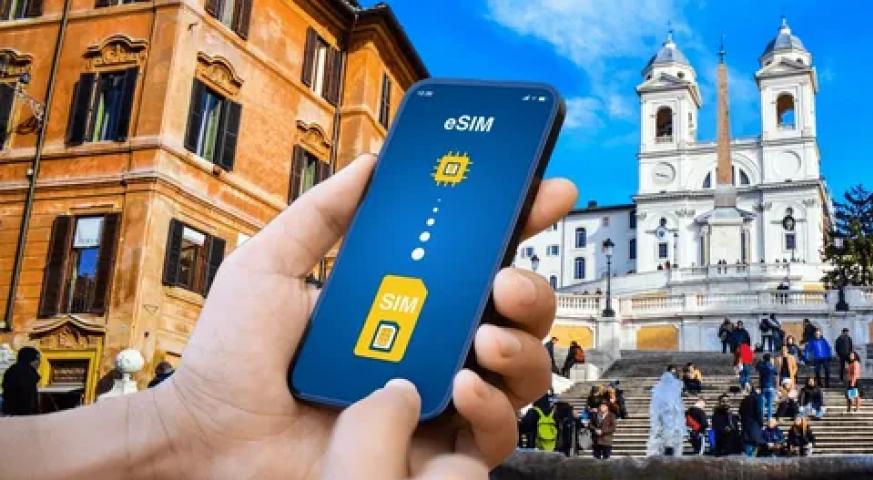
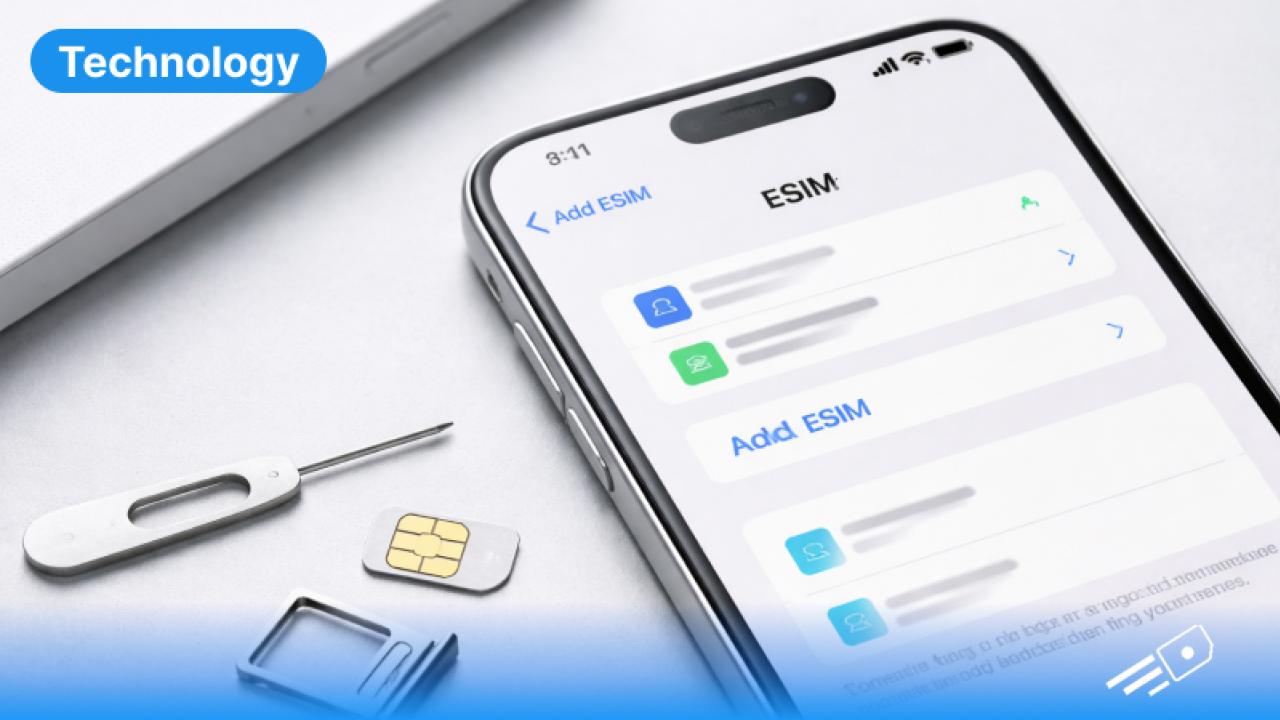
An eSIM is short for an ‘embedded SIM’. It is the digital version of the physical SIM card that’s already built into your phone. There’s nothing to insert or lose and no tiny plastic tray to fumble with at the airport. Instead of swapping out a card, you simply scan a QR code or download a plan directly onto your device, and you’re connected. The working mechanism is the same as a regular SIM in terms of calls, text and data. It's just that it lives inside your phone rather than sitting in a slot.
eSIM vs Physical SIM: What Are the Differences?
The core difference between an eSIM vs physical SIM is convenience, really. A physical SIM is a small removable chip that ties you to one network at a time. If you want to switch, you have to physically swap the card. An eSIM lets you store multiple plans on the same device and switch between them in your settings.
For travellers, this means no more searching for a local SIM vendor while exhausted or avoiding scams. There’s no risk of losing a tiny card as well, easily perform data tracking and you can entirely skip roaming charges and save a ton.
How to Activate an eSIM on Android or iPhone
It's simpler than most people expect. On both iPhone and Android, the process involves scanning a QR code provided by your eSIM provider - your phone reads it, downloads the plan, and installs it automatically. The whole thing takes a few minutes and can be done from home before you even pack. For a full step-by-step walkthrough, the how to activate eSIM guide covers the process for both iOS and Android devices, so there's no guesswork involved.
Get Your eSIM in 3 Easy Steps with eSIM Cards
With eSIM Cards, the process is straightforward:
- Choose your destination and plan - Pick the country or region you're travelling to and select a data plan that suits your trip length
- Purchase and receive your QR code - It lands in your inbox instantly, no waiting for a delivery
- Scan, activate, and go - Install it on your device before you fly and you'll land connected and ready
What Is Airplane Mode and Does It Affect Your eSIM?
Airplane mode temporarily disables all wireless connections on your device - including your eSIM. It's worth knowing that toggling airplane mode on and off is actually one of the most effective quick fixes if your eSIM connection drops or feels slow after landing. It forces your phone to reconnect to the nearest available network and resolves most minor connectivity hiccups instantly.
Airplane not on and encountering issues? The why is my eSIM not working guide walks through the most common problems and how to fix them quickly.
The Best eSIM for UK Travellers
Now you know the main appeal of an eSIM and never have to wonder “what is an eSIM?” ever again. With no international roaming charges and no more reliance on WiFi, you can land anywhere within the UK or other countries conveniently. And with providers like eSIM Cards with plans across Europe, the US and Asia - you can never be short on data.