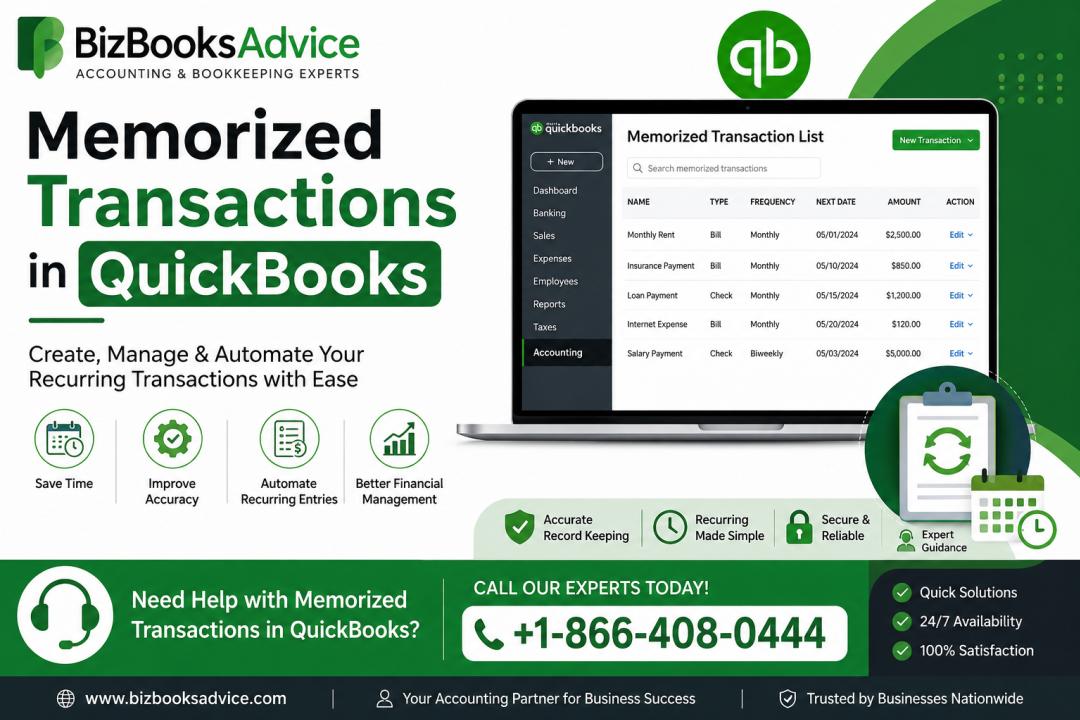
Memorized Transactions in QuickBooks are one of the most useful features for businesses that handle recurring accounting tasks regularly. Many companies use Memorized Transactions in QuickBooks to automate routine financial entries such as monthly rent, recurring invoices, payroll transactions, subscriptions, and utility expenses. This feature helps reduce manual bookkeeping work, improve accounting accuracy, and save valuable business time. Businesses managing repetitive financial activities often rely on Memorized Transactions in QuickBooks to simplify their accounting workflows and maintain organized financial records.
What Are Memorized Transactions in QuickBooks?
Memorized Transactions in QuickBooks are saved transaction templates that allow users to automate or quickly repeat recurring accounting entries. Instead of entering the same transaction manually every week or month, QuickBooks stores the information and processes it based on the schedule selected by the user.
This feature is especially helpful for businesses handling regular financial activities that repeat consistently.
Common examples include:
- Monthly office rent
- Payroll entries
- Utility bills
- Subscription payments
- Customer invoices
- Loan installments
- Insurance expenses
QuickBooks allows users to choose whether transactions should be entered automatically or simply displayed as reminders.
Why Businesses Use Memorized Transactions
Many businesses process recurring financial transactions frequently throughout the month. Memorized transactions help reduce repetitive work and improve bookkeeping consistency.
Saves Time
Users no longer need to create the same accounting entries repeatedly.
Improves Accuracy
Automation helps reduce manual typing mistakes and duplicate entries.
Simplifies Bookkeeping
Recurring expenses and invoices become easier to organize and manage.
Reduces Administrative Work
Accounting staff can focus on more important financial tasks.
Improves Financial Organization
Regularly scheduled entries help maintain clean and consistent financial records.
For businesses handling large numbers of recurring transactions, automation can significantly improve efficiency.
Types of Memorized Transactions in QuickBooks
QuickBooks offers different scheduling options depending on business requirements and transaction types.
1. Manual Reminder
QuickBooks reminds users about the transaction, but it must be entered manually.
Best For:
- Variable expenses
- Transactions requiring approval
2. Automatic Transaction Entry
QuickBooks enters the transaction automatically on the scheduled date.
Best For:
- Fixed recurring expenses
- Subscription fees
- Payroll entries
- Loan payments
3. Scheduled Reminder
QuickBooks displays reminders before the transaction becomes due.
Best For:
- Invoices with occasional changes
- Businesses wanting more control before posting entries
Selecting the correct scheduling method helps businesses manage bookkeeping more effectively.
How to Create Memorized Transactions in QuickBooks
Setting up memorized transactions is usually simple and helps improve accounting workflows quickly.
Steps to Create a Memorized Transaction
- Open QuickBooks Desktop.
- Create the desired transaction normally.
- Enter all transaction details.
- Select the Edit menu.
- Click Memorize Transaction.
- Enter a recognizable transaction name.
- Choose the preferred automation option.
- Set the transaction frequency and schedule.
- Save the transaction settings.
Once saved, QuickBooks handles the recurring transaction according to the selected preferences.
Read Also - How to fix quickbooks error 12157
Best Uses for Memorized Transactions
Businesses use memorized transactions for many different accounting activities.
Recurring Bills
Monthly rent and utility payments can be automated easily.
Customer Invoices
Recurring client invoices help save time and improve billing consistency.
Payroll Transactions
Fixed payroll entries can be scheduled efficiently.
Subscription Payments
Software memberships and recurring services can be organized automatically.
Loan Payments
Recurring installment payments become easier to track.
Automation improves bookkeeping consistency and reduces accounting delays.
Benefits of Memorized Transactions in QuickBooks
Businesses using memorized transactions often experience several operational benefits.
Increased Productivity
Automation reduces repetitive accounting tasks.
Better Financial Accuracy
Recurring entries remain consistent and organized.
Improved Reporting
Scheduled transactions support cleaner bookkeeping records.
Easier Expense Tracking
Businesses can monitor recurring expenses more effectively.
Reduced Accounting Errors
Automation helps prevent missed or duplicate transactions.
Well-organized recurring transactions improve overall financial management.
Common Issues Businesses May Face
Although memorized transactions are highly useful, businesses may occasionally encounter problems if recurring entries are not reviewed regularly.
Common issues include:
- Duplicate transactions
- Incorrect schedules
- Outdated payment amounts
- Wrong customer or vendor information
- Forgotten inactive recurring entries
Reviewing memorized transactions regularly helps maintain accurate accounting records.
Read Also -QuickBooks Migration Tool
Tips to Manage Memorized Transactions Properly
Businesses can improve bookkeeping efficiency by following several simple management practices.
Review Transaction Lists Frequently
Update schedules and amounts whenever changes occur.
Remove Unused Entries
Deleting inactive memorized transactions keeps records organized.
Verify Automatic Entries
Monitor recurring transactions for accuracy.
Create Regular Backups
Frequent backups help protect important accounting data.
Use Clear Transaction Names
Proper naming improves bookkeeping organization and reporting.
Good transaction management helps maintain cleaner financial records.
Why Automation Helps Small Businesses
Small businesses often manage multiple financial responsibilities with limited time and staff. Accounting automation tools such as memorized transactions help simplify repetitive bookkeeping tasks and improve workflow efficiency.
Automated recurring entries allow business owners to focus more on operations, customer service, and business growth instead of repetitive accounting work. Organized recurring transactions also improve financial reporting, budgeting, and expense tracking.
Businesses using automation tools often experience smoother bookkeeping processes and improved accounting consistency.
Importance of Organized Bookkeeping
Maintaining organized financial records is essential for accurate reporting and better financial decision-making. Recurring transactions that are properly scheduled and managed help businesses maintain clean accounting systems throughout the year.
Businesses with organized bookkeeping often benefit from:
- Better financial visibility
- Faster reporting
- Improved budgeting
- Easier expense tracking
- Reduced accounting errors
Efficient bookkeeping systems help businesses maintain smoother financial operations and long-term stability.
Best Practices for Better QuickBooks Performance
Businesses can improve QuickBooks efficiency and reduce bookkeeping issues by following several best practices.
Keep QuickBooks Updated
Regular updates improve performance and software stability.
Monitor Company Files
Healthy company files improve QuickBooks speed and reliability.
Maintain Secure Systems
Updated security settings help protect financial information.
Organize Financial Data
Clean records improve bookkeeping accuracy and reporting quality.
Schedule Routine Maintenance
Regular software reviews help identify accounting issues early.
Proper system maintenance supports better accounting performance and workflow efficiency.
Final Thoughts
Memorized Transactions in QuickBooks provide businesses with an effective way to automate recurring bookkeeping tasks and improve financial organization. From recurring invoices and utility bills to payroll entries and subscription payments, this feature helps businesses save time, reduce manual work, and maintain more accurate financial records.