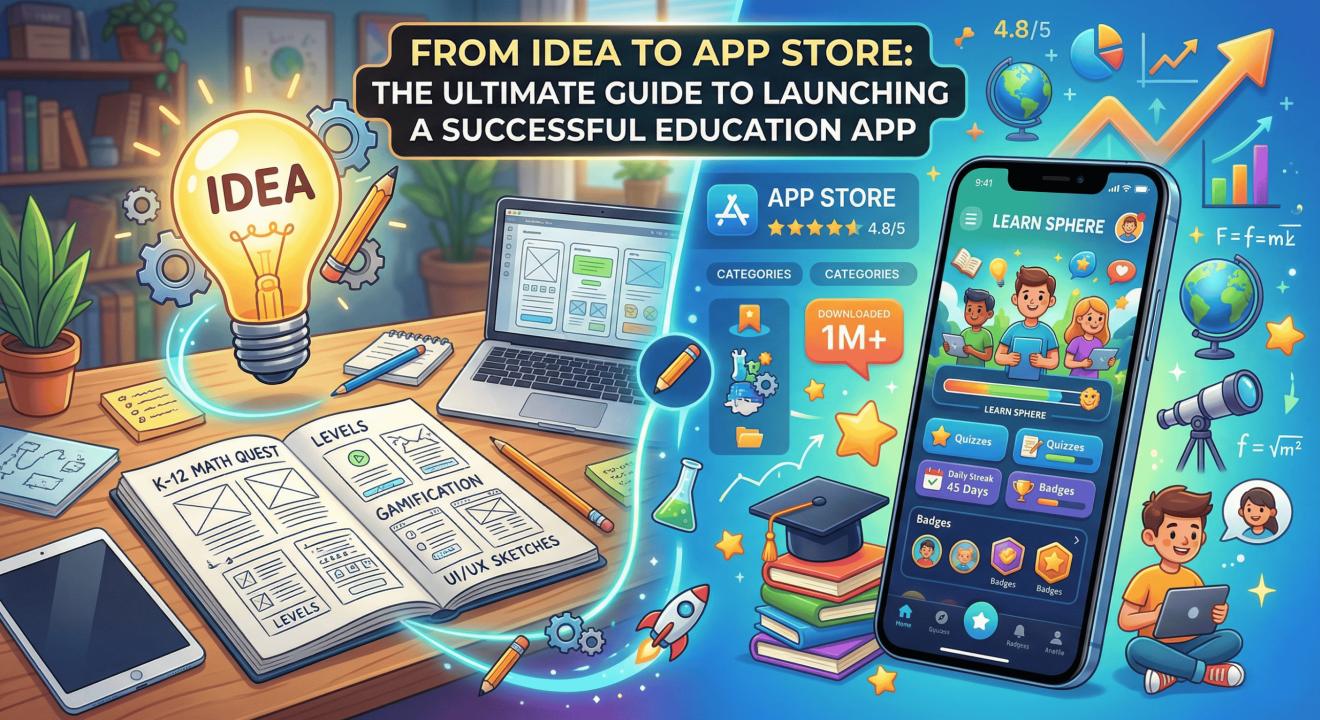
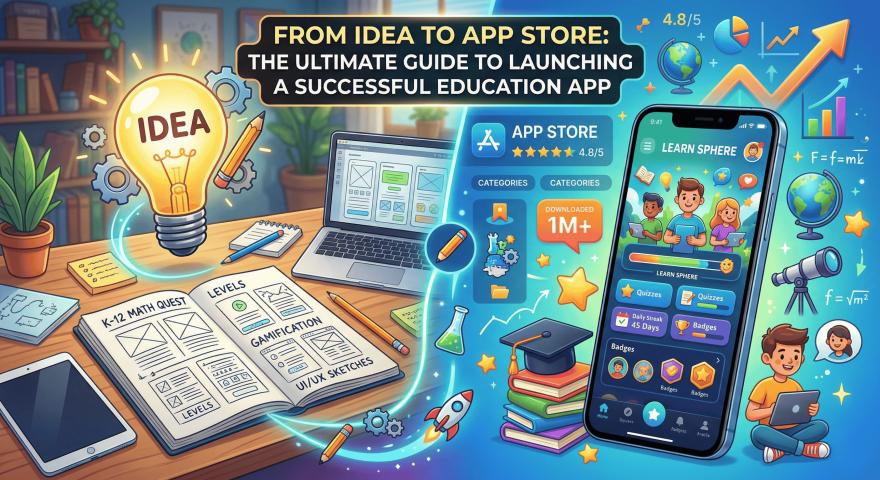
Education has broken out of the traditional classroom. Today, mobile phone screens are the new chalkboards. Smart computer programs now act as personal tutors. The global market for learning apps is growing incredibly fast. Experts predict it will hit $24.5 billion by 2033. Because of this huge growth, launching a learning app is a massive business chance. But having a great idea and actually getting it onto a user’s phone are two very different things.
Going from a basic idea to a real, money-making app takes hard work. It requires smart planning, deep research, and perfect tech skills. You might want to build an app that truly helps people learn. If so, working with a skilled Education App Development Company can make a huge difference. They can help your app reach the top of the charts instead of getting lost in the crowd. You need a clear roadmap to handle user needs, strong tech setups, and tricky app store rules.
The State of the EdTech Market: Why Now?
Before you write a single line of code, you must understand the market. The digital learning space is changing rapidly. This change is driven by a growing demand for easy and personal education.
Key Trends Driving App Growth
The "freemium" business model is very popular right now. This means users can try basic features for free before paying for a subscription. At the same time, Artificial Intelligence (AI) is changing how we learn. Today’s apps do not just offer boring, standard quizzes. They track a student’s speed and change the difficulty of the questions. If a learner struggles with a math problem, the app automatically slows down. It offers simple practice before moving to harder topics.
Also, adult learners are using these apps just as much as school children. People want to learn coding for a new job. They want to learn a new language for travel. The demand for high-quality mobile education is higher than ever before.
Phase 1: Checking Your Core Concept
The biggest mistake new app creators make is building something nobody actually needs. Your project should not start just because you like new tech. It must start by finding a real problem that needs solving.
Ask the Right Questions
- Who exactly is your audience? Are they parents of young kids, high school students, or working adults?
- What specific problem are you solving? Is it hard to find good SAT study guides? Is it tough to find cheap tutors online?
- Who are your competitors? What are they doing wrong that you can do better?
Testing your idea means talking to real people. If you guess what learners need, you risk building an app that looks nice but is useless. Do surveys and hold interviews. Speak with teachers to understand their daily struggles. Talk to parents about the stress of helping kids with homework. If you map out these exact pain points, your app will have real value. This makes marketing much easier later.
Phase 2: Planning a Smooth User Experience (UX)
Even the best learning content will fail if your app is annoying to use. In digital education, user experience (UX) and user interface (UI) design are everything. They decide if users stay or leave. If learners cannot find what they need in three easy taps, they will close the app and never come back.
The Magic of Gamification
Learning takes a lot of motivation. Motivation grows when we get rewards. Gamification means adding game-like features to a learning app. It is a huge part of modern digital education.
Mini Case Scenario: The Daily Streak Effect Imagine two language-learning apps. App A gives you a plain list of words to memorize. App B gives you a daily "streak" counter. It awards digital badges when you finish a lesson. It also has a leaderboard where you can compete with friends. Studies show that these game features can boost learning and keep users coming back by up to 50%. By making learning feel like a fun game, users want to log in every single day to keep their streak alive.
Keep your design clean and simple. Use familiar buttons and menus. Make sure the app looks great on a small phone and a large tablet.
Phase 3: Choosing the Right Business Model
Before building the app, you need to know how it will make money. You have a few simple choices.
First, there is the subscription model. Users pay a small fee every month to unlock all features. This brings in steady money. Second, there are one-time purchases. A user buys a single course forever. Third, there are in-app ads. The app is completely free, but users see ads between lessons. Most successful apps mix these models. They offer a free version with ads and a paid version without ads. Choose the model that fits your target audience best.
Phase 4: Engineering and Tech Choices
Once your designs are ready, it is time to build the engine. The technology you choose decides how fast your app runs. It decides how safe student data is. It also decides if the app will crash when thousands of users log in at once.
Native vs. Cross-Platform Building
When picking how to build the app, many creators face a tough choice. Do you build just for Apple, just for Android, or both at once? This is called native versus cross-platform development.
If your main users rely entirely on Apple devices, going native for iOS is a smart idea. This is very common in wealthy school districts that give iPads to all their students. In these cases, teaming up with an expert iphone app development company might be your best early move. They know the Apple system perfectly. They can make sure your app runs smoothly and uses special features like Apple's augmented reality tools.
On the other hand, maybe you want to reach everyone in the world right away. If so, cross-platform tools like Flutter are great. They let you build one app that works on both Apple and Android phones. This saves time and money while still giving users a great experience.
Phase 5: Building the Minimum Viable Product (MVP)
You do not need to launch with every single feature on day one. Trying to do that is a bad idea. It will cost too much money and take too long. Instead, focus on a Minimum Viable Product, or MVP.
An MVP is the simplest version of your app that still works well. It delivers the main value to the user without any extra fluff. For a learning app, your MVP might include:
- Safe and easy user sign-up.
- One main learning topic or course.
- A simple way to track student progress.
- A clean design with zero bugs.
Launching an MVP lets you gather real data fast. You will see exactly what users like and what they ignore. This data is pure gold. It tells you exactly what new features to build next. It stops you from guessing what your audience might want.
Phase 6: Testing and Strict Safety Rules
Educational software needs more testing than a simple game. This is especially true if your app is for children. Testing is not just about finding spelling mistakes. It is about making a safe, strong, and legal digital space.
Bugs and Legal Standards
Your platform must undergo heavy testing. It cannot crash when a whole school logs in on a Monday morning. Also, safety rules are very strict. If you collect data from children under 13 in the United States, you must follow the Children's Online Privacy Protection Act (COPPA). Europe has similar strict laws.
If your app takes credit card payments, it must be highly secure. A security leak in an education app ruins trust forever. Parents and schools will not use your app unless they know student data and test scores are completely safe.
Phase 7: App Store Launch and Visibility
Building the product is only half the battle. Getting people to find it is the other half. There are millions of apps out there. Standing out is a huge challenge for any new business.
Mastering App Store Rules
App Store Optimization (ASO) is how you get your app to show up in search results. When a user types "math help" or "learn Spanish," you want your app at the top. Here is how to do that:
- Name and Details: Use clear keywords in your app's title. Make the name easy to remember
- Icon Design: Make a bold, bright icon. It needs to look good on light and dark phone screens.
- Pictures and Video: Do not just show boring text menus. Show the fun parts of the app. Make a short, exciting video showing how the app helps people learn.
- Reviews: Ask your early users to leave five-star reviews. Good ratings build quick trust with new users.
Phase 8: Growing After Launch
Launch day is just the beginning. Once your app is live, you must focus on keeping users happy. You need to look at data and build a community.
Listen to the Numbers
Watch your app data closely. Are students failing a certain quiz too often? Do people quit the app after just three days? Use these clues to fix the lessons. You can send polite push messages to remind students to study. But be careful not to send too many, or you will annoy them. Plan regular updates. Fix small bugs, add fresh courses, and bring in new game features to keep the app fun for months and years.
The Final Takeaway
Building a winning educational platform is a long journey. It takes patience, caring about the learner, and constant changes. It starts with a simple wish to teach or fix a problem. Then, it grows into a big mix of design, coding, and marketing.
You must solve real problems. You must make the app super easy to use. You must always improve based on what users tell you. Doing these things leads to steady growth and happy students. Getting guidance from a trusted Mobile App Development Company is often the final piece of the puzzle. They take your big idea and build it into a real, flawless product. The world of digital education is always changing and waiting for the next great tool. Are you ready to create it?
Frequently Asked Questions
1. How long does it take to build an education app?
Ans: A simple first version (MVP) usually takes 3 to 4 months to build. A larger app with AI features, complex games, and native code can take 6 to 12 months from planning to launch day.
2. How do learning apps make money?
Ans: The most popular way is the "freemium" model. The basic app is free, but users pay a monthly fee for premium tools. Apps also make money through in-app ads or by selling access directly to schools.
3. Do I need to know how to code to start an app?
Ans: No, you do not need to be a programmer. Many successful founders hire expert agencies or freelance developers to write the code. This lets the founder focus entirely on the business plan and marketing.
4. What is the most important part of a learning app?
Ans: The user experience (UX) is the most critical part. The app must be incredibly easy to use and navigate. If a student gets confused trying to find a lesson, they will simply delete the app.
5. How do I keep my education app safe for kids?
Ans: If kids use your app, you must follow strict privacy laws like COPPA. Never ask for private details you do not need. Use strong security to lock student data, and always monitor social chat features to keep the space friendly.