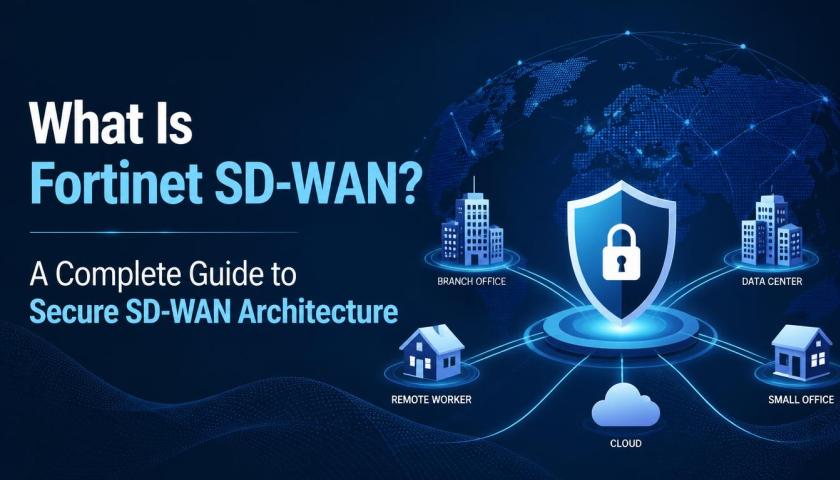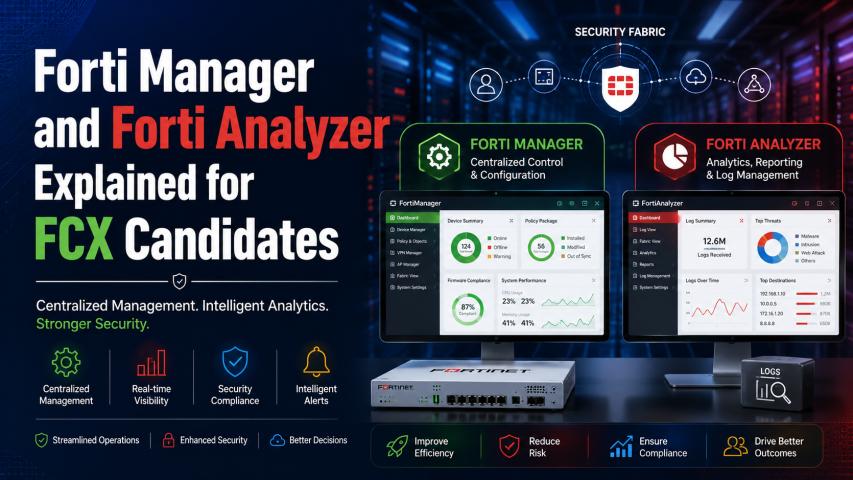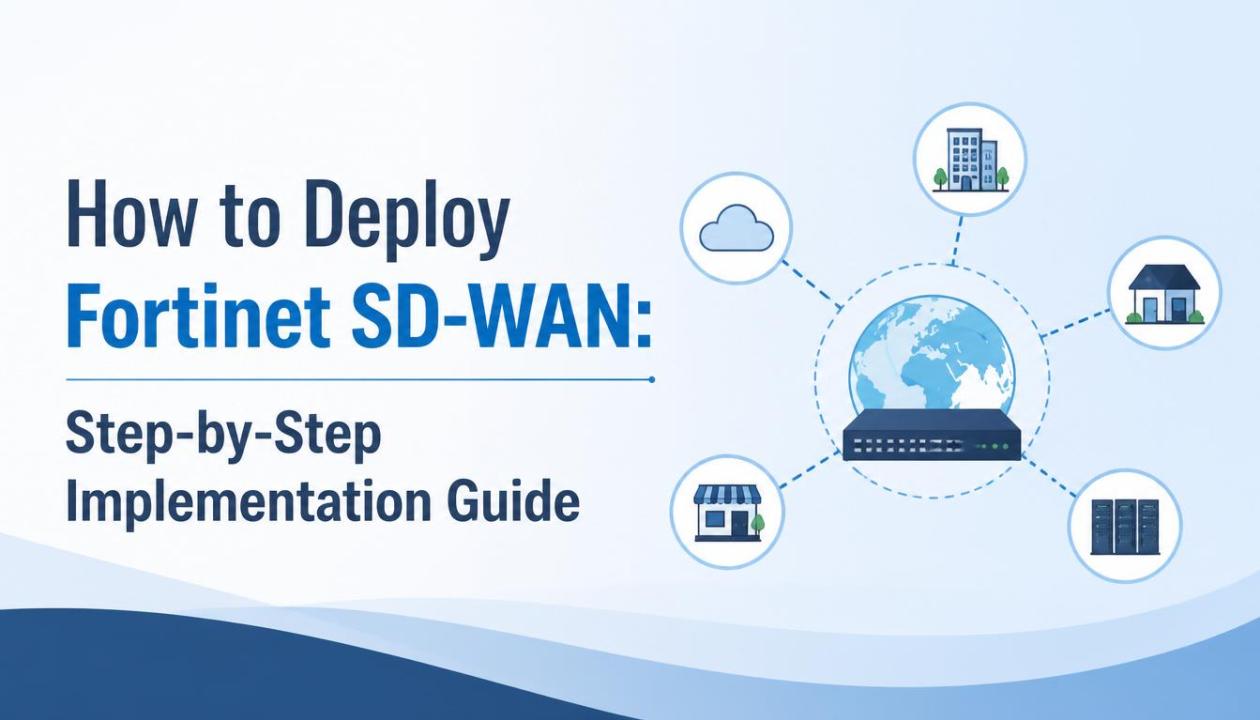
Fortinet SDWAN is increasingly in demand among networking professionals, and Fortinet SD-WAN Training programs are helping IT teams build practical deployment skills for modern enterprise environments.
Deploying a Fortinet SD-WAN Training solution requires careful planning, configuration, and validation to ensure performance, security, and scalability across distributed networks. This guide walks through a structured implementation approach suitable for enterprises and IT administrators.
Introduction to Fortinet SD-WAN Deployment
Fortinet SD-WAN is a secure, cloud-ready networking solution designed to optimize application performance and simplify branch connectivity. Unlike traditional WAN systems, it dynamically selects the best path for traffic based on application needs, network conditions, and business policies.
Organizations adopt Fortinet SD-WAN to improve user experience, reduce MPLS dependency, and enhance security through integrated firewall capabilities. Proper deployment ensures maximum return on investment and operational stability.
Prerequisites Before Deployment
Network Readiness Assessment
Before implementation, evaluate your existing WAN infrastructure, including MPLS links, broadband connections, and branch connectivity. Identify bandwidth limitations, latency issues, and application dependencies.
Hardware and Licensing Requirements
Ensure compatible FortiGate devices are available at branch and hub locations. Licensing for SD-WAN, security services, and FortiGuard subscriptions should be validated.
Skill and Training Requirements
Network engineers should have foundational knowledge of routing, firewall policies, and SD-WAN concepts. Organizations often rely on structured learning paths, such as Fortinet SDWAN Training programs, to ensure readiness.
Step 1: Designing the SD-WAN Architecture
Define Business Requirements
Start by identifying critical applications such as VoIP, ERP systems, CRM platforms, and cloud services. Classify them based on priority and performance sensitivity.
Choose Topology Model
Common deployment models include:
Hub-and-spoke architecture for centralized control
Full mesh topology for branch-to-branch communication
Hybrid models combining both approaches
Plan Redundancy and Failover
Ensure multiple WAN links (MPLS, broadband, LTE) are available to support failover mechanisms and load balancing.
Step 2: Setting Up FortiGate Devices
Initial Device Configuration
Install FortiGate devices at each branch location and configure basic settings such as:
Hostname
Interface IP addresses
DNS and gateway settings
Firmware Verification
Ensure all devices are running compatible firmware versions to avoid configuration conflicts during SD-WAN activation.
Step 3: Enabling SD-WAN on FortiGate
Activate SD-WAN Feature
Enable SD-WAN mode on FortiGate interfaces and define WAN zones. This allows multiple links to be grouped into a single logical SD-WAN interface.
Add WAN Members
Include available WAN connections such as:
MPLS links
Broadband internet
Cellular backup connections
Configure Health Checks
Set up SLA monitoring to track:
Latency
Packet loss
Jitter
These metrics help the system dynamically select optimal traffic paths.
Step 4: Configuring SD-WAN Rules and Policies
Application-Based Routing
Define rules based on application type. For example:
VoIP traffic routed through low-latency links
Bulk data backups routed through broadband links
Priority and Failover Rules
Assign priorities to WAN links so critical traffic automatically switches during outages or degradation.
Load Balancing Configuration
Distribute traffic evenly across multiple links to optimize bandwidth usage and prevent congestion.
Step 5: Integrating Security Policies
Firewall Policy Configuration
Fortinet SD-WAN integrates firewall capabilities, allowing security rules to be applied directly to traffic flows.
Threat Protection Enablement
Activate security services such as:
Intrusion Prevention System (IPS)
Web filtering
Antivirus scanning
Secure VPN Connectivity
Establish encrypted tunnels between branches and data centers for secure communication.
Step 6: Cloud and SaaS Optimization
Cloud On-Ramp Configuration
Optimize connectivity to cloud platforms like AWS, Azure, and Google Cloud by selecting the best-performing paths.
SaaS Application Acceleration
Improve the performance of applications such as Microsoft 365 and Salesforce through intelligent traffic steering.
Direct Internet Access (DIA)
Enable controlled internet breakout for SaaS traffic to reduce latency and improve responsiveness.
Step 7: Monitoring and Performance Optimization
Real-Time Network Monitoring
Use FortiGate dashboards to monitor link performance, application usage, and bandwidth consumption.
Analytics and Reporting
Analyze historical data to identify trends, bottlenecks, and optimization opportunities.
Continuous Policy Adjustment
Regularly update SD-WAN rules based on changing application usage patterns and business requirements.
Step 8: Testing and Validation
Failover Testing
Simulate WAN link failures to ensure automatic traffic rerouting works as expected.
Performance Benchmarking
Measure application performance before and after deployment to validate improvements.
Security Validation
Run vulnerability assessments and penetration tests to ensure firewall and IPS rules are functioning correctly.
Step 9: Deployment Best Practices
Start with Pilot Deployment
Implement SD-WAN in a limited number of branches before full rollout.
Standardize Configurations
Use templates to maintain consistency across all sites.
Regular Firmware Updates
Keep FortiGate devices updated to ensure security and performance improvements.
Documentation and Governance
Maintain detailed configuration records for troubleshooting and compliance.
Common Challenges During Deployment
Misconfigured Policies
Incorrect routing rules can lead to suboptimal performance or traffic blackholing.
Insufficient Bandwidth Planning
Underestimating application demands can degrade user experience.
Lack of Monitoring
Without proper visibility, performance issues may go undetected.
Benefits After Successful Deployment
Improved Application Performance
Critical applications experience lower latency and higher availability.
Reduced Network Costs
Organizations can reduce reliance on expensive MPLS circuits.
Enhanced Security Posture
Integrated security reduces the need for separate appliances.
Better Scalability
New branches can be added quickly with minimal configuration effort.
Conclusion
Deploying Fortinet SD-WAN requires structured planning, proper configuration of WAN links, and continuous performance monitoring to ensure a stable and optimized enterprise network. When implemented correctly, it improves application performance, enhances security through integrated controls, and enables seamless connectivity across branch offices, cloud environments, and remote users.
For professionals aiming to strengthen their expertise in this domain, pursuing Fortinet SD-WAN Certification can be a valuable step toward validating practical skills and advancing career opportunities in network security and SD-WAN technologies.