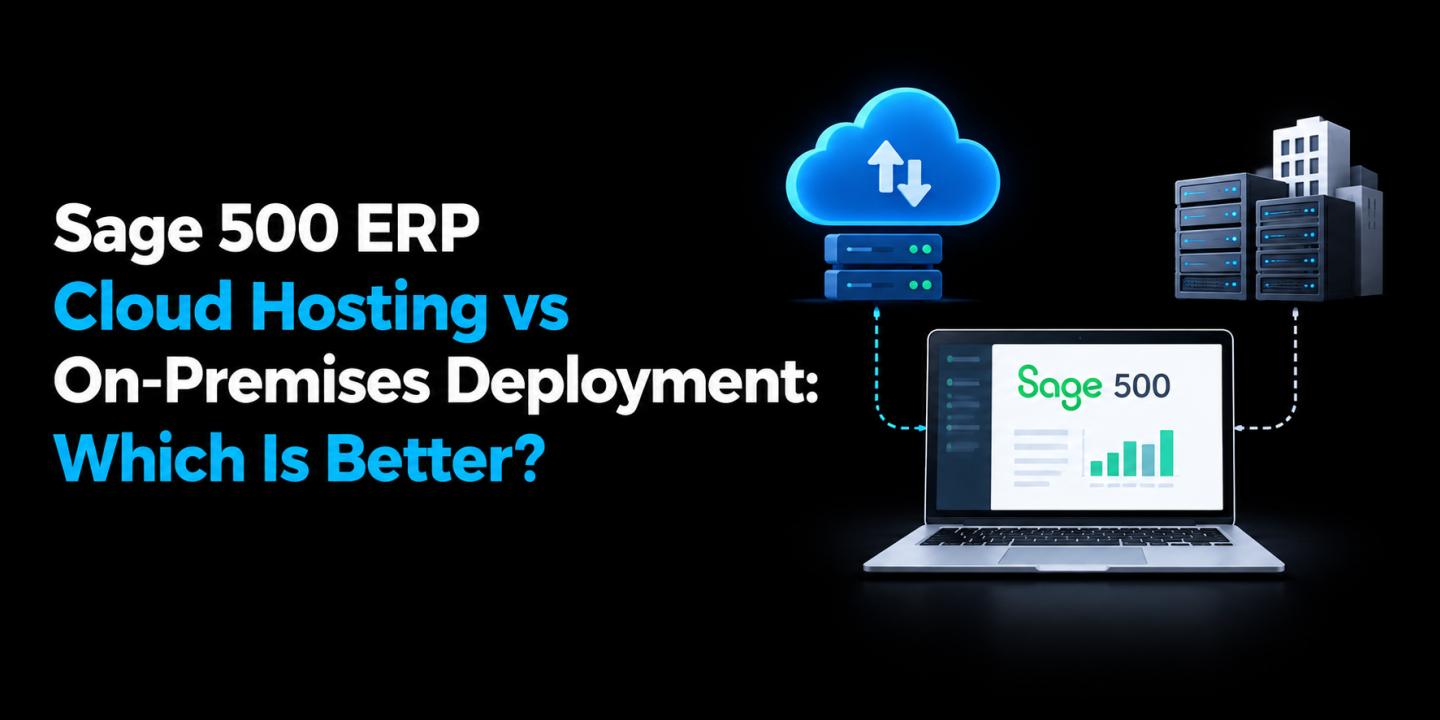

Sage 500 ERP remains an important business management platform for organizations that need to manage accounting, inventory, purchasing, sales, and other operational processes from one system. However, how you deploy the software can have a major impact on accessibility, maintenance, security, and IT costs.
Businesses typically have two choices: keep Sage 500 ERP on an in-house server or move it to a hosted cloud environment. Sage 500 ERP Cloud Hosting provides an alternative to maintaining physical infrastructure while allowing businesses to continue using their existing ERP environment.
But is cloud hosting actually better than an on-premises deployment? The answer depends on your business size, IT resources, remote-access requirements, and long-term goals.
What is On-Premises Sage 500 ERP?
With an on-premises deployment, Sage 500 ERP is installed on servers owned or managed by the business. The organization is responsible for maintaining the hardware, operating system, network, security controls, backups, and other infrastructure required to keep the ERP system operational.
This approach gives businesses direct control over their environment. Companies with dedicated IT teams and specific infrastructure requirements may prefer this level of control.
However, maintaining an on-premises ERP environment also requires ongoing investment. Hardware eventually needs upgrades or replacement, servers require maintenance, and internal IT teams must monitor the environment and respond to technical issues.
What is Sage 500 ERP Cloud Hosting?
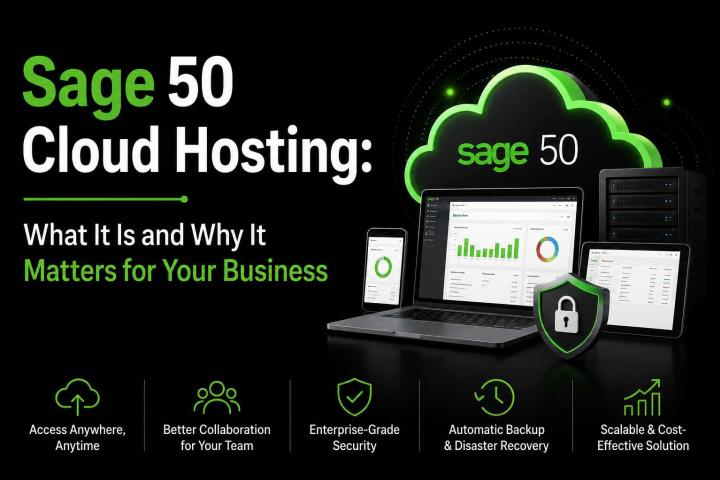
Cloud hosting moves the Sage 500 ERP environment from a company's physical office infrastructure to servers managed by a hosting provider.
Instead of maintaining the physical server yourself, your business accesses the hosted ERP environment remotely over the internet. Depending on the provider and hosting plan, infrastructure management, backups, monitoring, security, and technical support may be included.
Sage 500 ERP Cloud Hosting can be particularly useful for organizations with remote employees, multiple locations, or limited internal IT resources.
The software remains familiar to users, while the infrastructure supporting it is maintained in a professionally managed hosting environment.
Sage 500 ERP Cloud Hosting vs. On-Premises: Key Differences
When evaluating Sage 500 ERP Cloud Hosting against traditional on-premises setups, the differences show up most clearly across seven areas.
1. Cost Structure
On-Premises: Requires a large upfront capital investment in servers, networking equipment, and licenses, plus ongoing costs for power, cooling, hardware refreshes, and in-house IT staff.
Cloud Hosting: Operates on a predictable, subscription-based (OpEx) model. There's no hardware to buy, and costs scale with actual usage rather than sunk capital investment.
2. Scalability
On-Premises: Scaling up means purchasing and provisioning additional hardware — a process that can take weeks and requires accurately forecasting future growth.
Cloud Hosting: Resources like storage, compute power, and user licenses can typically be adjusted on demand, making it easier to support seasonal spikes, new hires, or business expansion.
3. Security
On-Premises: Security is entirely the business's responsibility, including firewalls, antivirus, patch management, and physical server access controls.
Cloud Hosting: Reputable providers maintain enterprise-grade data centers with multi-layered security, including encryption, intrusion detection, regular patching, and physical security controls that most small and mid-sized businesses couldn't replicate on their own.
4. Accessibility and Remote Work
On-Premises: Access is generally limited to the office network unless a VPN or remote access solution is separately configured and maintained.
Cloud Hosting: Because the application is delivered over the internet, authorized users can securely access Sage 500 from any location or device, supporting hybrid and remote work models.
5. Maintenance and IT Support
On-Premises: Updates, patches, backups, and troubleshooting fall on internal IT staff or third-party consultants billed hourly.
Cloud Hosting: The hosting provider typically manages infrastructure maintenance, software updates, and technical support, often with 24/7 availability, freeing internal teams to focus on core business priorities.
6. Disaster Recovery and Business Continuity
On-Premises: Disaster recovery requires a separate investment in backup systems and, ideally, a secondary physical site - something many smaller businesses skip due to cost.
Cloud Hosting: Providers generally include automated backups, redundancy, and disaster recovery as part of the service, reducing the risk of data loss from hardware failure, natural disasters, or cyber incidents.
7. Compliance
On-Premises: Meeting industry compliance standards (such as those relevant to finance or manufacturing data) requires the business to independently implement and audit controls.
Cloud Hosting: Established providers often maintain compliance certifications and controls as part of their infrastructure, simplifying the compliance burden for client businesses.
Which Option is Better for Your Business?
There is no universal answer.
On-premises Sage 500 ERP may be suitable if:
- You already have a capable IT infrastructure.
- Your business requires direct control over its servers.
- Most users work from one location.
- You have established backup and disaster-recovery processes.
- Your IT team can manage ongoing maintenance.
Cloud hosting may be a better fit if:
- Your employees need remote access.
- Your business operates across multiple locations.
- You want to reduce server maintenance.
- Your internal IT resources are limited.
- You want predictable infrastructure expenses.
- You need a more flexible environment as the business grows.
The decision should ultimately be based on your operational requirements rather than simply choosing the newer technology.
Making the Move to Cloud Hosting
If you decide that cloud hosting is the better option, migration should be carefully planned. Before moving your Sage 500 ERP environment, review your database, integrations, users, applications, printing requirements, security policies, and backup procedures.
You should also evaluate potential providers based on their experience with Sage 500 ERP, infrastructure, support availability, security practices, backup policies, and pricing.
A well-planned migration can help minimize disruption and give employees time to adapt to the hosted environment.
Conclusion
Both on-premises and cloud deployment can run Sage 500 effectively, but they represent very different philosophies of IT ownership. On-premises puts control - and responsibility - entirely in your hands. Cloud hosting shifts the operational burden to a specialized provider, letting your team focus on running the business rather than running servers.
For companies ready to modernize their ERP environment, reduce IT overhead, and enable secure access from anywhere, Apps4Rent offers reliable Sage 500 ERP Cloud Hosting solutions backed by enterprise-grade data centers, proactive maintenance, and round-the-clock technical support - making the transition from on-premises infrastructure straightforward and low-risk.
Frequently Asked Questions
1. What is Sage 500 ERP Cloud Hosting?
Sage 500 ERP Cloud Hosting allows businesses to run their Sage 500 ERP software on secure remote servers and access it over the internet. This setup gives authorized users access to their ERP system and business data from different locations without maintaining the software and infrastructure on local computers.
2. Is cloud hosting better than running Sage 500 ERP on-premises?
It depends on the business. Cloud hosting can be a good choice for companies that need remote access and want to reduce infrastructure management, while on-premises deployment may suit organizations that require greater direct control over their servers.
3. Can employees access Sage 500 ERP remotely?
Yes. A hosted Sage 500 ERP environment can allow authorized users to access the application remotely, provided they have the required credentials, compatible devices, and internet connectivity.
4. What should I check before choosing a hosting provider?
Look at the provider's Sage 500 ERP experience, security controls, backup and recovery policies, infrastructure, technical support, scalability, pricing, and compatibility with your existing applications and integrations.
5. Is Sage 500 ERP Cloud Hosting suitable for small businesses?
It can be. Small businesses that want to avoid purchasing and maintaining dedicated servers may benefit from a managed hosting environment, particularly when they have remote users or limited internal IT resources.