Introduction
Your ICICI Lombard Car Insurance Policy Document is one of the most important records every car owner should have access to at all times. It serves as official proof of insurance and contains critical details such as coverage type, policy tenure, insured declared value (IDV), add-ons, exclusions, and claim procedures. With ICICI Lombard’s digital services, policyholders can now download their car insurance policy documents online instantly, eliminating the need for branch visits or physical paperwork.
Whether you need the document for claim filing, renewal, verification during traffic checks, or vehicle resale, having a digital copy ensures quick and hassle-free access. This guide explains how to download the ICICI Lombard car insurance policy document online, its benefits, and answers common queries—written using EEAT principles to deliver accurate, trustworthy, and practical information.
What Is an ICICI Lombard Car Insurance Policy Document?
The policy document is a legal contract between you and the insurer. It outlines the terms, conditions, coverage limits, exclusions, and rights of both the policyholder and ICICI Lombard. It also acts as proof that your vehicle is insured under the Motor Vehicles Act, 1988.
Why Is the Policy Document Important?
Having your policy document handy is essential for:
- Filing car insurance claims
- Verifying coverage during accidents or inspections
- Renewing your policy on time
- Transferring ownership of the vehicle
- Checking add-ons and exclusions
Digital copies are legally valid and accepted by traffic authorities and insurers.
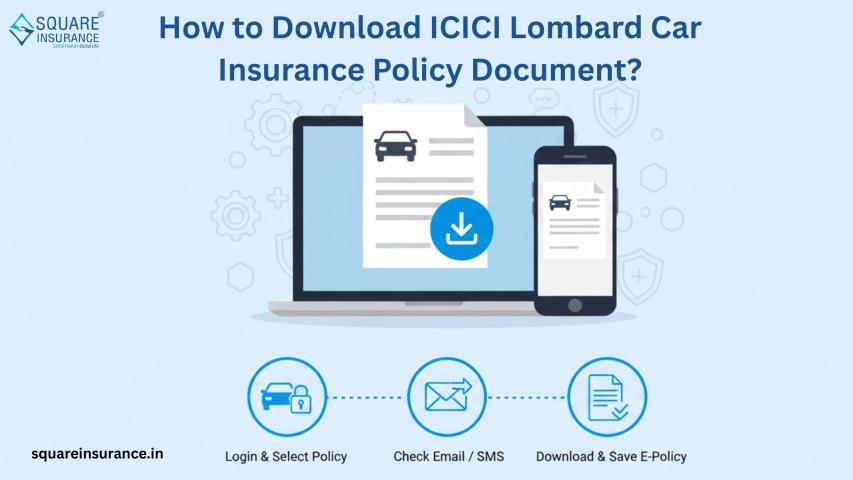
How to Download ICICI Lombard Car Insurance Policy Document Online
Follow these simple steps:
- Visit the ICICI Lombard official website or mobile app
- Log in using your registered mobile number or email ID
- Enter your policy number or vehicle registration number
- Select your active or past policy
- Click on “Download Policy Document”
- Save the PDF securely on your device
The document is instantly available and can be accessed anytime.
Details Mentioned in the Policy Document
Your ICICI Lombard car insurance policy document includes:
- Policyholder name and contact details
- Vehicle information (registration, engine, and chassis number)
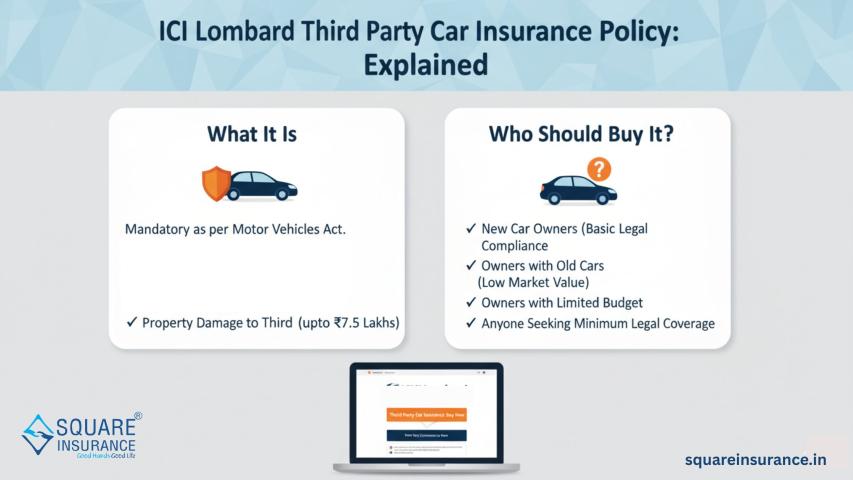
- Policy type (Third-party or Comprehensive)
- Insured Declared Value (IDV)
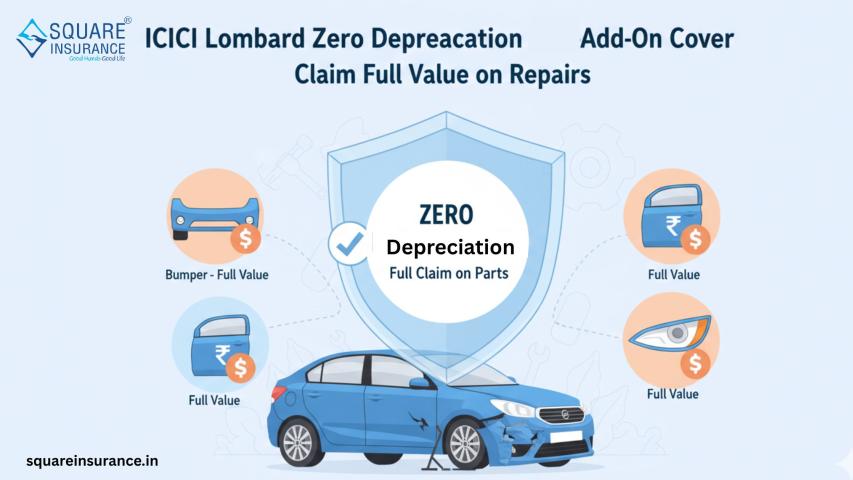
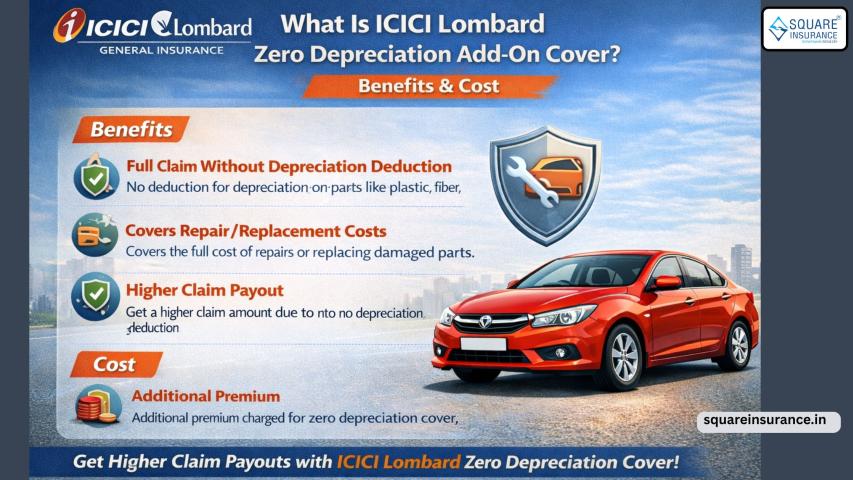
- Add-on covers selected
- Premium paid and policy duration
- Claim procedure and customer care details
Benefits of Downloading the Policy Document Online
- 24×7 access from anywhere
- No risk of losing physical papers
- Quick sharing for claims or renewals
- Environment-friendly and paperless
- Legally valid digital proof
What to Do If You Can’t Find Your Policy Document?
If you are unable to locate your policy document:
- Check your registered email inbox and spam folder
- Log in using an alternate registered mobile number
- Contact ICICI Lombard customer care for assistance
- Use a trusted insurance assistance platform
Frequently Asked Questions (FAQs)
Q.1. Is the ICICI Lombard car insurance policy document legally valid in digital form?
Yes, the digital policy document is legally valid and accepted by authorities.
Q.2. Can I download my expired ICICI Lombard policy document?
Yes, past and expired policy documents can also be downloaded online.
Q.3. Do I need to carry a printed copy of the policy document?
No, a digital copy on your phone is sufficient for most purposes.
Q.4. How can squareinsurance help with ICICI Lombard policy documents?
squareinsurance helps users retrieve ICICI Lombard car insurance policy documents, understand coverage details, and manage renewals or claims easily.
Q.5. What details are required to download the policy document?
You generally need your policy number, vehicle registration number, or registered mobile number.
Conclusion
Downloading your ICICI Lombard Car Insurance Policy Document online is quick, secure, and extremely convenient. It ensures that you always have access to essential insurance details whenever needed—whether for claims, renewals, or verification. Going digital also helps reduce paperwork while keeping your insurance records safe and organized.
Note
For easy access to insurance documents, policy renewal, claim assistance, and POSP opportunities, download “Square Insurance POS – Apps on Google Play” and manage all your insurance needs digitally from one powerful platform.