Modern enterprise environments rely heavily on wireless connectivity to support employees, devices, and applications across distributed workplaces. With the expansion of digital infrastructure, many professionals opt for CCNP Security Training to improve their understanding of enterprise networking and secure wireless systems.
Wireless networking has become a critical component of enterprise IT systems, enabling mobility, flexibility, and productivity. For CCNP candidates, understanding wireless fundamentals is essential for building scalable, secure, and high-performance networks.
Understanding Enterprise Wireless Networking
Enterprise wireless networking refers to the design, implementation, and management of wireless communication systems within large organizations.
Importance of Wireless Networking
Wireless networks play a key role in:
Supporting remote and hybrid work environments
Enabling mobile device connectivity
Enhancing user productivity
Reducing dependency on wired infrastructure
Evolution of Wireless Technologies
Enterprise wireless networking has evolved from basic Wi-Fi connectivity to advanced systems that support:
High-density environments
Seamless roaming
Cloud-managed networks
Advanced security frameworks
Key Components of Enterprise Wireless Networks
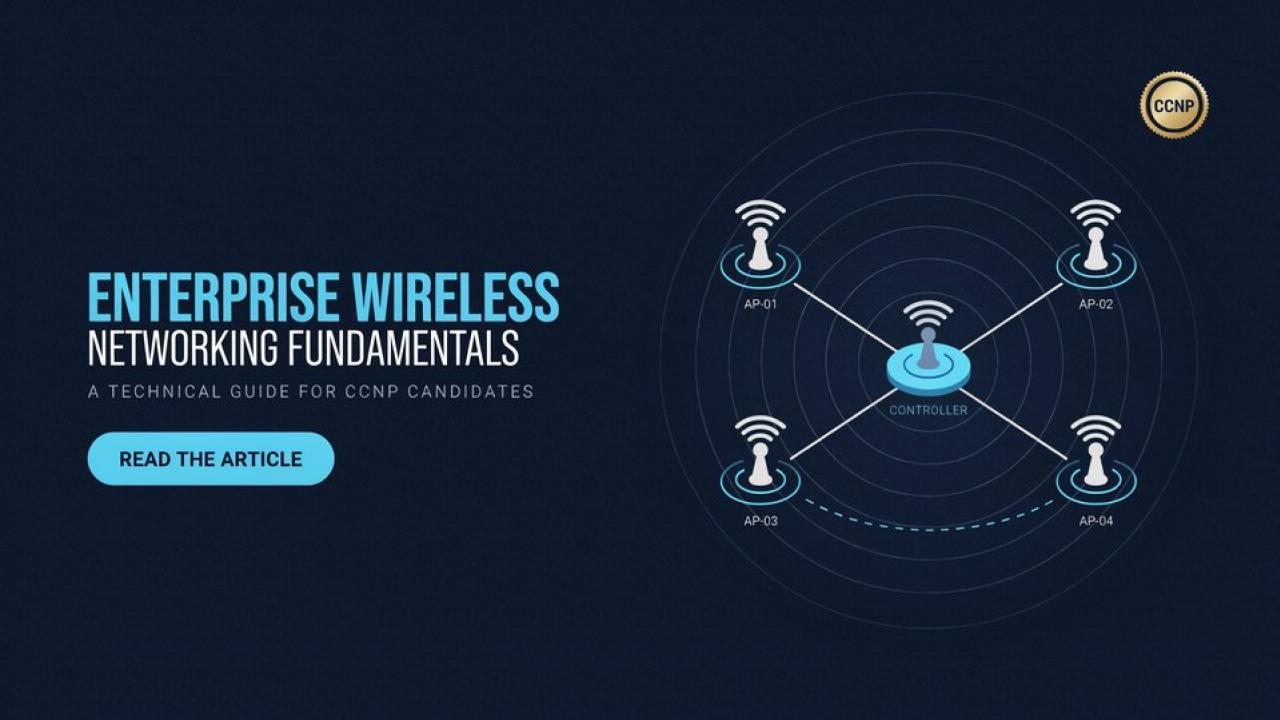
Wireless Access Points (APs)
Access points link wireless devices to the wired network infrastructure.
Functions of Access Points
Provide wireless connectivity
Manage user traffic
Enforce security policies
Support multiple SSIDs
Wireless LAN Controllers (WLCs)
WLCs manage multiple access points from a centralized platform.
Key Roles of WLCs
Centralized configuration
Policy enforcement
Roaming management
Load balancing
Wireless Clients
Wireless clients include devices such as:
Laptops
Smartphones
Tablets
IoT devices
Wireless Network Design Principles
Coverage and Capacity Planning
Proper planning ensures optimal performance and user experience.
Coverage Considerations
Signal strength distribution
Building layout
Interference sources
Capacity Considerations
Number of users
Device density
Application requirements
Channel Planning
Efficient channel allocation reduces interference and improves performance.
Key Practices
Avoid overlapping channels
Use proper frequency bands (2.4 GHz and 5 GHz)
Optimize channel width
Roaming Optimization
Seamless roaming ensures uninterrupted connectivity.
Techniques for Better Roaming
Proper AP placement
Fast roaming protocols
Load balancing
Wireless Security Fundamentals
Security is a critical aspect of enterprise wireless networking.
Authentication Methods
WPA2 and WPA3
Provide secure encryption
Protect wireless communications
Prevent unauthorized access
802.1X Authentication
Centralized authentication
Integration with RADIUS servers
User-based access control
Encryption Standards
Encryption ensures data confidentiality.
Common Standards
AES (Advanced Encryption Standard)
TKIP (older standard, less secure)
Network Access Control
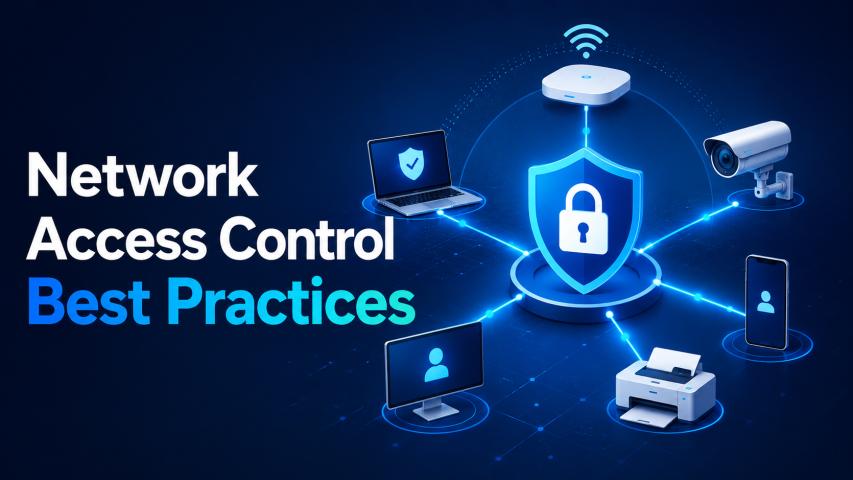
Network Access Control (NAC) ensures only authorized devices connect to the network.
Wireless Deployment Models
Autonomous Access Points
Each AP operates independently.
Characteristics
Simple deployment
Limited scalability
Suitable for small environments
Controller-Based Architecture
Centralized management through WLC.
Advantages
Scalability
Centralized control
Easier troubleshooting
Cloud-Managed Wireless Networks
Managed via cloud platforms.
Benefits
Remote management
Easy scalability
Reduced infrastructure cost
Wireless Performance Optimization
Signal Strength Optimization
Strong signal strength improves connectivity quality.
Best Practices
Strategic AP placement
Minimizing physical obstructions
Regular site surveys
Interference Management
Interference affects wireless performance significantly.
Sources of Interference
Other wireless devices
Physical barriers
Electronic equipment
Band Steering
Band steering directs devices to optimal frequency bands for better performance.
Troubleshooting Wireless Networks
Common Wireless Issues
Weak signal coverage
Authentication failures
IP address conflicts
Roaming problems
Troubleshooting Approach
Step 1: Identify the Problem
Understand user complaints and symptoms.
Step 2: Analyze Network Data
Check logs, performance metrics, and configurations.
Step 3: Isolate the Cause
Determine whether the issue is related to:
Hardware
Configuration
Interference
Authentication
Step 4: Implement Fixes
Apply configuration changes or hardware adjustments.
Wireless Monitoring and Management
Importance of Monitoring
Continuous monitoring ensures:
Network reliability
Performance optimization
Early fault detection
Monitoring Tools
Wireless LAN controllers
Network management systems
Cloud dashboards
Enterprise Wireless Use Cases
Remote Work Environments
Wireless networks enable employees to stay connected regardless of location.
Smart Office Infrastructure
Supports IoT devices, sensors, and automation systems.
High-Density Environments
Used in:
Stadiums
Universities
Corporate campuses
Role of CCNP Candidates in Wireless Networking
CCNP candidates are expected to understand both theoretical and practical aspects of wireless networking.
Skills Required
Wireless configuration
Troubleshooting
Network design
Security implementation
Career Opportunities
Network Engineer
Wireless Engineer
Infrastructure Specialist
IT Support Engineer
Common Challenges in Wireless Networking
Signal Interference
Interference can degrade network performance.
Scalability Issues
Poor design can limit network expansion.
Security Risks
Unauthorized access remains a major concern.
Best Practices for Enterprise Wireless Networks
Proper Planning
Design networks based on user density and building layout.
Regular Site Surveys
Ensure optimal AP placement and performance.
Strong Security Policies
Implement encryption and authentication standards.
Continuous Optimization
Regularly update configurations based on usage patterns.
Future Trends in Wireless Networking
Wi-Fi 6 and Beyond
Next-generation wireless standards offer:
Higher speeds
Better capacity
Lower latency
AI-Driven Network Management
AI helps in:
Predictive maintenance
Automated troubleshooting
Performance optimization
Increased IoT Integration
More devices will rely on wireless connectivity in enterprise environments.
Conclusion
Enterprise wireless networking is a foundational skill for CCNP candidates, enabling them to design and manage efficient, secure, and scalable networks. With increasing reliance on wireless technologies, professionals must develop strong expertise in deployment, optimization, and troubleshooting. A clear understanding of wireless fundamentals, combined with structured practice and real-world experience, can significantly enhance career opportunities in enterprise networking. In modern IT environments, CCNP Security plays a key role in building and maintaining robust wireless infrastructures.